23
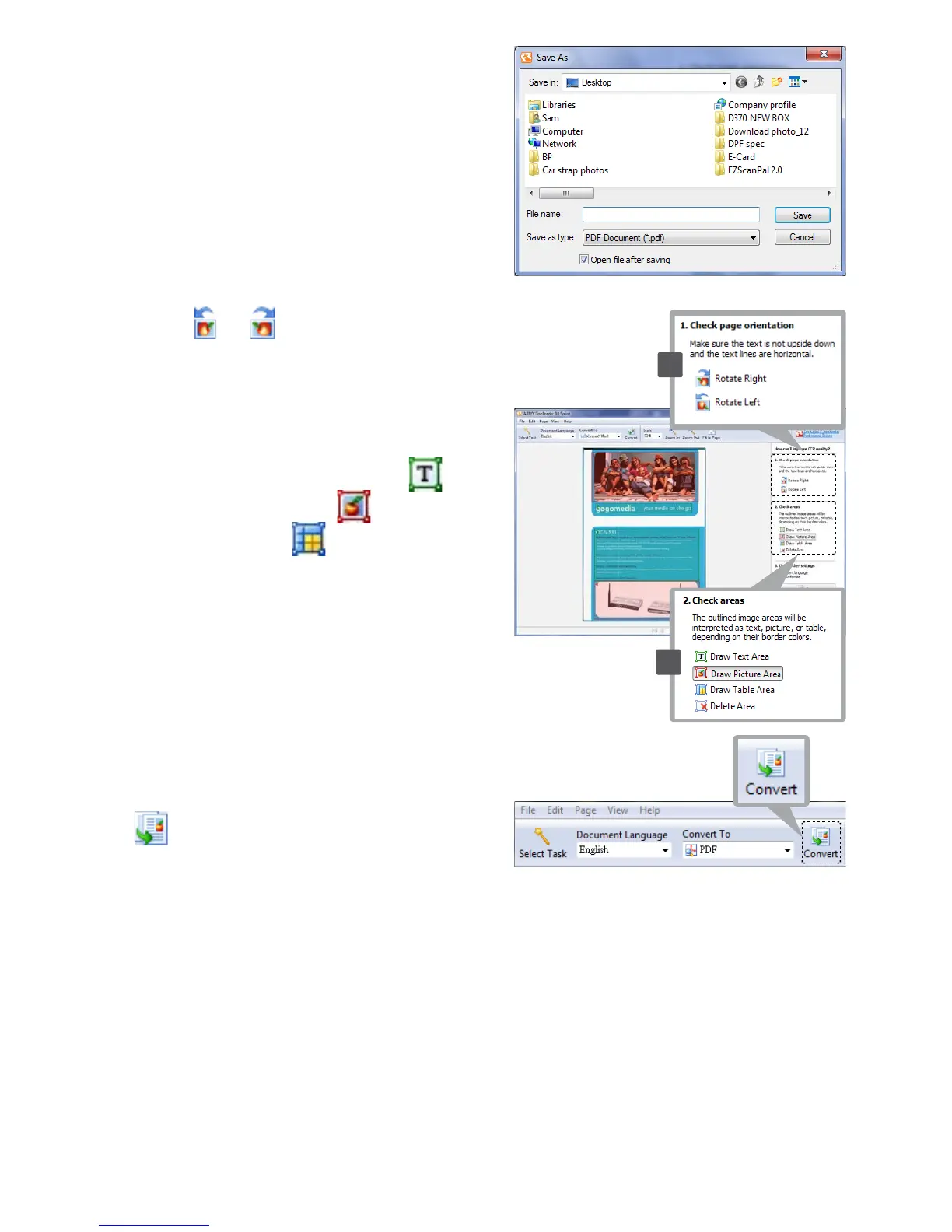
Note: The Save As dialogue window
will appear on the screen if you
selecttheconvertedleformatis
PDF.
6. Click or in the right window
to rotate the document if the
direction is incorrect.
7. Drawtheoutlinetore-denethe
text, picture or table using
(Draw Text Area), (Draw
Picture Area), (Draw Table
Area)toolsiftheOCRqualityis
poor.
8. Once the text, picture or table
havebeenre-dened,thenpress
(Convert).
9. The corresponding software will
open when the converting process
isnished.
10. For more detailed operations,
refer to ABBYY FineReader
Sprint Help in the software.
6
7













 To Next Page