17
Note 1:Youmaynotseetheextensionlenameof.8BA.
Note 2: To check whether your system is 32-bit or 64-bit, click the Start
button and then right-click on My Computer. From the drop-down
list, select Properties.
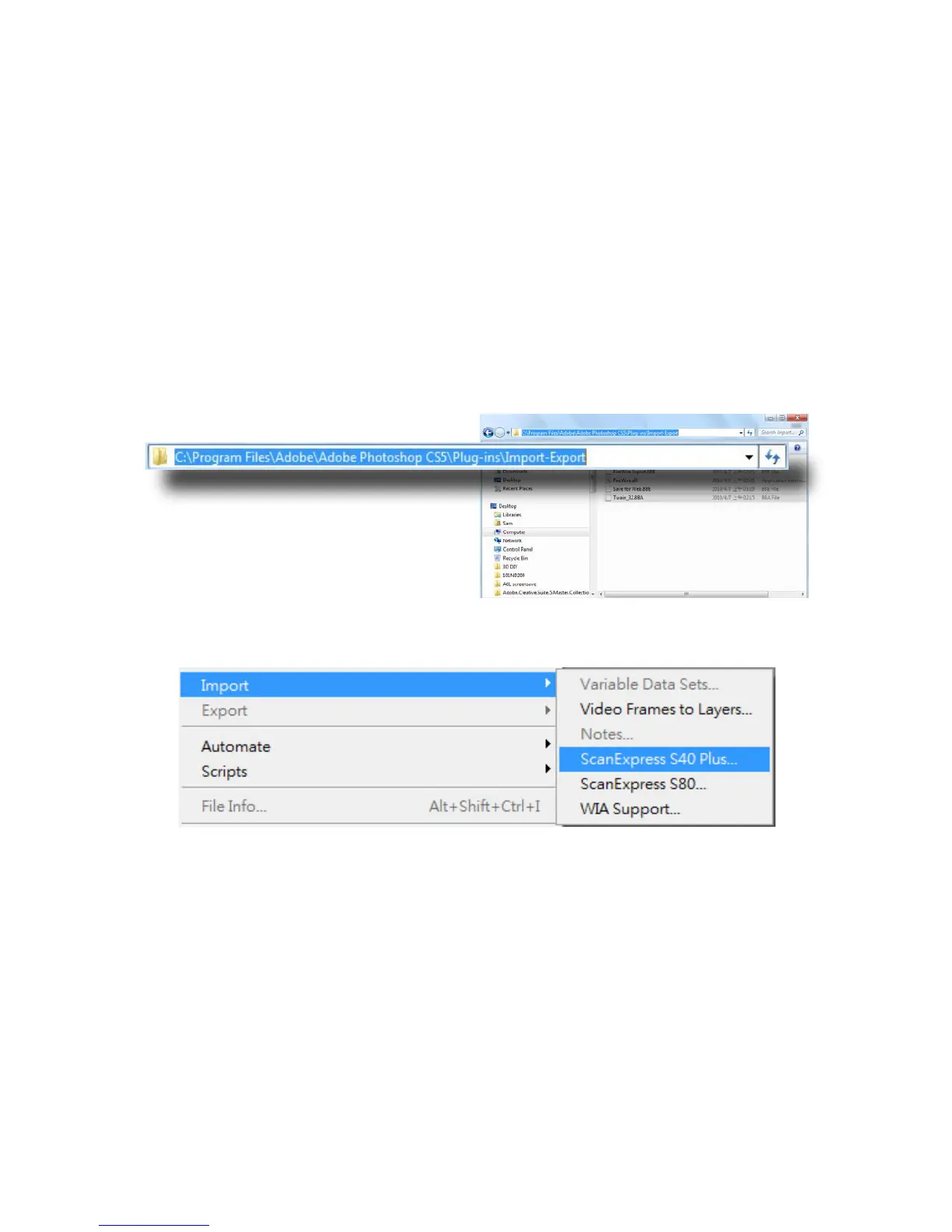
3. Enable the TWAIN plug-in:
• For Windows 32-bit editions - Quit Photoshop, and place
"Twain_32.8BA"(32-bit)intheCS5plugindirectory:C:\Program
Files\Adobe\Adobe Photoshop CS5\Plug-Ins\Import-Export\
• For Windows 64-bit editions - Quit Photoshop, and place
"Twain_32.8BA"(64-bit)intheCS5plugindirectory:C:\Program
Files (x86)\Adobe\Adobe Photoshop CS5\Plug-Ins\Import-Export\
4. Restart Photoshop to enable the plug-in.













 To Next Page