19
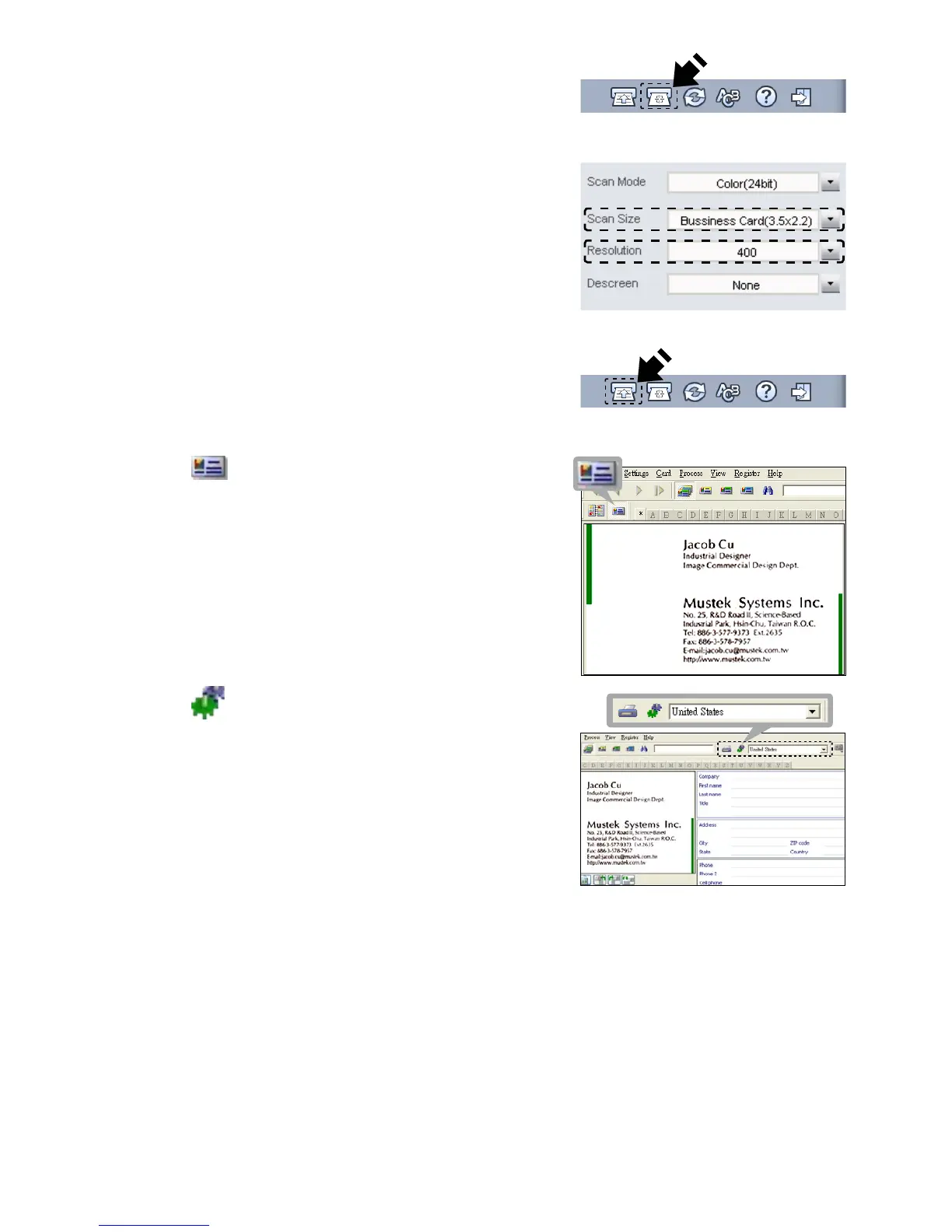
Note: Click Calibrate button to start the
calibrationprocedureifthisisthersttime
using the scanner.
4. Set the Scan Size to Business Card
(3.5x2.2), and the Resolution to 400 at
least.
5. Select the preferred Scan Mode,
then click the Scan to start the scan
procedure.
6. Click (Card view) button on the
upper toolbar.
7. Click (Recognize cards) button to
start the character recognition. Make
sure the correct country is selected in
thecountryselecteldtoalignwithyour
business card's languages.













 To Next Page