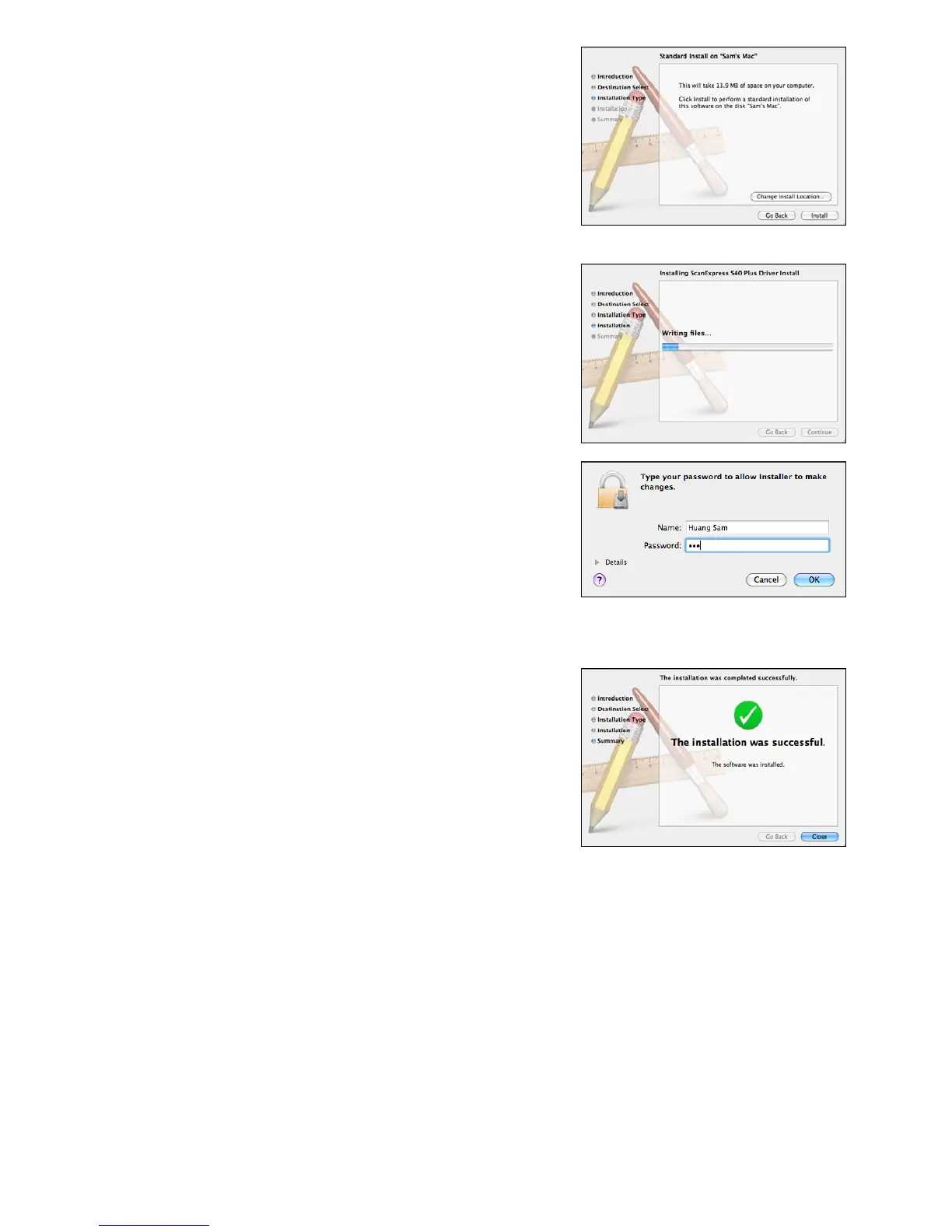
3. Once the destination has been
selected, click "Install" button to
continue the installation procedure.
4. Please be patience, the installation
procedure will take a while.
Note: A reminder window will pop-up on
the screen if you set a password on your
computer. Enter the password and then
click "OK" to continue the installation
procedure. For more password settings,
refer to your Mac's manual.
5. Click "Close" when the installation
procedure is complete.
6. The scanner is now ready for use.













 To Next Page