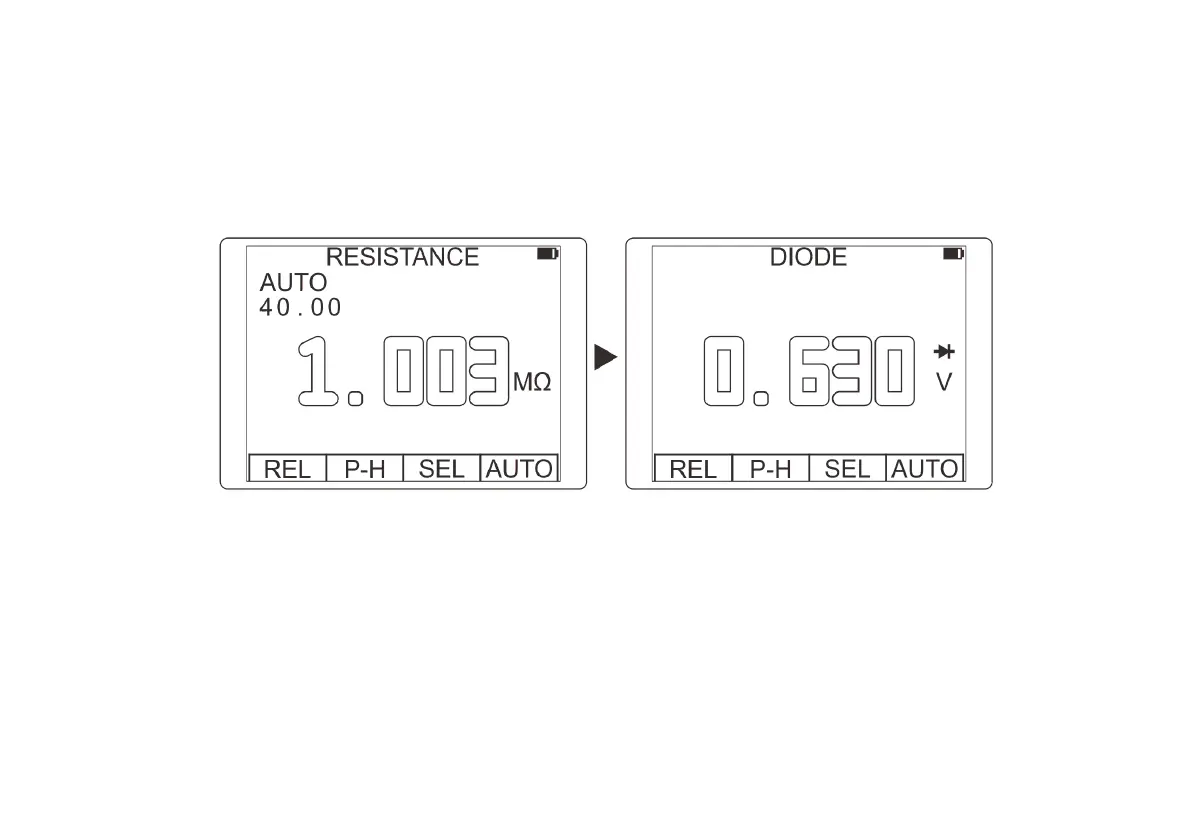
Switching measurement function
Rotate rotary button for selection of test function. The switching of measurement function follows the following
circulation order: DCmV/DCV/ACV/HZ/%/Resistance/Diode/Continuity/mF/mA(AC/DC)/10A(AC/DC).
For multi-function gear, press the F3 key (SEL) to switch functions.
Selection of manual/automatic measuring range
The initial state after powering on or switching the measurement function is auto range. For most applications,
this is the most convenient measurement method. When you need to fix a certain range, you can use as the
following operations:
1. Press the "R" key, the auto range mark "AUTO" will disappear, and the meter will enter the manual range state.
2. Each time the "R" key is pressed, the meter switches to the next range.
3. Press the F4 key (AUTO) to return to the auto range state.



 To Next Page