VJ-1324 OPERATION MANUAL 3 Before using
3-15
• The printer starts the initializing operation.
• After the initial operation is compete, "Start Ink Charge – > E" is displayed on the operation
panel.
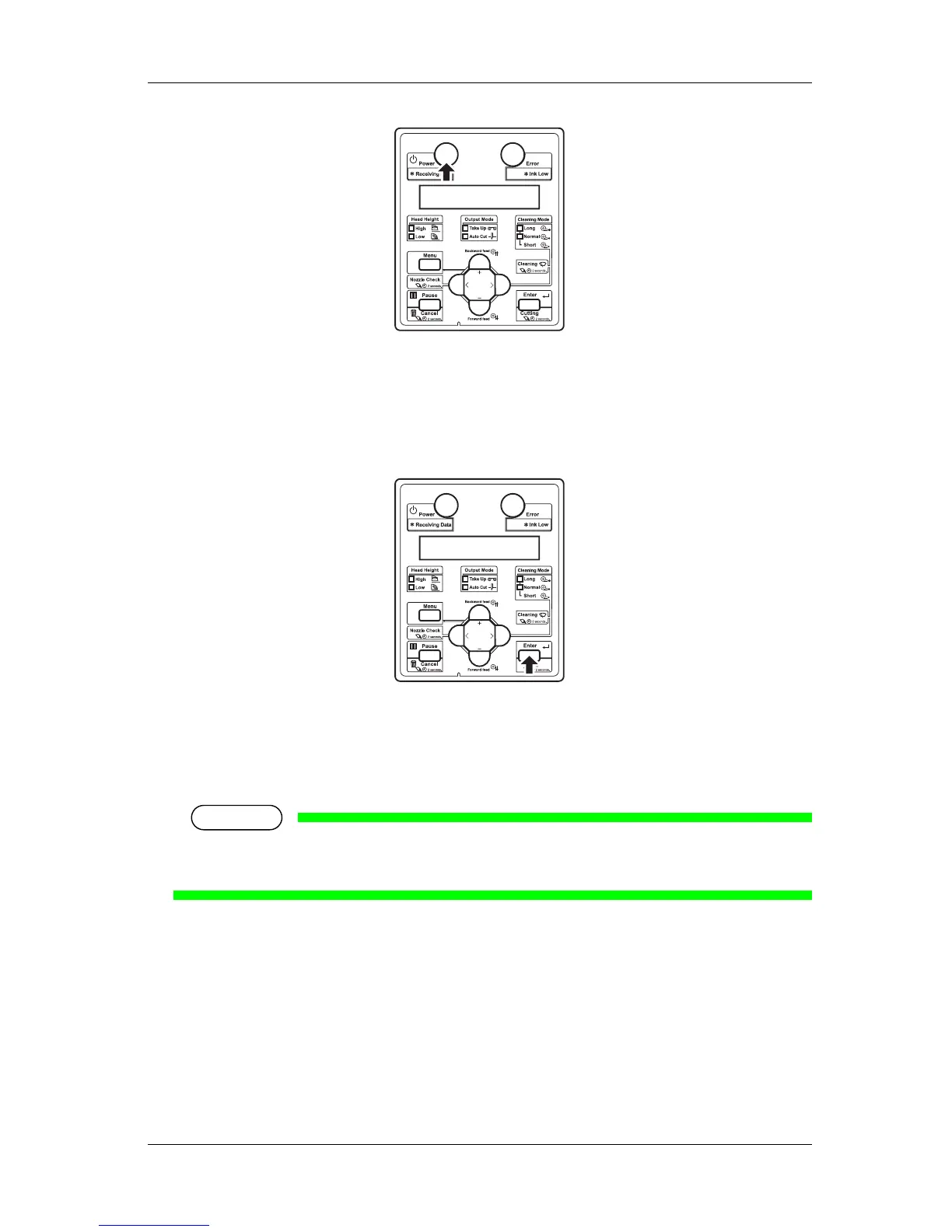
2. Press the [Enter] key on the operation panel.
• "Insert Cleaning cart." is displayed on the operation panel.
3. Take out the cleaning fluid packs (4 pieces) from the bag.
4. Install the cleaning fluid pack and smart chip card to the high capacity pack adapters.
NOTE
• To install or remove the cleaning fluid pack and smart chip card to/from the high capacity pack
adapter, refer to the operation manual included with high capacity pack adapter.
5. Insert the high capacity pack adapters into the ink cartridge slot.















 To Next Page