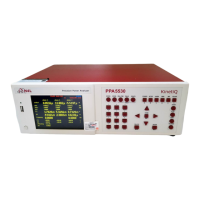
PPA55xx Quick User Guide
Page 110
4. Locate file on memory stick, the file format will have a .N4L extension and
save to a location on your PC
5. Converting the .N4L to a .txt file will require the user to download free of
charge from the N4L website; software application “n4ldlog”
6. Upon downloading the n4ldlog software then drag and drop the .N4L file
on top of the n4ldlog.exe as shown below
7. Following this procedure a .txt file will be created as shown
D001 represents “location 1” as specified within the Datalog home screen


 To Next Page
 Loading...