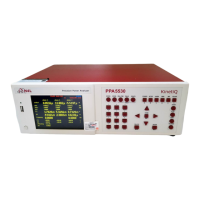
PPA55xx Quick User Guide
Page 117
RESETTING THE PPA TO FACTORY DEFAULT MODE.
This will clear any user defined programs that might be stored in the PPA and
recalled when the instrument is switched on. Program 1 is recalled when the PPA
is restarted.....
To access Program Store / Recall
mode:
Press “PROG” button
Press Key until
Red Box surrounds the number
adjacent to “Location”
Enter “0”
Press Key until
Red Box surrounds “Execute”
Press “ENTER” - This will now reset the instrument to factory default mode.
Setting up PPA5530 for external BNC functionality Check.
Acquisition control.
Press “ACQU” button
Press Key until
Red Box surrounds the “Wiring”
options
Use the buttons to select “3
phase 3 wattmeter” from the list.


 To Next Page
 Loading...