ENGLISH
CONFIGURING C 700
The C 700 V2 can be setup or configured via the Setup Menu options.
MENU OPTIONS
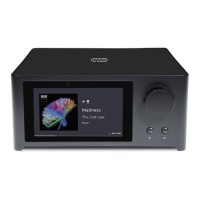
SOURCES
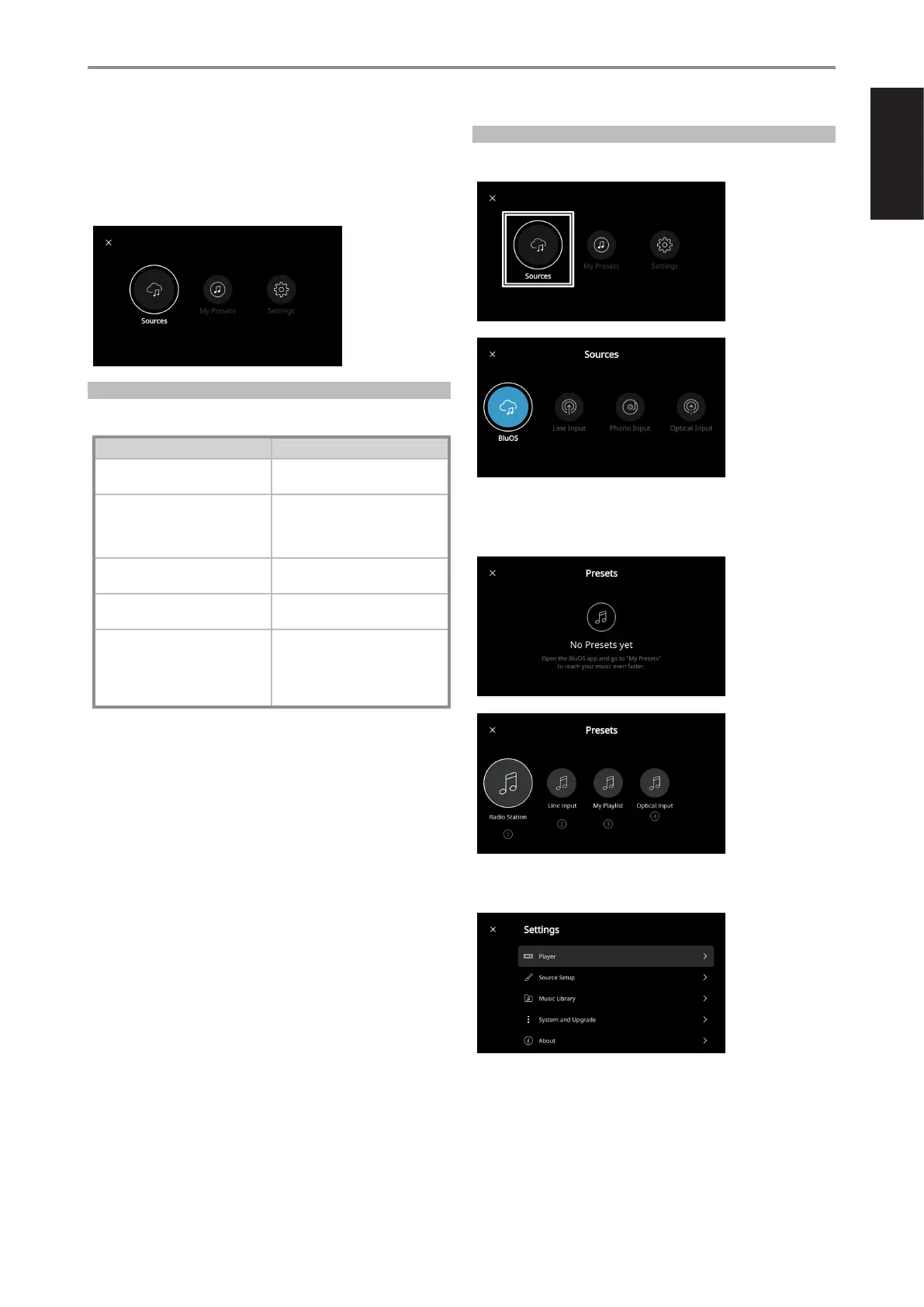
HOW TO BRING UP SETUP MENU OPTIONS
Select preferred Source to access or playback contents
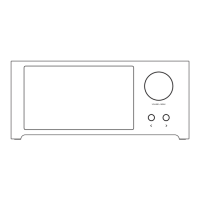
Press and hold VOLUME-MENU knob until Sources, My Presets and
Settings options (below) are shown in the front panel display.
NAVIGATING THE SETUP MENU OPTIONS
Use the following guidelines to navigate the Setup menu options with
the front panel VOLUME-MENU knob and a s buttons.
ACTIVITY/ACTION INTENDED PROCESS
Select a menu item Press VOLUME-MENU knob
Save a setting or option
Select through (up, down, left, right) Rotate VOLUME-MENU knob clockwise or
menu options counterclockwise
May require pressing VOLUME-MENU to
select or conrm desired menu/option
Select On, O, Enable, Disable or other Press/toggle VOLUME-MENU knob
options in a line menu item
Adjust value for a function, option or Press/toggle either a s button to eect
setting the desired change/value
Close current menu window or return to Rotate VOLUME-MENU knob
previous menu window counterclockwise to select X or £
(normally located in the upper left corner
of menu window) and press
VOLUME-MENU knob
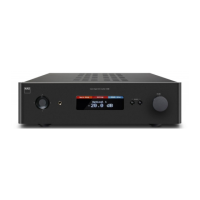
PRESETS
Use BluOS App to program into Presets your favorite radio stations,
music streams, playlists or Sources
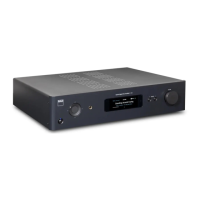
SETTINGS
Configure or display C 700 V2 settings
11


 To Next Page