ENGLISH
INTRODUCTION
TABLE OF CONTENTS
IMPORTANT SAFETY INSTRUCTIONS ........................ 2
INTRODUCTION
WHAT’S IN THE BOX ................................................. 4
FACTORY RESET ..................................................... 4
GETTING STARTED ...............................................5
QUICK SETUP GUIDE ................................................ 5
IDENTIFICATION OF CONTROLS
REAR VIEW.......................................................7
TOP AND FRONT VIEW ...........................................9
STATUS INDICATOR NAD LOGO .................................... 9
SAMPLE DISPLAY SCREEN ........................................... 9
BC1 REMOTE CONTROL .........................................10
USING BC1 REMOTE CONTROL ..................................... 10
PRESETS ............................................................ 10
PROGRAMMING .................................................... 10
CHANGING IR CHANNELS .......................................... 10
CONFIGURING C 700
NAVIGATING THE SETUP MENU OPTIONS. . . . . . . . . . . . . . . . . . . . . . . . . . . 11
MENU OPTIONS .................................................... 11
OPERATION
BLUETOOTH HEADPHONE/SPEAKER PAIRING ...................... 14
MASTER QUALITY AUTHENTICATED ............................... 15
MAKING THE MOST OF YOUR C 700 V2 ............................. 15
REFERENCE
SPECIFICATIONS ................................................16
WHAT’S IN THE BOX
Packed with your C 700 V2 you will find
• Two detachable mains power cord
• BC1 remote control with 2 AAA batteries
• Quick Setup Guide
NOTE
Follow supplied Quick Setup Guide to help you get started with your
C 700 V2.
SAVE THE PACKAGING
Please save the box and the packaging that came with the C 700 V2.
Should you move or need to transport your C 700 V2, this is the safest
container to use. We’ve seen too many otherwise perfect components
damaged in transit for lack of a proper shipping carton. So please, save that
box!
FACTORY RESET
Factory Reset is recommended if your C 700 V2 is not functioning or
internet firmware upgrade has failed. All customization including Wi-Fi
network configuration, file shares and saved playlists will be lost. They have
to be re-created once factory reset is completed.
C 700 V2 can be factory reset or restored to factory default settings using
any of the following methods.
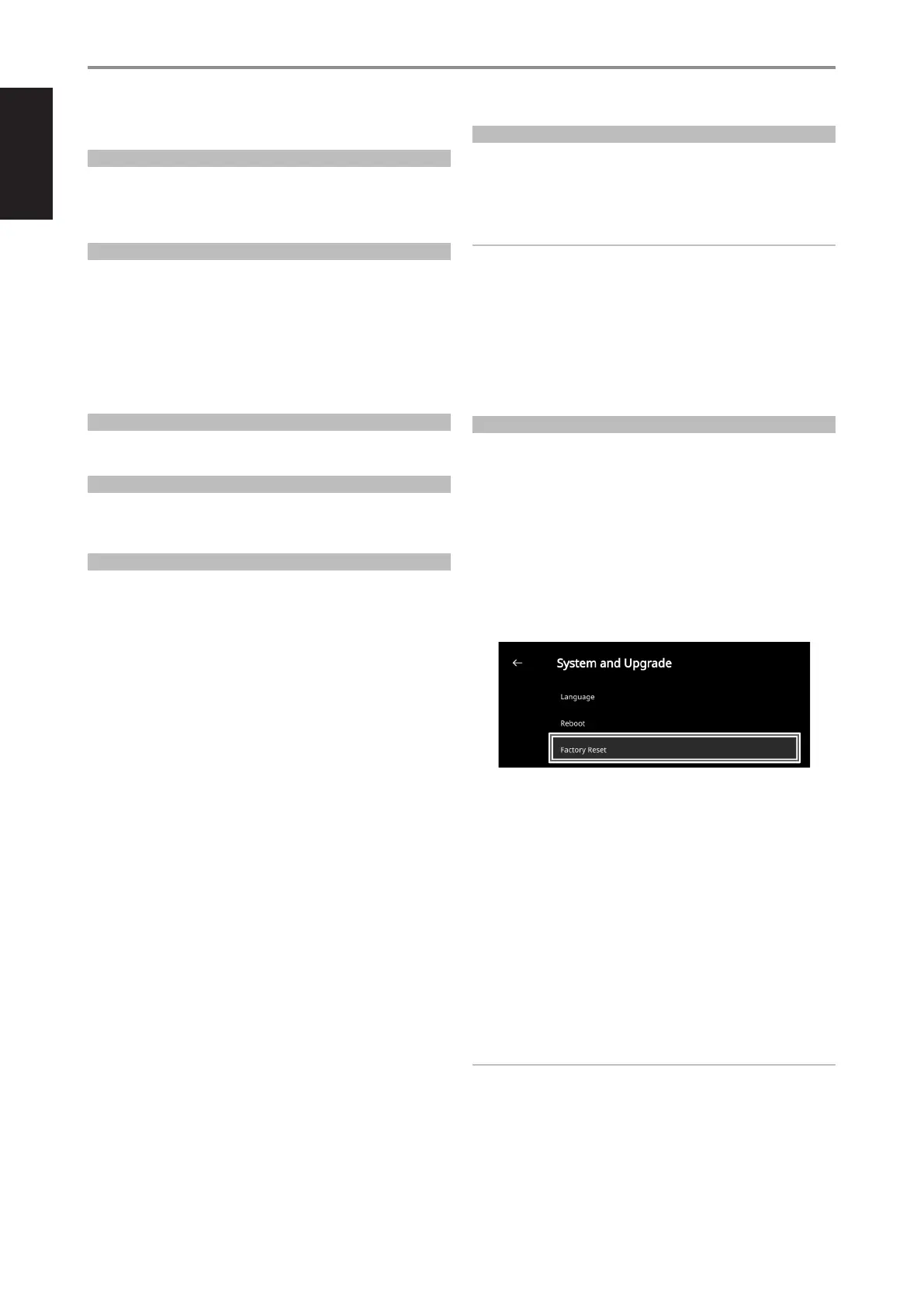
1 Via Front Panel Display
Go to Settings - Other menu option and select Factory Reset to
initiate restoring of the C 700 V2 to factory default settings. Follow the
prompt commands.
2 Force Factory Reset
a Disconnect the mains power plug from the mains power outlet.
b Press and hold rear panel Standby button and while doing so
reconnect the mains power plug to the mains power outlet. Do not
release the Standby button.
c Hold down the rear panel Standby button - STATUS INDICATOR
(NAD logo) blinks Red, White and then Red. “BluOS Service Mode”
is shown the front panel display. Wait for the front panel display
to show “Factory Reset…” and then release hold of the rear panel
Standby button. Successful Factory Reset is indicated by the unit
rebooting.
- For wireless connection, C 700 V2 returns to Hotspot mode and
NAD logo indicator turns into solid white.
- For wired connection, C 700 V2 will simply connect as if it was a
new player and NAD logo indicator turns into solid white.
IMPORTANT
Releasing the Standby button switch at any time before the NAD logo
indicator begins ashing red will cancel the factory reset and leave the
C 700 V2 at Upgrade Mode. Just start again the procedure for Factory
Reset.
4


 To Next Page