ABOUT aptX®
A Bluetooth connection is a bit like a data pipeline between devices.
Because the pipeline has a maximum width, it can sometimes be dicult
to ow large audio les through it. aptX® enables CD-like quality wireless
audio by solving the problem of sending the full music bandwidth over
Bluetooth. aptX® has revolutionised the Bluetooth listening experience
by signicantly reducing the bit rate without aecting audio quality or
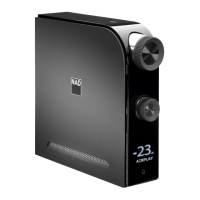
introducing latency issues. D 7050 supports aptX®.
DLNA
The Digital Living Network Alliance (DLNA) is a cross-industry organization
of consumer electronics, computing industry and mobile device
companies. DLNA provides consumers with easy sharing of digital media
through a wired or wireless network in the home.
PLAYBACK SHARED CONTENTS
The D 7050 supports DLNA playback of music content from your PC,
MAC, NAS or other media server over a home network. Below is a sample
method of sharing and streaming of music content using Windows Media
Player (WMA) with Windows 7. The method shown should be about the
same for other operating systems. Check with your operating system’s
corresponding procedure for items that need further clarity or instructions.
1 Check network connection and setting. Ensure that the D 7050 is
connected to the same network as those of the PC, MAC, NAS or other
media server you want to access their contents.
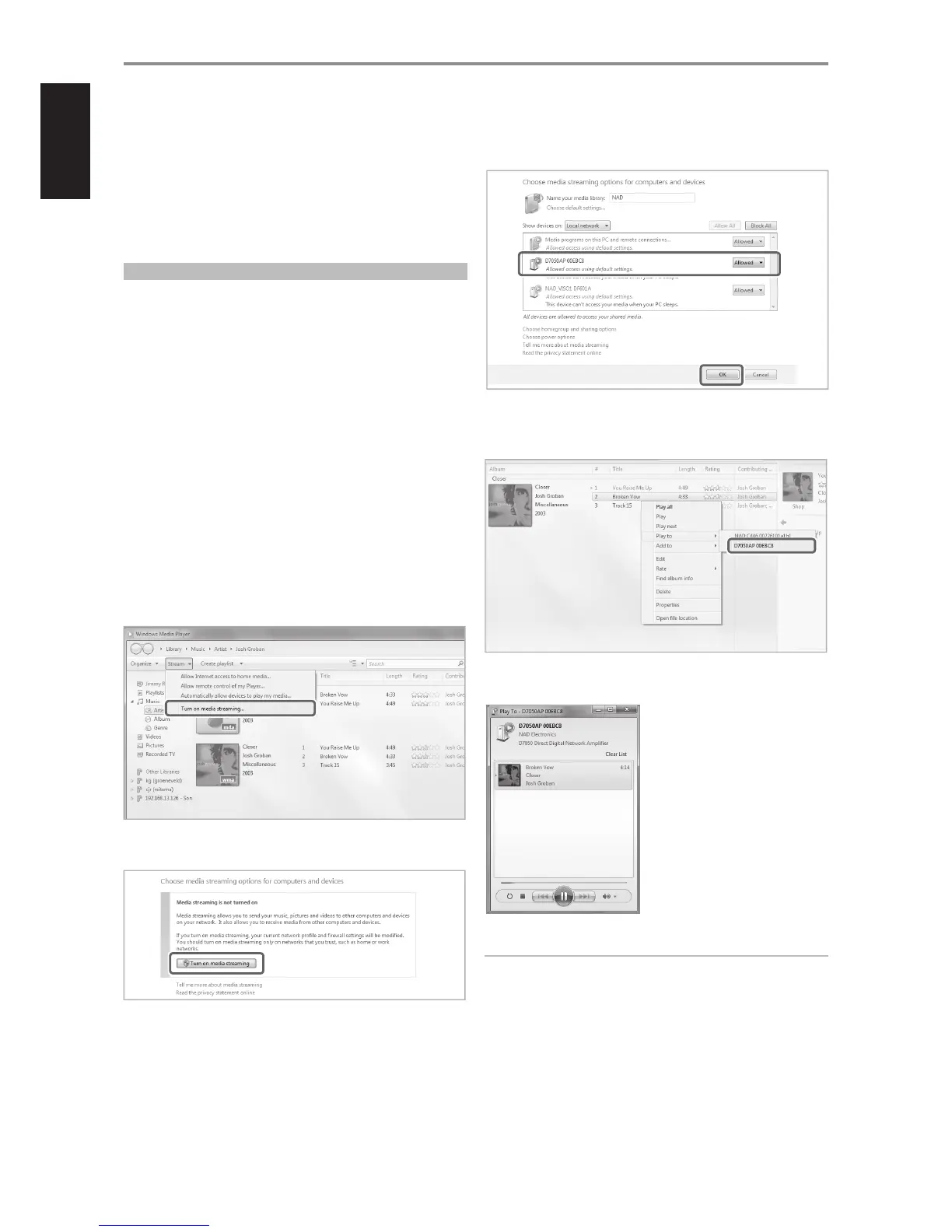
2 Open WMA. Check if media streaming is turned on. Click “Stream” from
the menu bar and then click “Turn on (home) media streaming”. “Turn
on (home) media streaming” won't be available on the Stream menu if
streaming is already turned on.
3 After turning on media streaming, select desired song from the
library. Right click the desired song, select “Play to” and then assign to
“D 7050AP xxxxxx”.
4 D 7050 will automatically switch to “DLNA” source mode and initiate
playback of selected song.
IMPORTANT NOTES
• When DLNA playback is initiated, the D 7050 will immediately switch to
DLNA source mode regardless of the current source.
• “DLNA” as a source mode for D 7050 will manifest only if le sharing and
streaming of music content is established.
OTHER FEATURES
^
^
12


 To Next Page