PERFORM IR LEARNING WITH TV REMOTE CONTROL
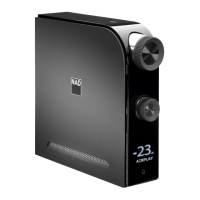
Direct or point the D 7050 or TV remote control to the D 7050 front screen when performing below procedure.
IR LEARNING PROCEDURE
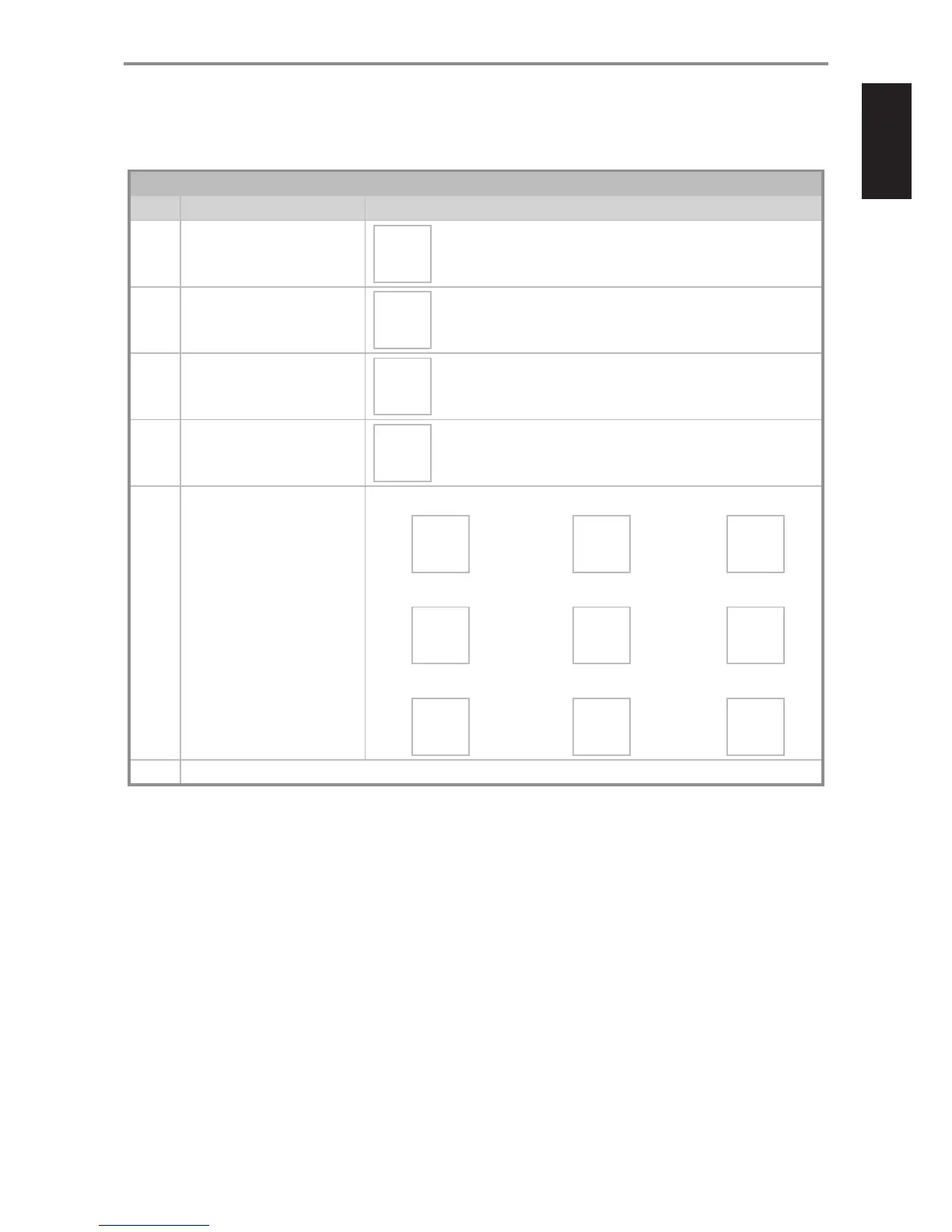
STEP** PROCEDURE D 7050 FRONT SCREEN DISPLAY
1 With D 7050 in operating mode, press and hold
“4j ” of D 7050 remote control to initiate IR
learning mode.
LEARNING
Choose
One Key
2 Press “ON” of D 7050 remote control.
LEARNING
Power
3 Press “ON” of TV remote control.
LEARNING
Press
Again
4 Press again “ON” of TV remote control.
LEARNING
Power OK
Next Key
5 Repeat Steps 2 to 4 to learn “Volume +”,
“Volume - “ and “Mute” controls.
Learning “Vol +”. Press corresponding remote control button as indicated.
“Vol +” of D 7050 remote control “Vol +” of TV remote control “Vol +” of TV remote control
LEARNING
VOL +
$
LEARNING
Press
Again
$
LEARNING
VOL + OK
Next Key
Learning “Vol - ”. Press corresponding remote control button as indicated.
“Vol -” of D 7050 remote control “Vol -” of TV remote control “Vol -” of TV remote control
LEARNING
VOL -
$
LEARNING
Press
Again
$
LEARNING
VOL - OK
Next Key
Learning “MUTE”. Press corresponding remote control button as indicated.
“4j” of D 7050 remote control “MUTE” of TV remote control “MUTE” of TV remote control
LEARNING
MUTE
$
LEARNING
Press
Again
$
LEARNING
MUTE OK
Next Key
6 Press and hold “4j” to stop, complete or exit learning mode. Normal operation resumes. Any learned functions before exiting learning mode are retained and saved.
* Dependent upon the D 7050 going rst to network standby mode after 30 minutes of inactivity.
** Power ON, Vol+, Vol- and Mute can be learned in any order or sequence.
TURN OFF TV’S INTERNAL SPEAKERS IF SO EQUIPPED
It is recommended that you disable the TV’s internal speakers so that only the D 7050 is heard. This setting is usually accessible from the TV’s Setup Menu.
Consult your TV’s Instruction Manual for instructions specic to your make and model of TV.
DELETE LEARNED IR CODES
· Press and hold D 7050 remote control’s “4j”. When “LEARNING...Choose One Key” is shown, press and hold again “4j”. Learned IR codes are deleted when
the display exits the learning mode screen and returns to the current source.
OTHER FEATURES
15


 To Next Page