LISTENING TO SPOTIFY
Spotify gives you access to millions of songs by the artists you love as
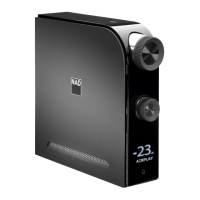
well as enjoy the latest hits and new discoveries. D 7050 supports Spotify
Connect. Just select play and music is streamed from your Spotify app to
the D 7050.
HOW TO GET STARTED WITH SPOTIFY CONNECT
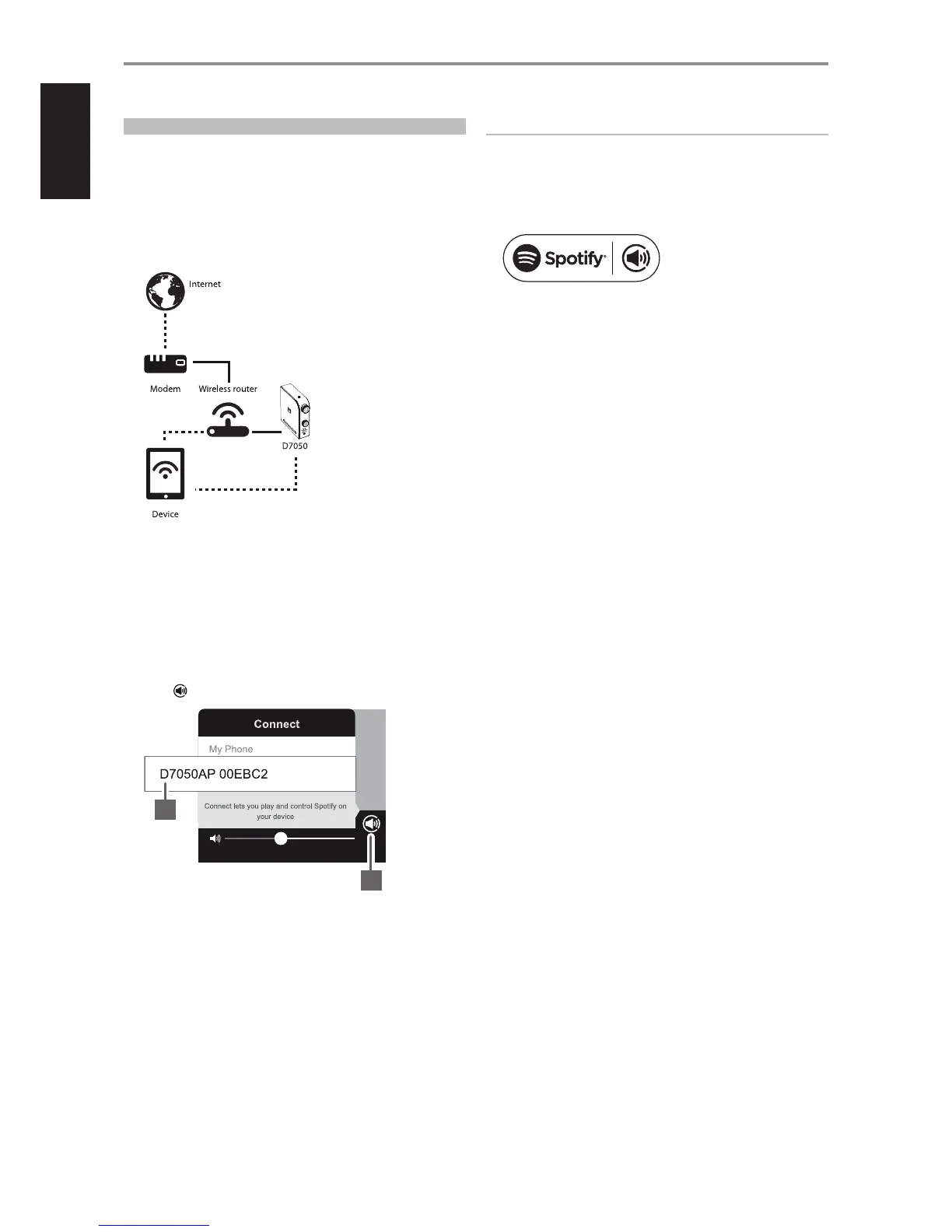
1 Ensure that your iOS device, tablet or computer is connected to the
same network as the D 7050.
2 Download the Spotify app from your platform’s app store. A Spotify
premium subscription is required. For Spotify availability in your area,
registration procedures and other Spotify services,
visit http://www.spotify.com.
3 Open Spotify on your device. Log-in to your Spotify account. After
successful log-in, select song to playback.
4 Select the play bar at the bottom to bring up the Now Playing page.
Select
5 From the “CONNECT” list shown, select preferred media to stream
Spotify (“D7050AP 00EBC2” in this example). Playback for current song
continues and streamed through “D7050AP 00EBC2”.
NOTE
There may be a slight delay in volume level response using the
Spotify Connect app as this command is routed to D 7050 via internet
connection.
The Spotify software is subject to third party licenses found here:
www.spotify.com/connect/third-party-licenses
OTHER FEATURES
5
4
16


 To Next Page