7 Select Power Save setting.
ON: Lowest power consumption to save power.
OFF: Reduced system performance level to maintain network
connection.
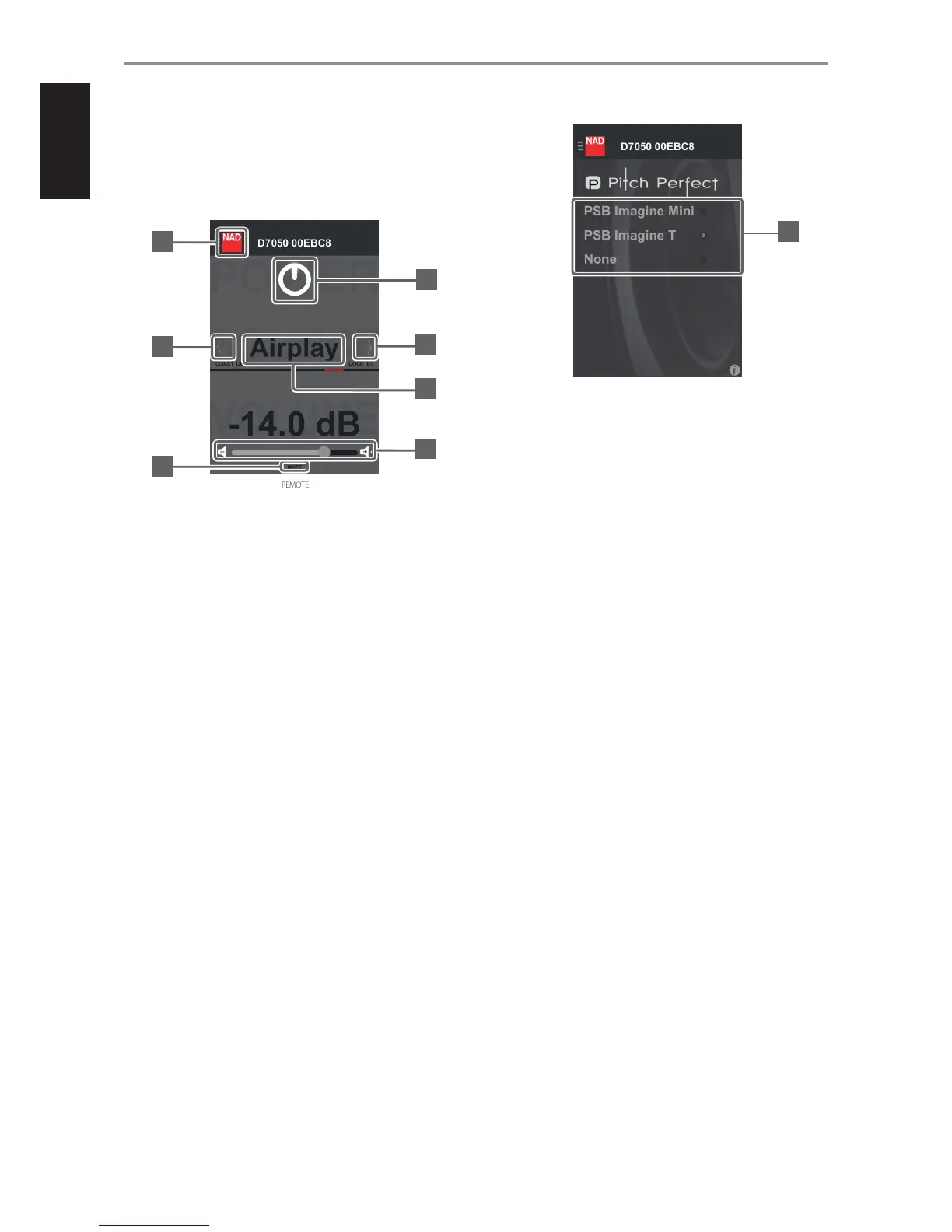
8 Show description of items in the current screen when applicable.
REMOTE
9 Go to Menu window.
10 Select Source.
11 Temporarily mute audio output or restore audio from mute mode.
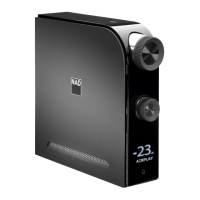
12 Switch D 7050 to standby mode or operating mode.
13 Swipe from right to left or left to right to select Source.
14 Slide to the right to increase volume level.
Slide to the left to decrease volume level.
SPEAKER EQ
15 Select “PSB Imagine Mini” or “PSB Imagine T” speakers if either is hooked
up with your D 7050.
Select “None” if the speaker type hooked up with your D 7050 is neither
PSB Imagine Mini nor PSB Imagine T.
IDENTIFICATION OF CONTROLS
11
9
10
12
10
14
13
15
8


 To Next Page