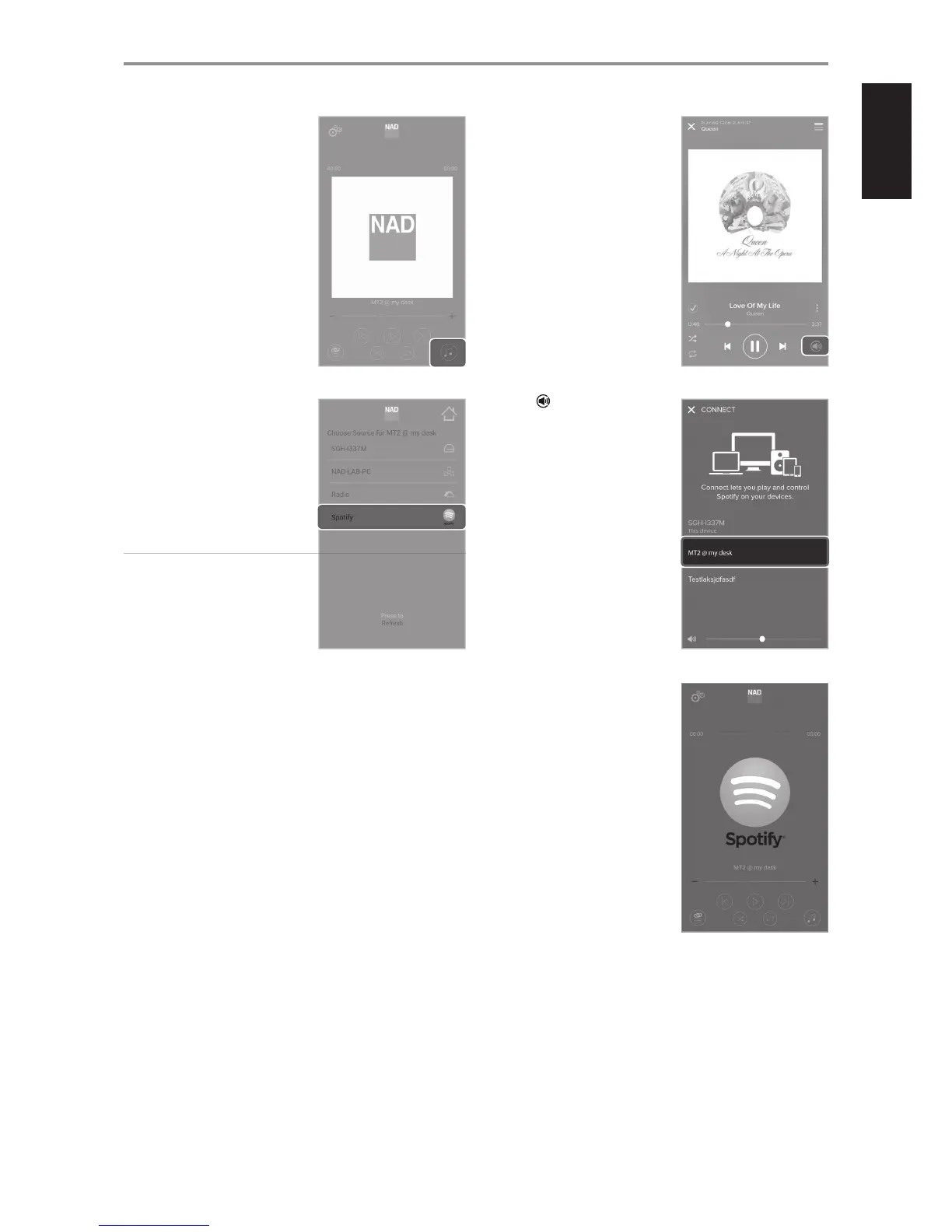
4 Go to menu screen for “Choose
Source for …” - media source for
your selected media tuner device.
5 List of available media sources that
may include music stored in your
PC, MAC or NAS (network attached
storage), Radio and Spotify.
For this example, “Spotify“ is the
selected media source for “MT2 @ my
desk”.
IMPORTANT NOTE
Spotify can only be a streamed to a
single Media Tuner device. Spotify
cannot be a media source for a
group of Media Tuner devices.
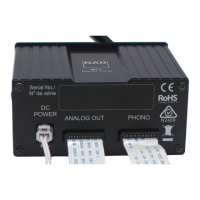
6 When Spotify is selected as a
media source, the “Now Playing”
window is displayed.
Select and then “MT2 @ my
desk”.
If you are not already logged
in, you will be redirected to the
Spotify log-in menu screen.
Refer also to the previous section
“LISTENING TO SPOTIFY” for info on
how to stream Spotify to MT2.
OPERATION
11


 To Next Page