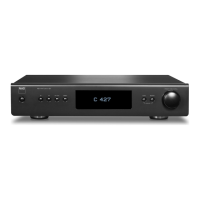
GROUPING MEDIA TUNER DEVICES
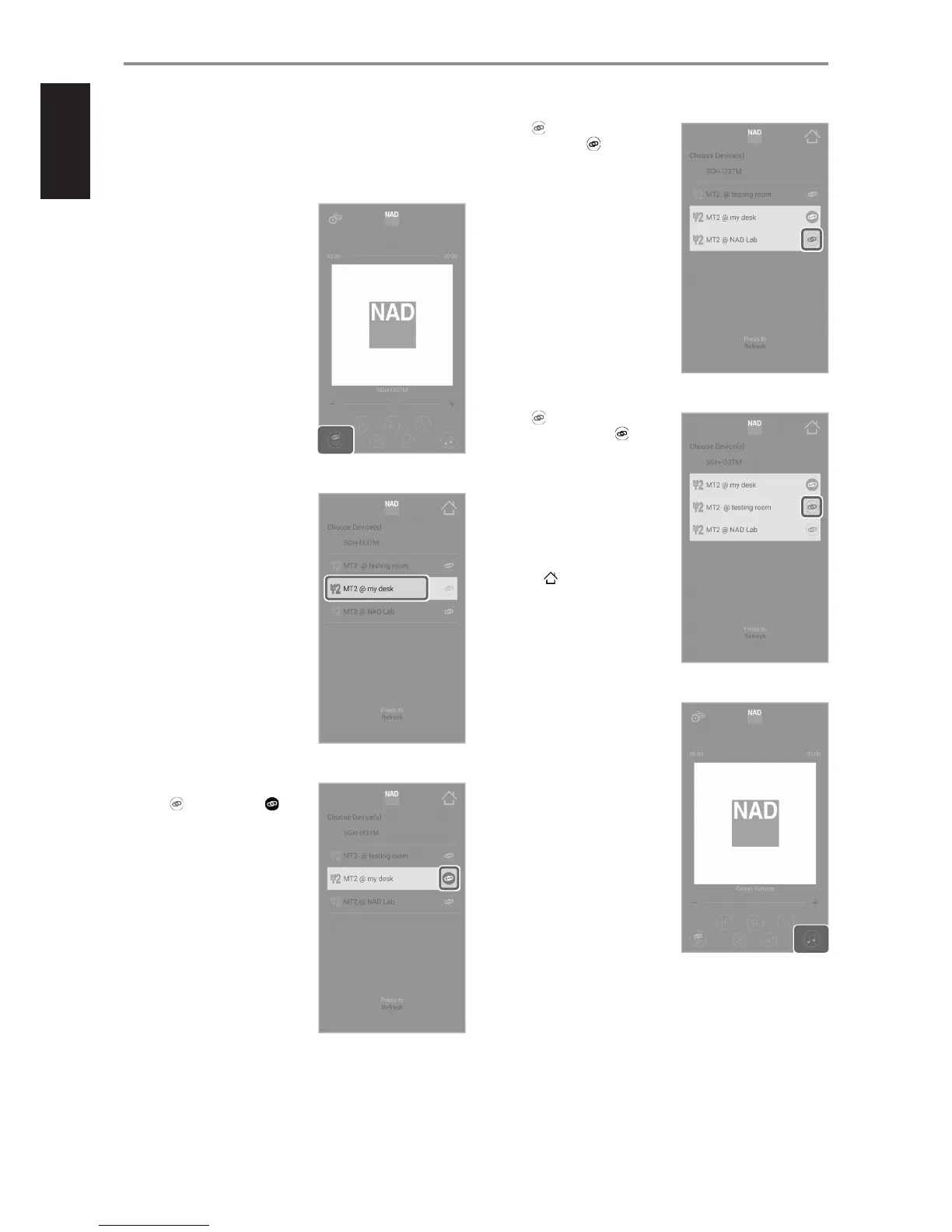
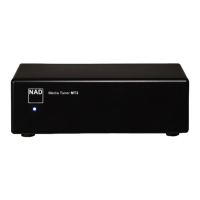
If you have multiple NAD Media Tuner devices on the same network, you
can group them as one and play the same music on all devices. Here is
how you could set them up.
1 Go to menu screen for “Choose
Device(s)” - select the media tuner
device you will stream music.
2 From the list of available Media
Tuner devices, select and highlight
desired Media Tuner device (“MT2
@ my desk” in this example) that
will serve as the Primary media
player for the group of devices.
3 Along the “MT2 @ my desk” row,
press transforming it to .
This designates “MT2 @ my desk”
as the Primary media player for the
group of devices.
4 Press of “MT2 @ NAD Lab”
transforming it to . This
highlights and groups “MT2 @
NAD Lab” with “MT2 @ my desk”.
5 Press of “MT2 @ testing
room” transforming it to . This
highlights and groups “MT2 @
testing room” with “MT2 @ NAD
Lab” and “MT2 @ my desk”.
This completes the grouping of all
three media devices with “MT2 @ my
desk” as the Primary media player.
6 Select [ ].
7 Go to menu screen for “Choose
Source for the Group…” - media
source for your grouped media
tuner devices.
OPERATION
12


 To Next Page