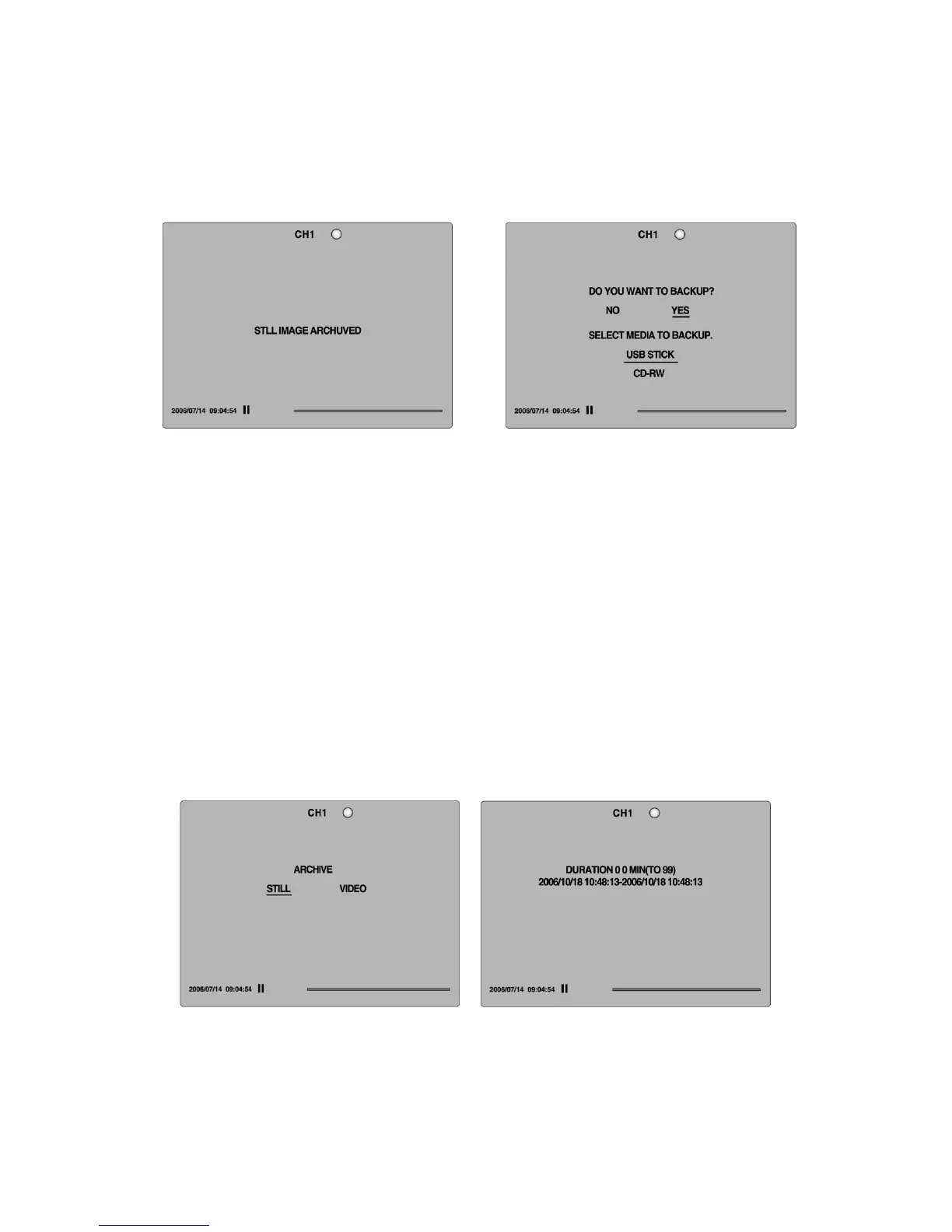
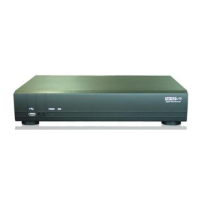
2. And the DVR will ask which media you will take for archiving.
3. Once you select the media, the system will start to archive the data to the selected
media.
Figure 7.1.1. Still Image Archiving and Backup Screen
7-2. Video backup onto USB flash memory or CD media
Video can be captured and archived onto the USB stick, CD media or hard drive while playing
back recorded video.
In playback mode, press the BACKUP button to launch the archiving function.
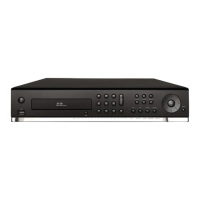
1. When you press BACKUP button, the DVR will ask whether to archive a Still Image or
Video clip.
2. If the user selects VIDEO, the DVR will ask which media you will take for archiving as
Figure.
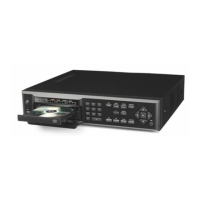
3. If the user selects VIDEO, the DVR will ask for the setting of the archiving duration.
4. Once you select the media, the system will start to archive the data to the selected
media.
52


 To Next Page