3-7. Setup – PASSWORD Mode
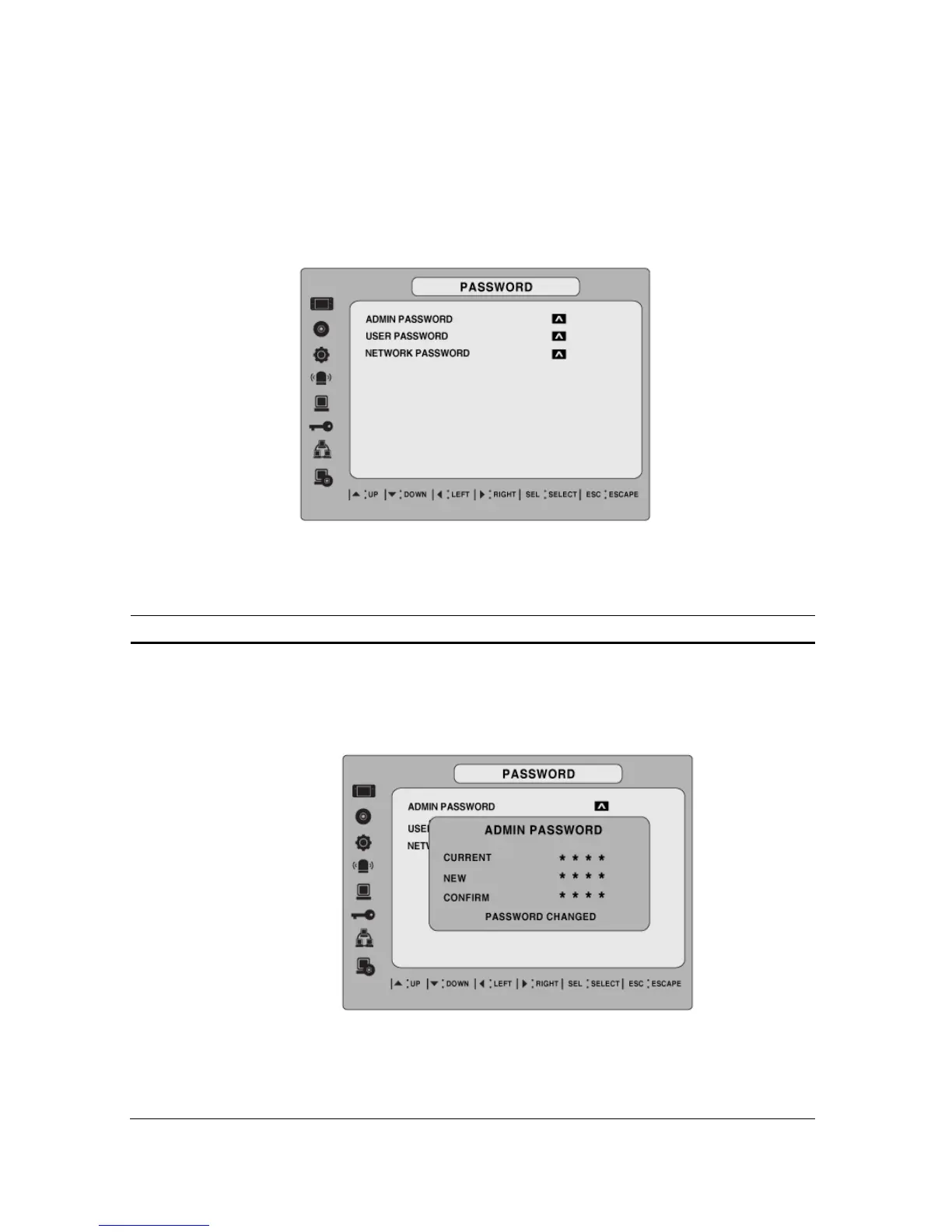
Use the LEFT or RIGHT and UP and DOWN arrow controls to set the password.
Figure 3.7.1. PASSWORD setup screen
Table 3.7.1. Menu Items in PASSWRORD Setup Screen
Item Description
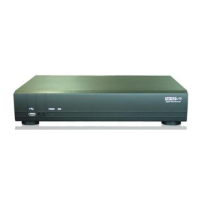
ADMIN PASSWORD
Set the administrator password. After selecting this menu item
you will be promoted for your current password and then the new
password. Follow the prompts to change and confirm the new
password.
The default password is 1111.
Use the arrow controls to change the password.
UP=1
RIGHT=2
35


 To Next Page