E21
NARCOM 4 Remote Handset
16 NARCOM 4 Remote Handset
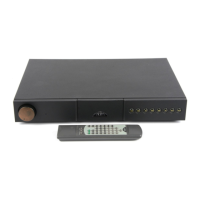
The Narcom 4 remote handset is supplied with all preamplifiers. It is a multi-functional
remote control handset designed to be used with Naim Audio CD players, integrated
amplifiers, preamplifiers, and preset tuners.
To fit the remote handset batteries, remove the battery cover by pressing the small button
located on the rear of the handset body. Remove the cover and insert the batteries into the
body taking care with their orientation. Replace the battery cover.
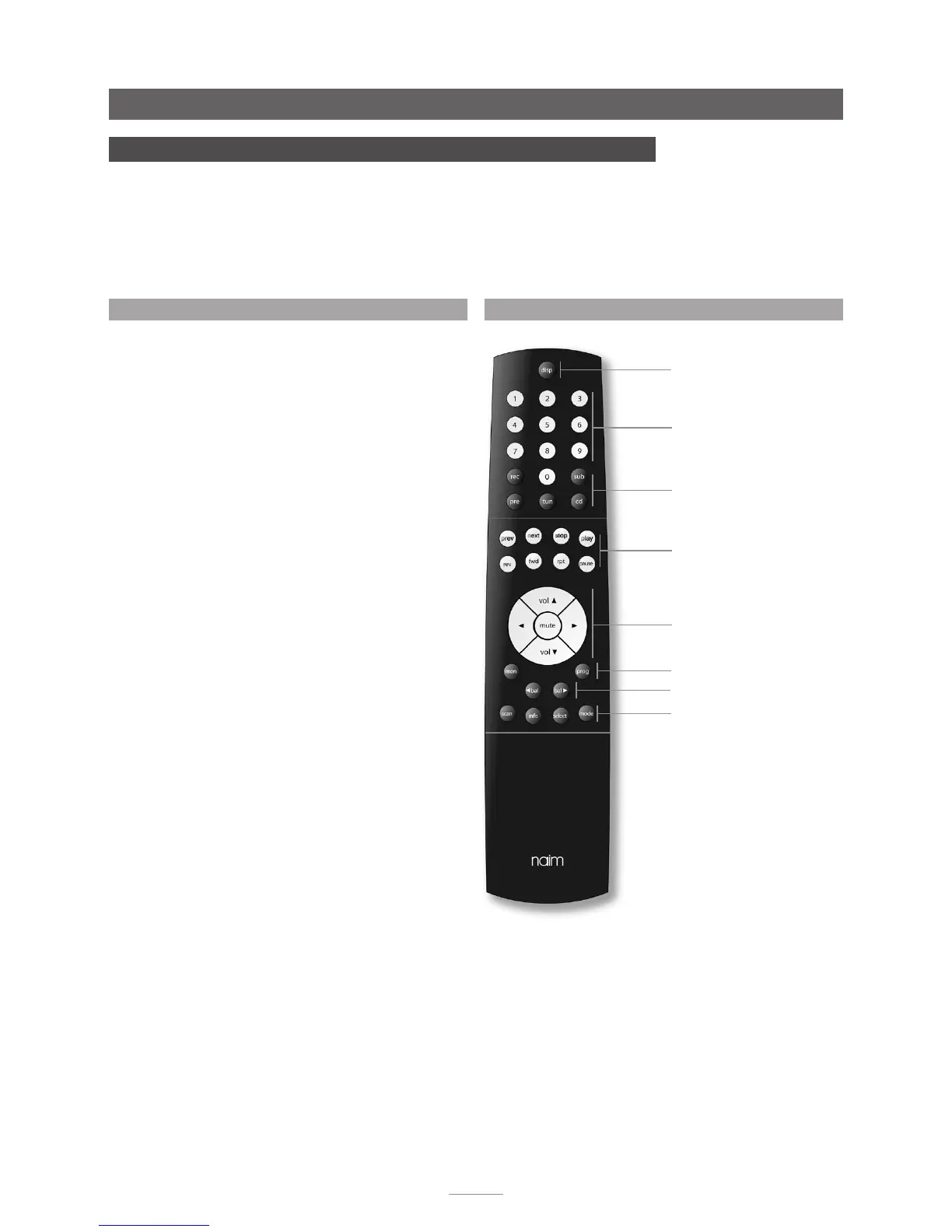
System Component Keys
Numeric keys (soft)
Global Keys (CD)
Volume and mute keys
Prog Key (soft)
Global Keys (product specific)
Balance Keys
Disp Key (soft)
16.1 Using NARCOM 4
Operation of the Narcom 4 handset is based around three types
of keys: System Component Keys, Global Keys and Soft Keys.
System Component Keys switch the operation of the Soft Keys
into modes appropriate to each system component (CD player,
preamplifier, etc.).
Global Keys operate specific component functions regardless
of the System Component Key setting and are available at all
times.
Preamplifier and Integrated Amplifier Global Keys operate as
follows:
vol (5 & 6) Adjusts the preamplifier volume and the volume
control position.
mute Reduces the preamplifier volume to zero. A
second press restores the volume.
bal (3 & 4) Adjusts the channel balance. Some Naim
amplifiers have control of channel balance
available only from the remote handset. On
these products the balance will automatically
centre as it reaches the mid point. Centring is
indicated by a flashing volume control indicator.
To resume adjustment once the balance has
centred, the bal key must be released and re-
pressed.
mon Enables the output of a recording device to
be heard while recording. The source to be
recorded is chosen by the input selection
buttons in the normal way. A second operation
of the mon key restores normal operation. Mon
alternatively operates the mono function on
appropriately equipped preamplifiers.
Preamplifier Soft Keys operate as follows:
disp Switches the front panel button indicators off
and on.
prog Press and hold to switch the preamplifier into
program mode.
numeric Enables direct selection of source inputs.
16.2 NARCOM 4 Keys


 To Next Page