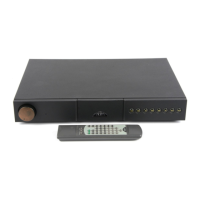
E4
NAC 552
NAC 552PS
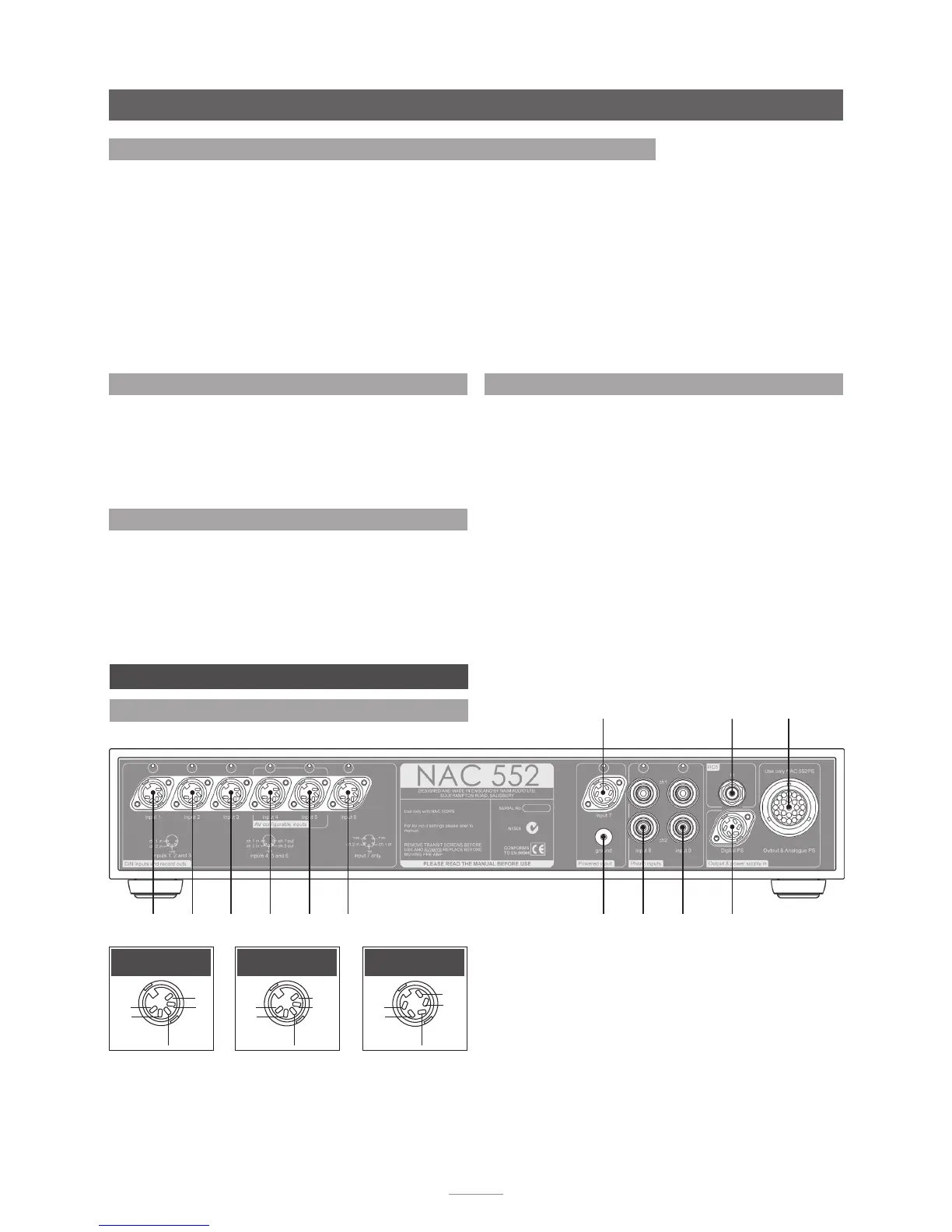
4.3 Socket Types and Assignment Defaults
Input Socket Socket Source Button
Number Features Assignment Default
1 DIN input Not assigned
2 DIN input cd
3 DIN input tuner
4 DIN input/output, AV Bypass capable tape
5 DIN input/output, AV Bypass capable av
6 DIN input/output aux 1
7 DIN input, power output for phono stage aux 2
8 RCA Phono pair Not assigned
9 RCA Phono pair Not assigned
5 NAC 552 Connections and Controls
5.1 NAC 552 Rear Panel Connections
in 1 in 2 in 3
in 4
in 5 in 6 in 8
ch 1(L)
ch 2(R)
signal ground in 9
ch 1(L)
ch 2(R)
NAC 552PS
in 7 RC5 in
ch1
-ve
nc
nc
ch2
Inputs 1, 2 & 3
ch1
-ve
ch1
(out)
ch2
(out)
ch2
Inputs 4, 5 & 6
+ve
-ve
+ve
ch1
ch2
Input 7
4.4 Record Mute
At times when the NAC 552 record outputs are not required
it is good practice to mute them in order to minimise power
consumption and maximise sound quality.
To engage the NAC 552 record mute simply press the record
(lower) bank front panel mute button.
4.5 NAC 552 Signal Outputs
To ensure correct continuity of system earth connections the
NAC 552 signal output is routed via the NAC 552PS power
supply. The NAC 552PS is fitted with multiple DIN signal output
sockets that enable the downstream connection of a stereo
power amplifier, a dual mono power amplifier or two separate
mono power amplifiers.
4.6 Auxiliary Power Output
The NAC 552 Input 7 socket is intended for use with a Naim
Audio StageLine or SuperLine phono stage and incorporates an
appropriate DC power supply.


 To Next Page