December 2008
Document #: 720002-0000R 7
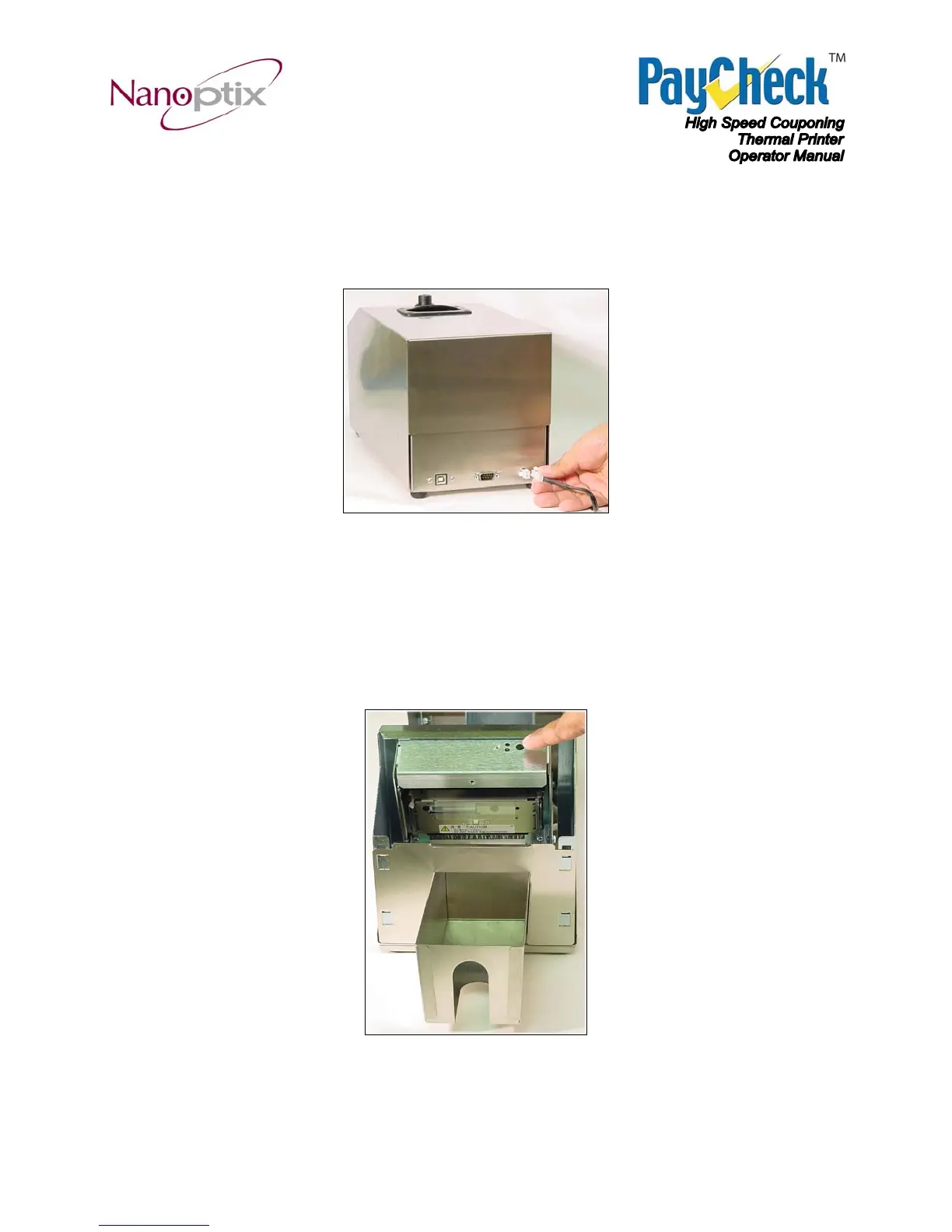
2.3 Resetting Printer
In the event of a fault condition, simply disconnect the printer’s power connector to reset. Once
the printer is re-connected, it will go through a startup routine and reset itself.
Figure 6: Resetting Printer
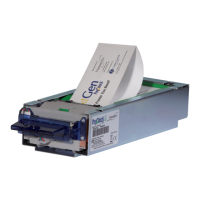
2.4 Paper Feed Button
Use the Paper Feed Button to advance the paper by one complete ticket. After the ticket has
advanced it will also be cut.
Figure 7: Paper Feed Button


 To Next Page