December 2008
Document #: 720002-0000R 3
2 Printer Controls
2.1 Paper Loading
Caution: Do not operate the printer if it runs out of paper. The printer will not operate without
paper, but it may continue to accept data from the host computer. Because the
printer cannot print any transactions, the data may be lost.
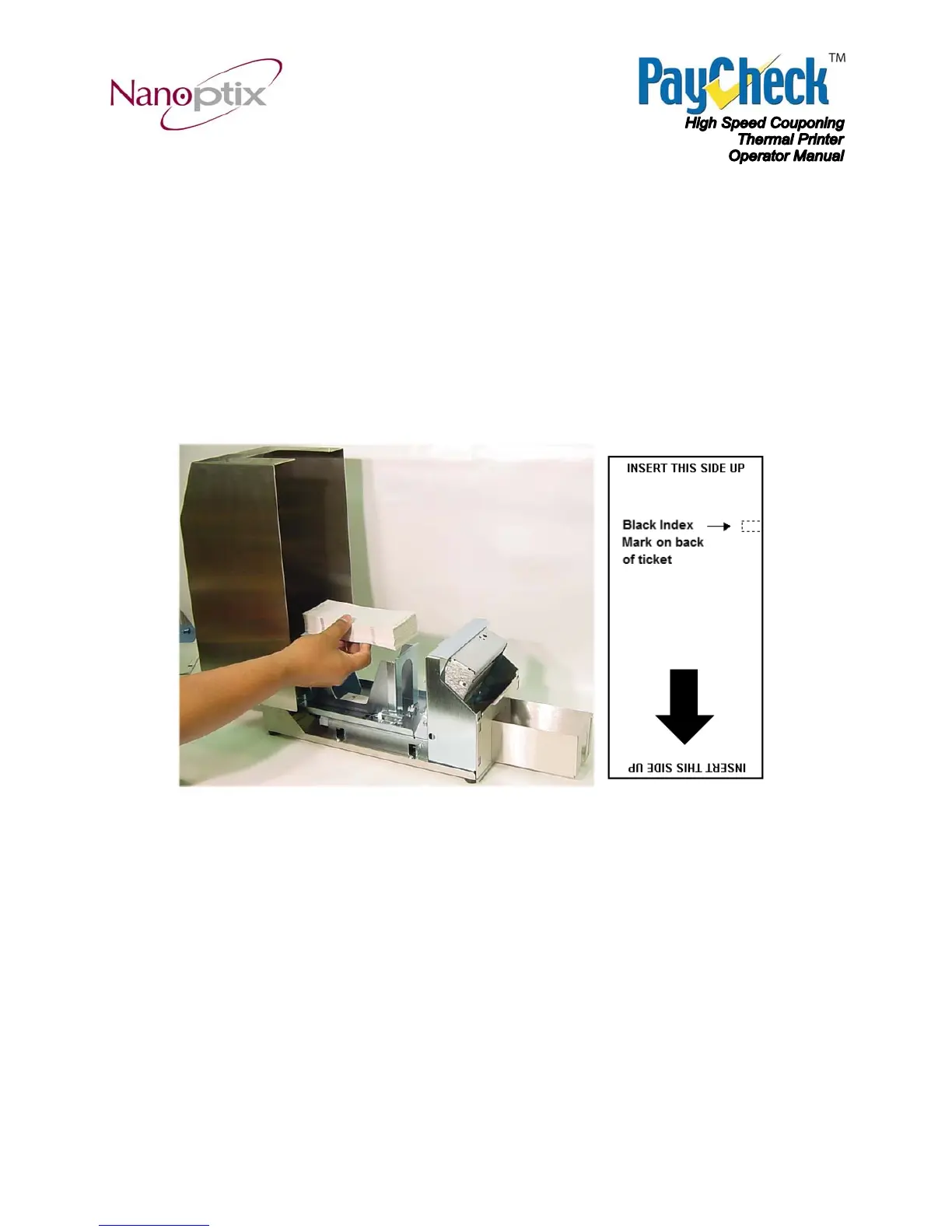
1. Unlock and push button to lift open the top cover.
2. Reload the ticket tray of fanfold paper.
Figure 2: (Left) Loading Paper. (Right) Top view with arrow pointing towards output tray.
Note: The above arrow does not appear on actual ticket.


 To Next Page