4 Measuring with the NBM-520
26 NBM-520 Narda
4.2 Switching on
You can switch the instrument on as soon as you have pre-
pared it for use.
Press the ON/OFF button to switch the instrument on.
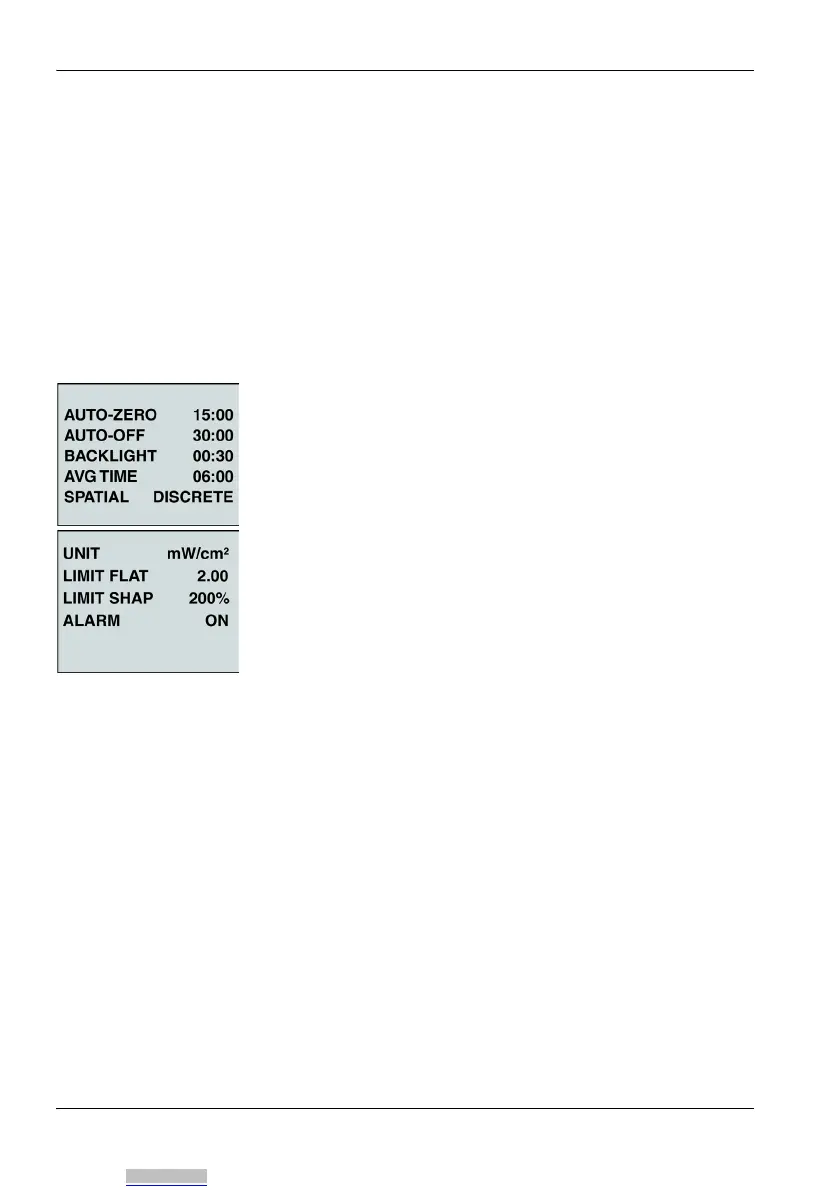
The instrument displays the instrument settings and
performs a self test.
4.3 Displaying the instrument settings
The preset instrument settings are displayed after the
instrument is turned on. You can change these settings with
the aid of the PC software (see “PC software” on page 39).
Press the Hold button to “freeze” the display of settings
or to resume measurements.
After a few seconds, the self test starts.
The settings are explained briefly below.
Downloaded from Arrow.com.



 To Next Page