4.4 Self test
Narda NBM-520 29
4.4 Self test
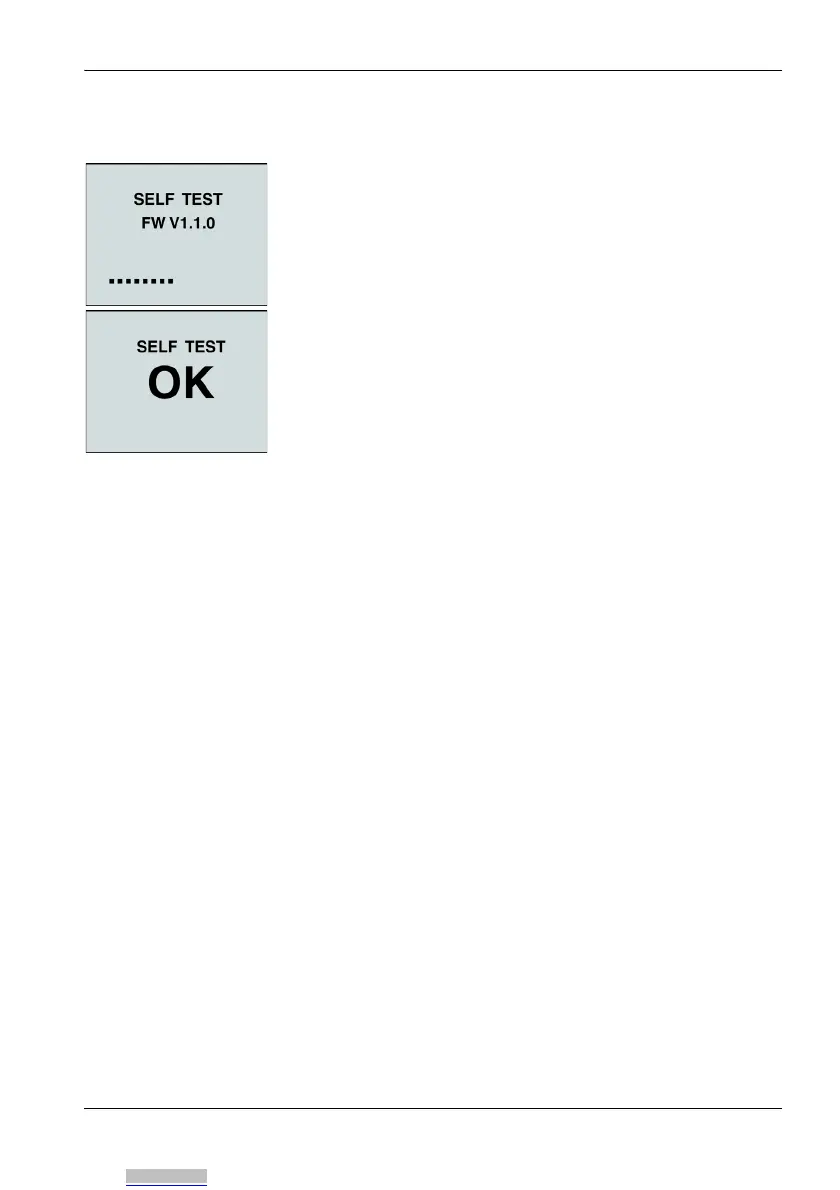
The self test takes a few seconds. During this time, the firm-
ware version is also displayed. If the test is successful, the
message OK is displayed on the screen.
If an error message is displayed:
Press the ON/OFF button again to switch the instrument
off and then switch it on again.
If an error message is displayed again:
Switch the instrument off and contact your nearest Narda
Service Center.
4.5 Setting the contrast
You can change the display contrast dependent of the envi-
ronment lighting in order to achieve optimal instrument
read-out.
✓ The instrument is turned on and the self test is finished.
Press the ON/OFF button and Mode button
simultaneously to increase the contrast.
Press the ON/OFF button and Units button
simultaneously to decrease the contrast.
Downloaded from Arrow.com.



 To Next Page