Appendix A Device-Specific Information
© National Instruments Corporation A-9 NI USB-621x User Manual
Note For more information about default NI-DAQmx counter inputs, refer to Connecting
Counter Signals in the NI-DAQmx Help or the LabVIEW 8.x Help.
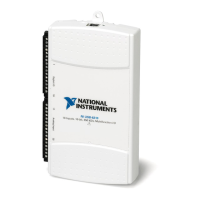
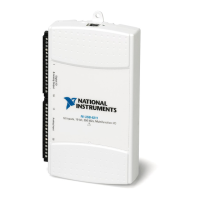
USB 6218 Specifications
Refer to the NI 621x Specifications for more detailed information about the
USB 6218 device.
USB 6218 PWR/ACT LED Indicator
The PWR/ACT LED indicator indicates device status.
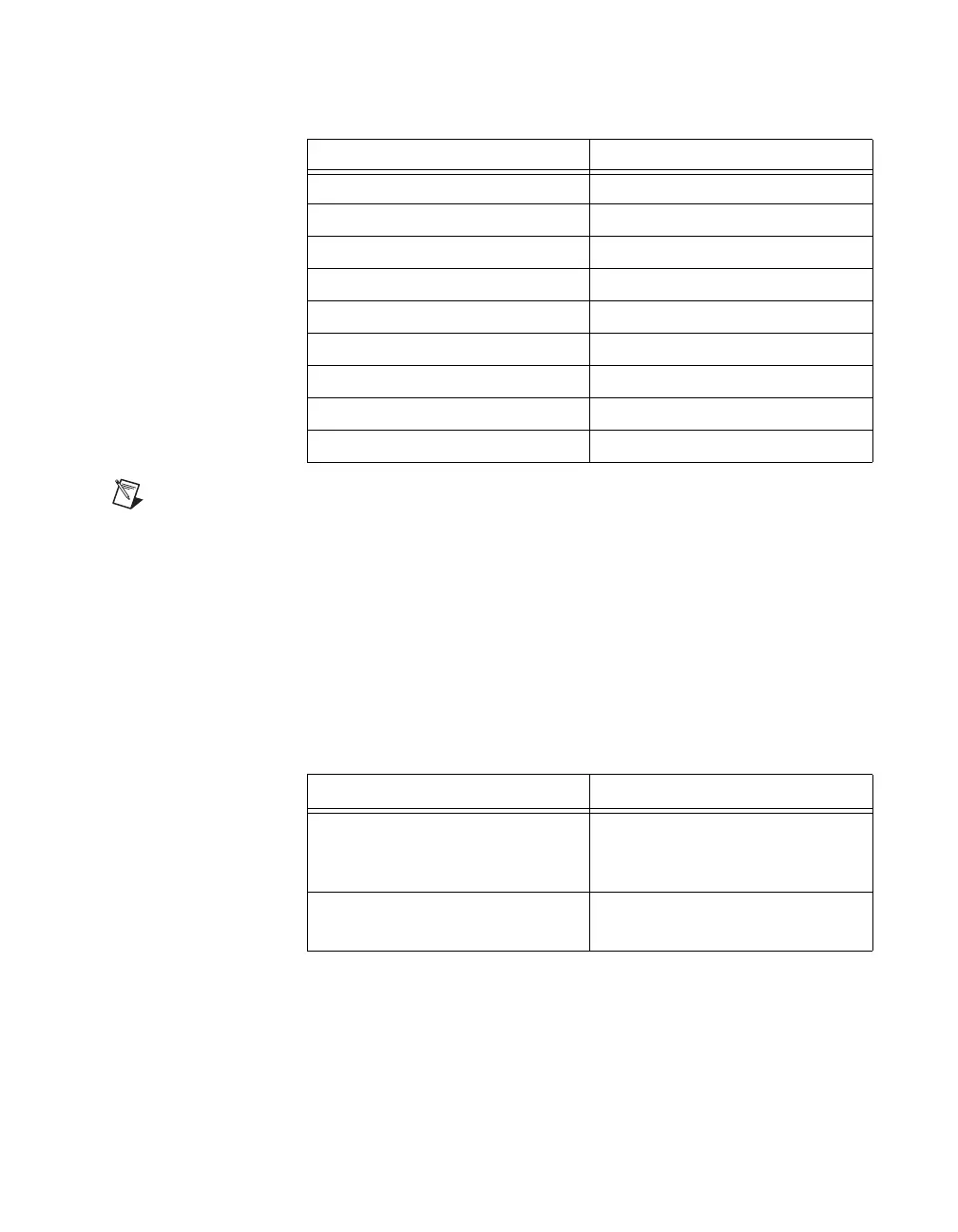
CTR 0 B 34 (PFI 9)
CTR 1 SRC 4 (PFI 3)
CTR 1 GATE 3 (PFI 2)
CTR 1 AUX 35 (PFI 10)
CTR 1 OUT 7 (PFI 5)
CTR 1 A 4 (PFI 3)
CTR 1 Z 3 (PFI 2)
CTR 1 B 35 (PFI 10)
FREQ OUT 8 (PFI 6)
Table A-6. PWR/ACT LED Status
LED State Device Status
Not lit Device not powered or device
error. Refer to
ni.com/support
if device is powered.
On, not blinking Device error. Refer to
ni.com/support.
Table A-5. Default NI-DAQmx Counter/Timer Pins (Continued)
Counter/Timer Signal Default Terminal Number (Name)


 To Next Page
 Loading...