Getting Started 1-9
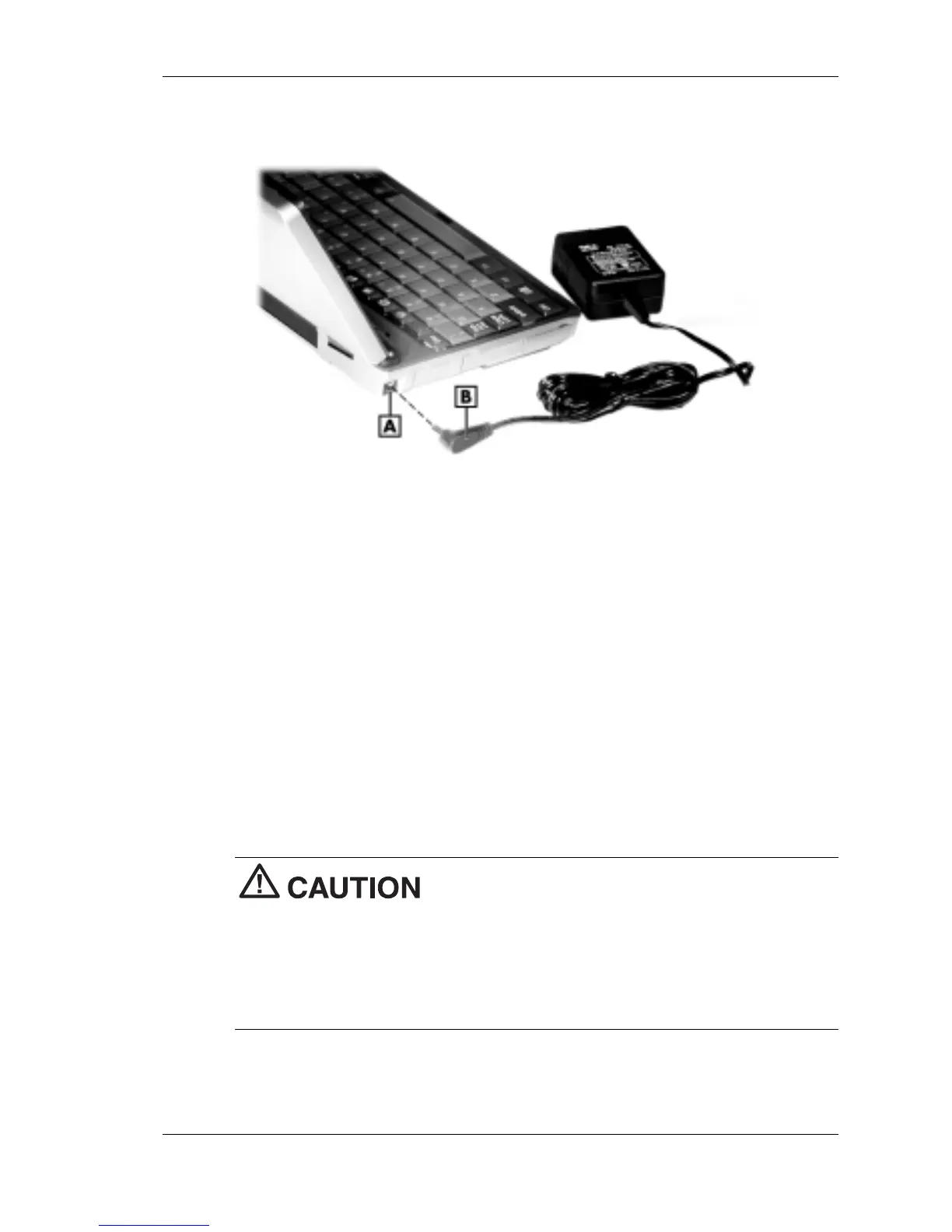
Connecting the AC adapter
A – AC power port B – AC adapter cable (varies by
country)
2.
Connect the AC adapter as follows.
! U.S./Canada model: plug the AC adapter to a working AC outlet.
! European model: plug one end of the AC power cable into the
AC adapter and the other end into a working AC outlet.
3.
Power on the NEC MobilePro using the Power button at the top right
corner of the keyboard.
Using AC power saves battery life when you are on the go, ensures that
the backup battery maintains its charge, and helps prevent data loss.
If you power off, then quickly power on the NEC
MobilePro, your system may erroneously report the presence of
CompactFlash cards.
In addition, repeatedly powering off and quickly powering on, may cause
data loss. NEC recommends that you wait ten seconds after powering off,
before powering on the NEC MobilePro.
Continue working with the NEC MobilePro 790 as it charges and leave it
connected to AC power after the light turns green.



 To Next Page