Using the NEC MobilePro 4-7
Using Application Shortcut Keys
The NEC MobilePro provides application shortcut keys located at the top
of the keyboard. Use these keys to launch applications directly from the
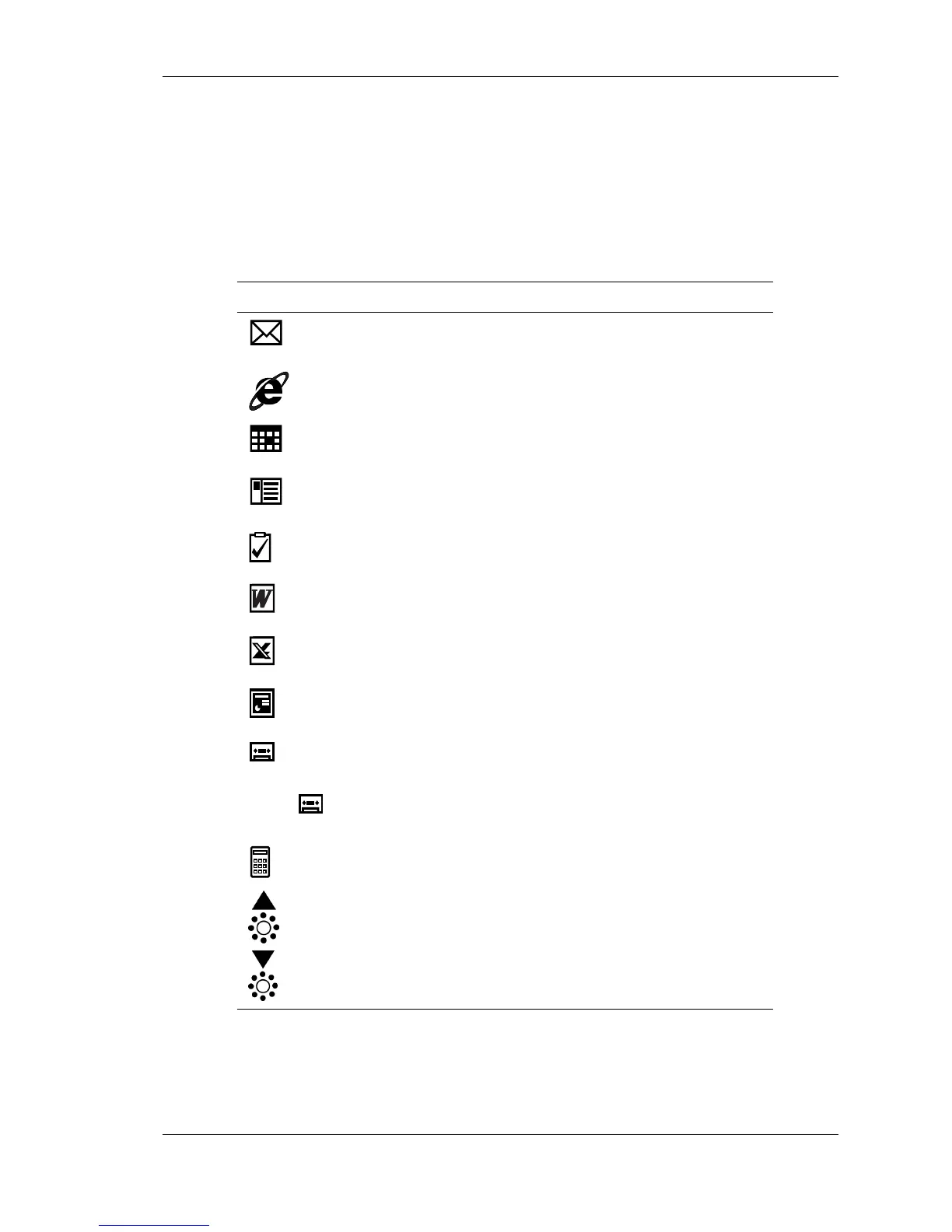
keyboard. The key defaults are listed in the following table.
Default Application Shortcut Keys
Icon Application
Inbox
Microsoft Internet Explorer
Calendar
Contacts
Tasks
Microsoft Pocket Word
Microsoft Pocket Excel
Microsoft Pocket PowerPoint
Voice Recorder
Ctrl +
Microsoft Pocket Access
Calculator
Brightness Up
Brightness Down



 To Next Page