Introducing the NEC MobilePro 2-7
Around the Right Side of the System
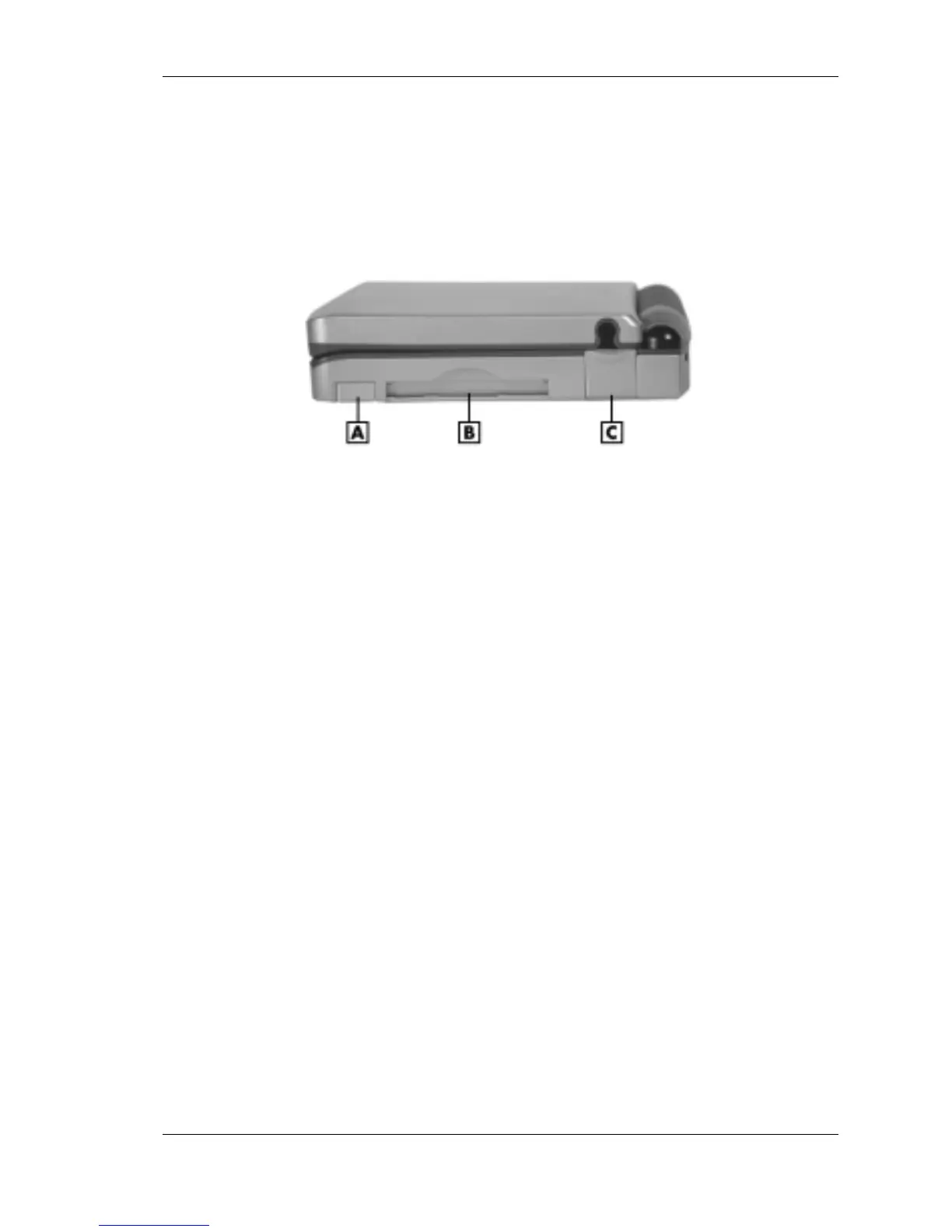
The right side of your NEC MobilePro offers the features shown in the
following figure. Features are described after the figure.
Right side features
A – PC card eject button C – Modem port
B – PC card slot
! PC Card Eject Button — Allows you to remove an installed PC card.
! PC Card Slot — Lets you install one Type I or Type II PC card.
! Modem Port — Provides connection access to the internal modem
using the RJ-11 telephone cable.
Around the Bottom of the System
The bottom of the NEC MobilePro offers the features shown in the
following figure. Features are described after the figure.



 To Next Page