Introducing the NEC MobilePro 2-13
Removing the battery pack
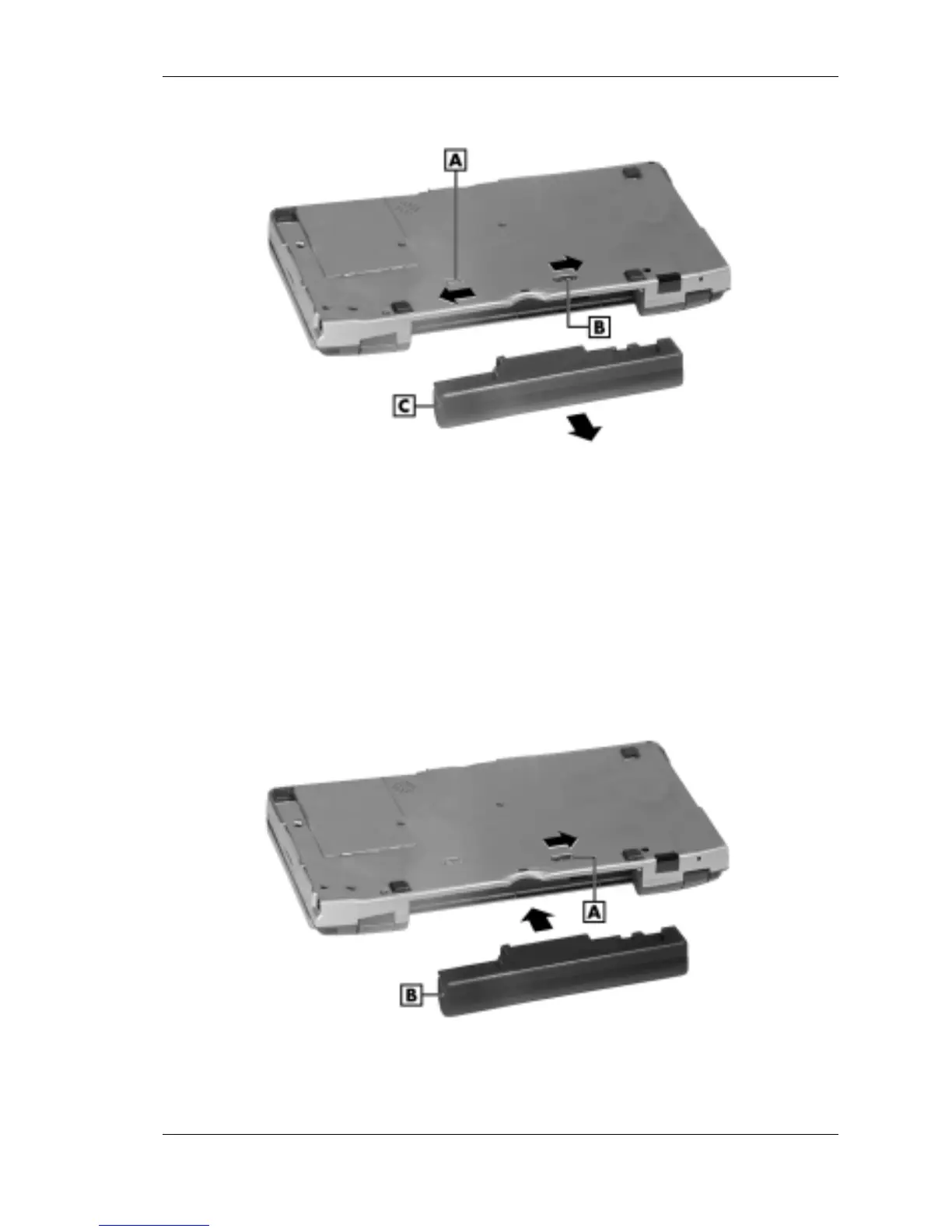
A – Battery release latch C – Lithium-Ion battery pack
B – Battery release lock
4.
Insert a new battery pack as follows:
! Insert the new Lithium-Ion battery pack in the bay and slide the
battery in the direction of the arrow, as indicated in the following
figure.
Inserting the battery pack
A – Battery release lock C – Lithium-Ion battery pack



 To Next Page