Setting Up a Remote Connection 5-3
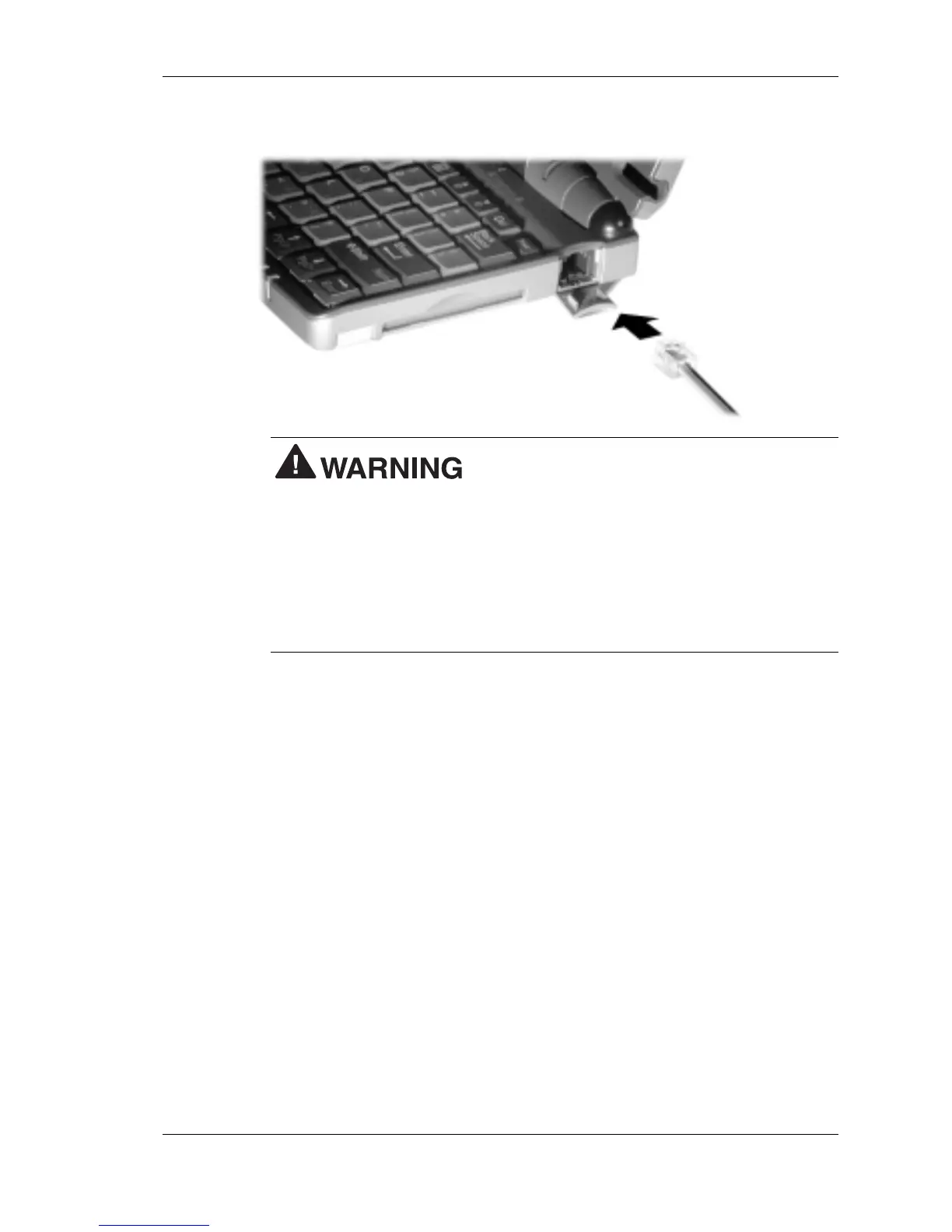
Connecting the telephone cable
Do not connect the internal modem to a
digital private branch exchange connector, or the digital side of an
integrated digital network. Use only analog phone connections.
Failure to do so may result in explosion or fire and will damage your
modem.
During thunderstorms be sure to disconnect the modem phone cable
from the NEC MobilePro. Failure to do so may result in explosion or
fire.
3.
Connect the other RJ-11 connector into an active (analog) phone
jack. (Use a country-specific modem adapter if necessary.)
Now you are ready to create a connection for an ISP or RAS account.
Connecting to an Internet Service Provider
Once you have established an account with an Internet Service Provider
(ISP) and gathered the necessary configuration information, you are ready
to create a connection on your MobilePro for your ISP account.
Follow these steps to create a new connection for your ISP account.
1.
Tap Start, Programs, Communication, then select Remote
Networking.
2.
Double tap the Make a New Connection icon.
3.
Enter a name for the new connection.



 To Next Page