Using the NEC MobilePro 4-15
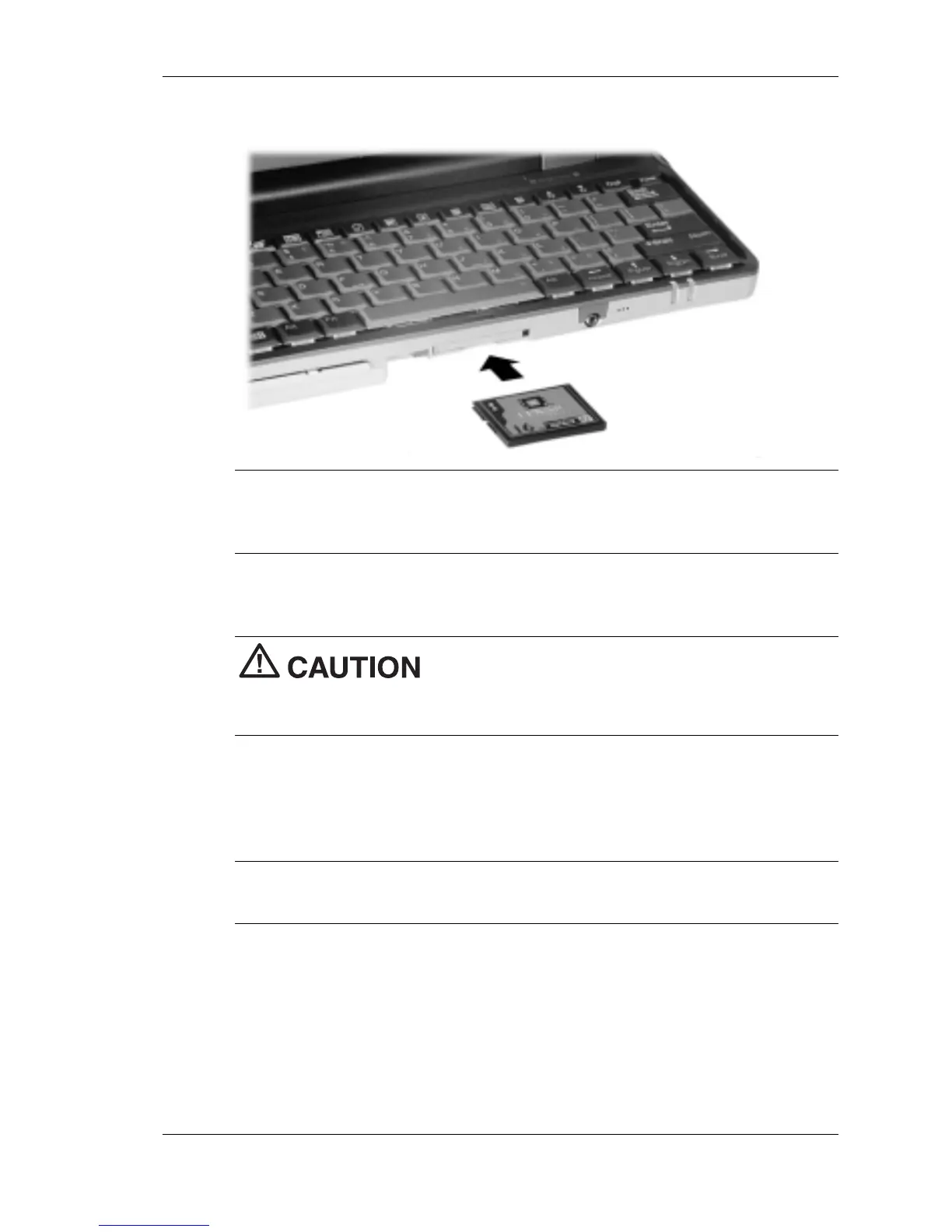
Inserting a CompactFlash card
Note
When you insert a CompactFlash card, a button pops out of the
card bay. Pivot the button towards the left side of the unit until it fits into
the recessed space next to the slot.
2.
Verify that the CompactFlash card is fitted securely into position.
Make sure you align the CompactFlash card
correctly for insertion. Inserting a CompactFlash card incorrectly can
damage the card and/or the MobilePro.
Removing CompactFlash Cards
Follow these steps to remove a CompactFlash card from the MobilePro.
Note
Pivot the CompactFlash card button out of the recessed space
before beginning the following procedure.
1.
Save your data if you are storing it on the inserted CompactFlash
card.
2.
Press the button beside the CompactFlash card.
3.
When the card pops out slightly, pull it out of the slot.



 To Next Page