2-2
Introducing the NEC MobilePro
Identifying System Features
The NEC MobilePro 790 is compact with features on every side. The next
few sections provide figures and feature descriptions.
Around the Front of the System
The following sections describe front features beginning with the display
panel.
Display Panel
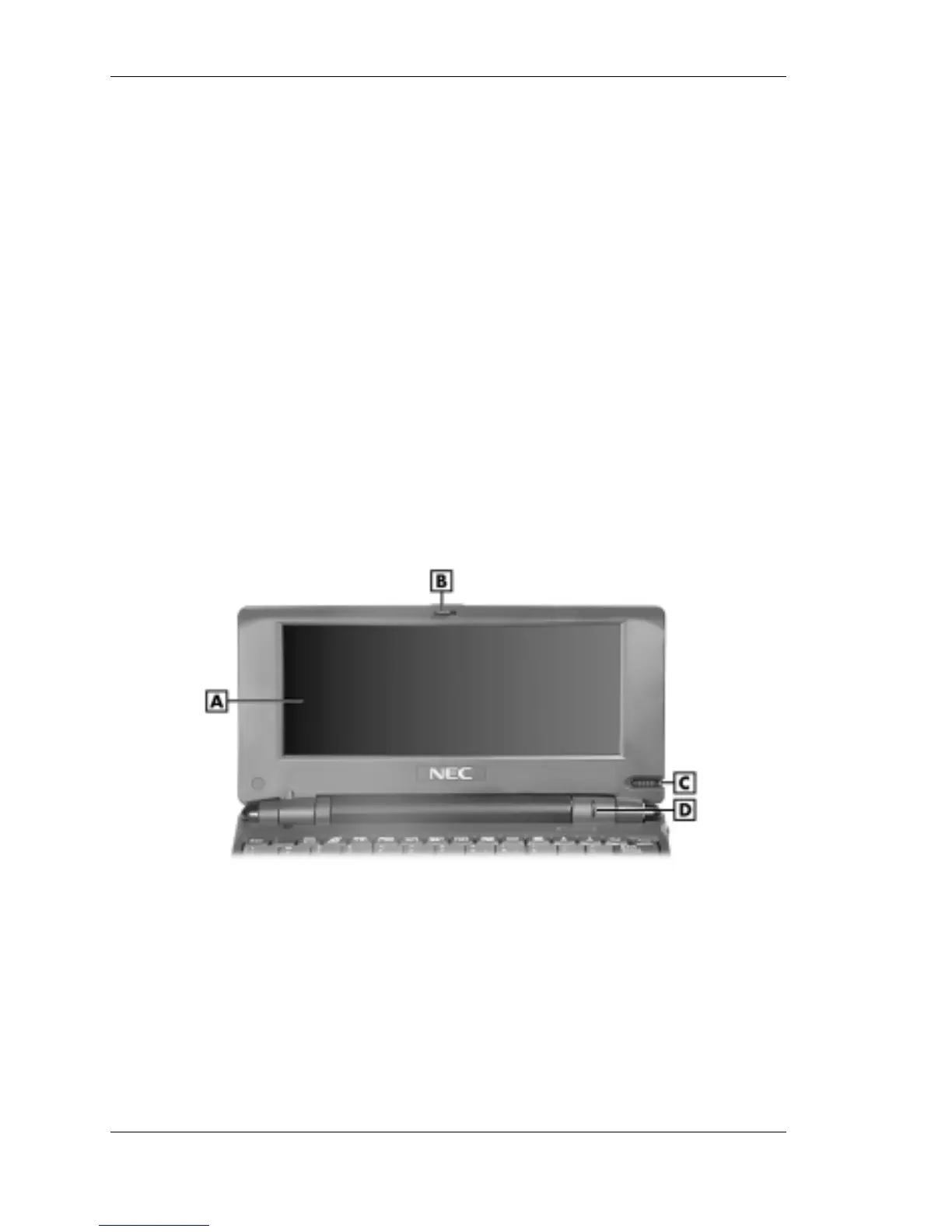
Your NEC MobilePro 790 comes with an 8.1-inch display panel that you
can adjust for a comfortable viewing position. See the section, “Making
Display Panel Adjustments,” in Chapter 4, for information about adjusting
the panel brightness.
Display panel
A – Display panel C – Stylus
B – Display panel latch D – Scroll dial
! Display Panel (with built-in touch screen) — Provides a touch screen
that lets you activate functions by touching the screen with the stylus
or your fingertip.
! Display Panel Latch — Secures the display panel when it is closed.



 To Next Page