2-4
Introducing the NEC MobilePro
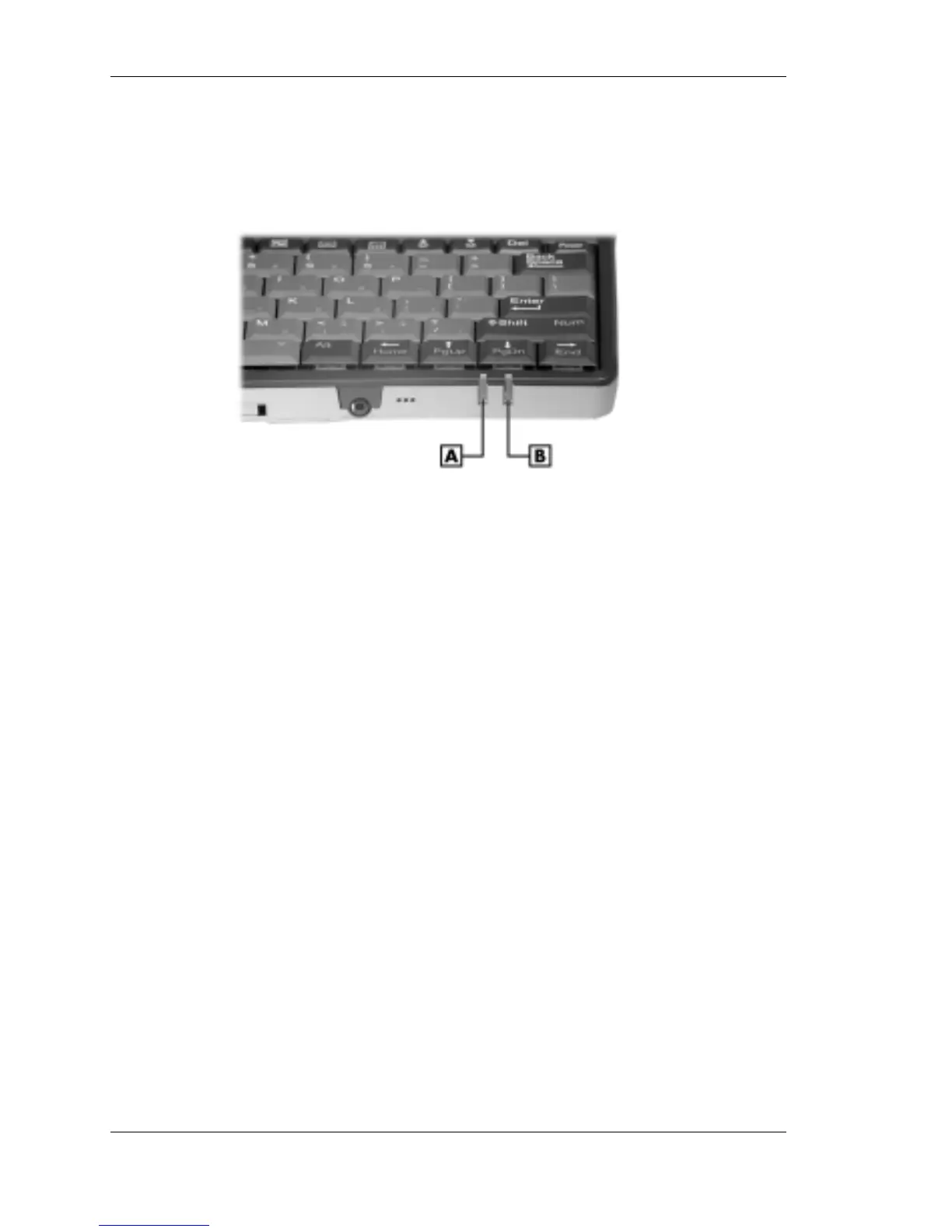
! Status LEDs — Keeps you informed of the system's power status and
notifies you about scheduled appointments.
Status LEDs
A – Battery Charging LED B – Notification LED
— Battery Charging LED
– Lights amber when the battery is charging.
– Lights green when the battery is fully charged.
— Notification LED — Flashes amber as a reminder of
appointments, pages, etc.
! Microphone — Lets you record your voice.
! Earphone Microphone Jack — Lets you connect the earphone
microphone accessory to your NEC MobilePro.
! CompactFlash Card Slot — Lets you install one CompactFlash card.
! Suspend Switch — Shuts off the backlight when the LCD panel is
closed. Puts the MobilePro into a suspend state when the lid is closed
(if enabled in MobilePro Settings).
Around the Back of the System
The back of the NEC MobilePro offers the features shown in the
following figure. Features are described after the figure.



 To Next Page