2-8
Introducing the NEC MobilePro
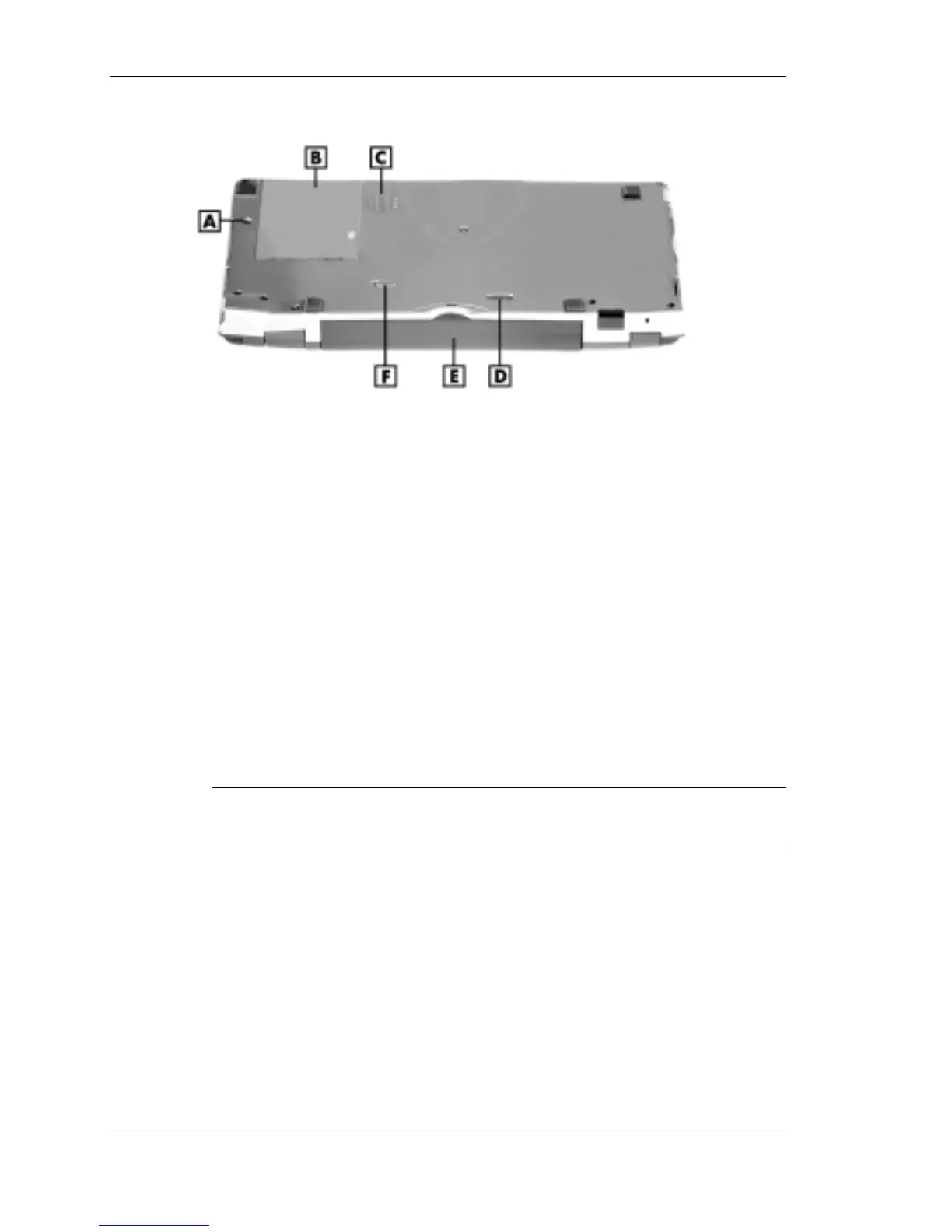
Features on the bottom of the system
A – Soft reset button D – Battery release lock
B – ROM bay cover E – Lithium-Ion battery pack
C – Speaker F – Battery release latch
! Soft Reset Button — Lets you do a “soft reset” to the NEC MobilePro
in case of malfunction. Your data is preserved if it has been saved in a
file. Use your stylus to press the soft reset button.
! ROM Bay Cover — Protects the ROM bay and the installed ROM
module.
! Speaker — Lets you listen to digital audio. You can program
MobilePro audio to remind you of appointments, notify you of
operation events, or play application-associated sounds.
! Battery Release Lock — Locks the battery in its bay.
Note
You cannot use your MobilePro when the battery lock is in
the unlocked position. The system displays an error message.
! Lithium-Ion Battery Pack — Provides the system’s main battery
power.
! Battery Release Latch — Allows you to release and remove the
battery (when the lock is in the unlocked position).



 To Next Page