Getting Started 1-13
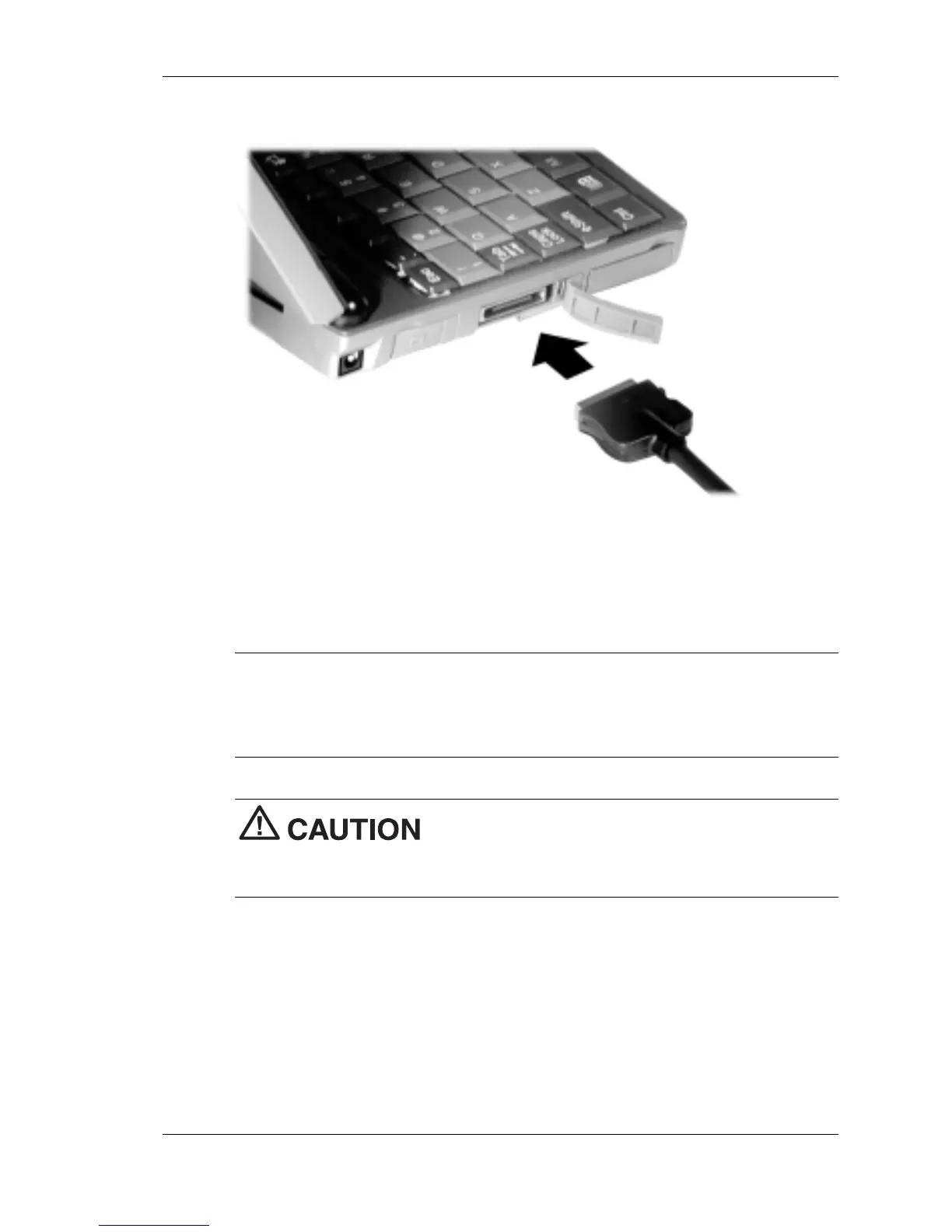
Connecting the PC connect cable
3.
Connect the other end of the cable to the 9-pin serial port on your
host PC. If your host PC has a 25-pin serial port, use an adapter
(available in most computer stores).
Proceed to the next section to install Microsoft ActiveSync.
Note
Before connecting the PC Connect cable to the serial port on
your host PC, be sure that the serial port is enabled in the host PC's BIOS
setup and that no conflicts exist for the port. For details, see a previous
section in this chapter, “Ensuring the Availability of the Serial Port.”
Be sure to properly align the cable connectors
and ports. Incorrect connection can damage the MobilePro and the
computer.



 To Next Page