Using the NEC MobilePro 4-19
1.
Open the display panel and remove the stylus from its holder.
2.
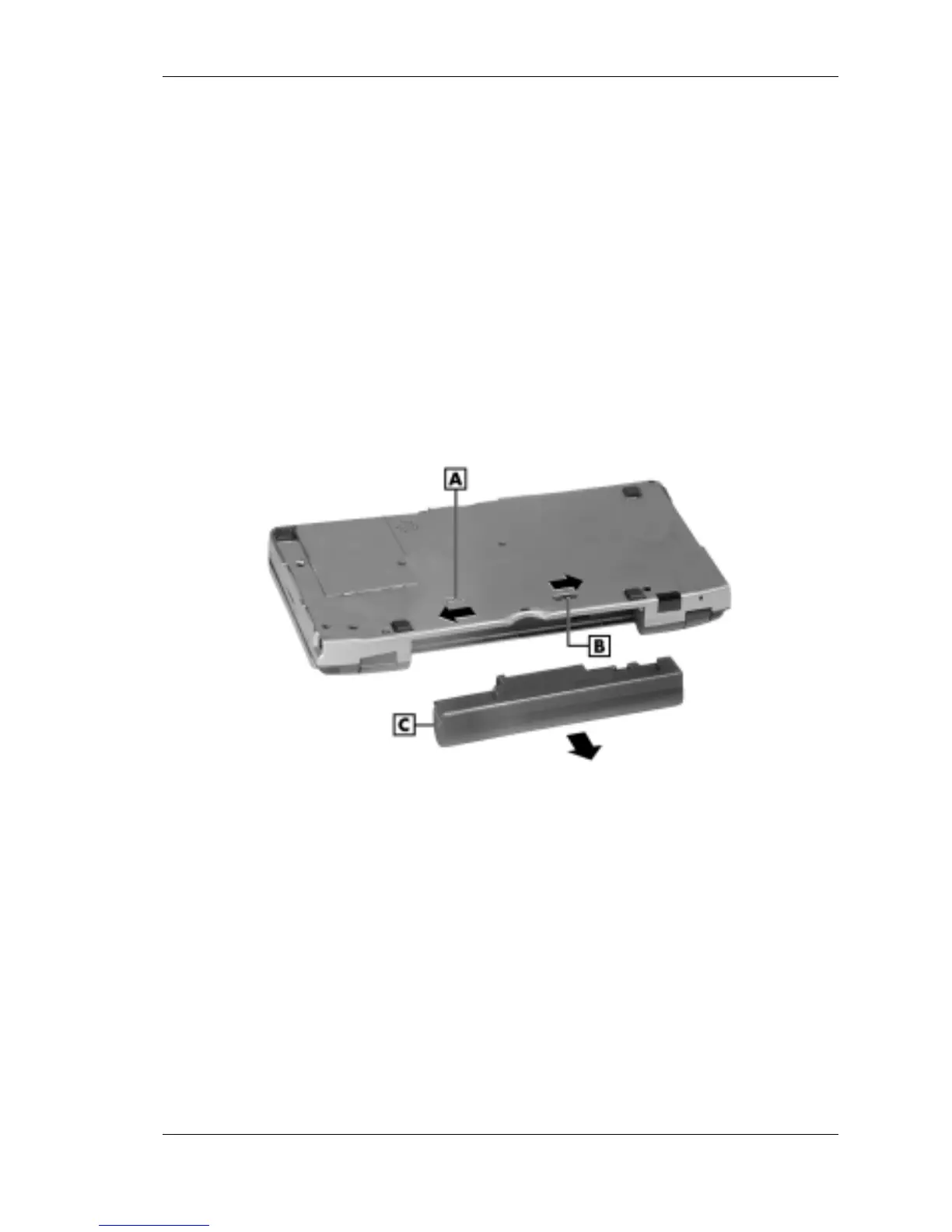
Remove the battery pack as follows:
! Locate the battery lock and release latch on the bottom of the
system.
! Slide the lock to the unlocked position in the direction of the
arrow, as indicated in the following figure.
! Slide the release latch in the direction of its arrow, as indicated in
the following figure, and hold it.
! Remove the battery from the bay.
Removing the battery pack
A – Battery release latch C – Battery pack
B – Battery release lock



 To Next Page