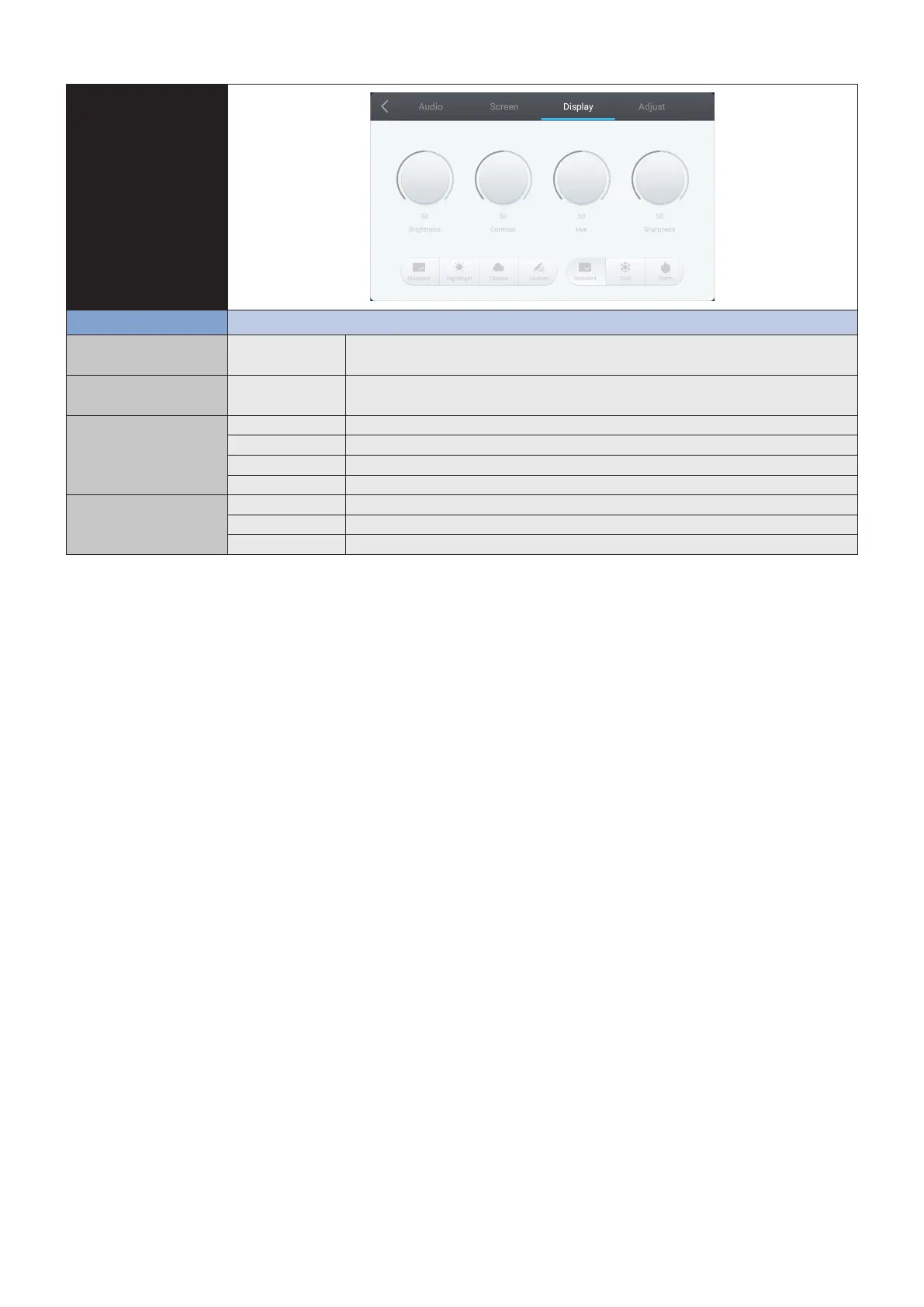
English-28
OSD Settings
Display setting
Adjustment Item Problem / Option
Brightness*
1
Too dark Adjusts the image brightness in relationship to the background.
Too bright
Contrast Too weak Adjusts the image brightness in relationship to the input signal.
Too strong
Picture Mode Standard For general windows environment and monitor default setting.
HighBright Higher brightness setting.
Cinema A setting that boosts dark tones; best suited for movies.
Custom Displays a picture on a screen set by Image Settings adjustments.
Color Temp Standard Greenish white
Cold Bluish white
Warm Reddish white
*1 Adjust the Brightness when you are using the monitor in a dark room and feel the screen is too bright.









 To Next Page