English-49
English
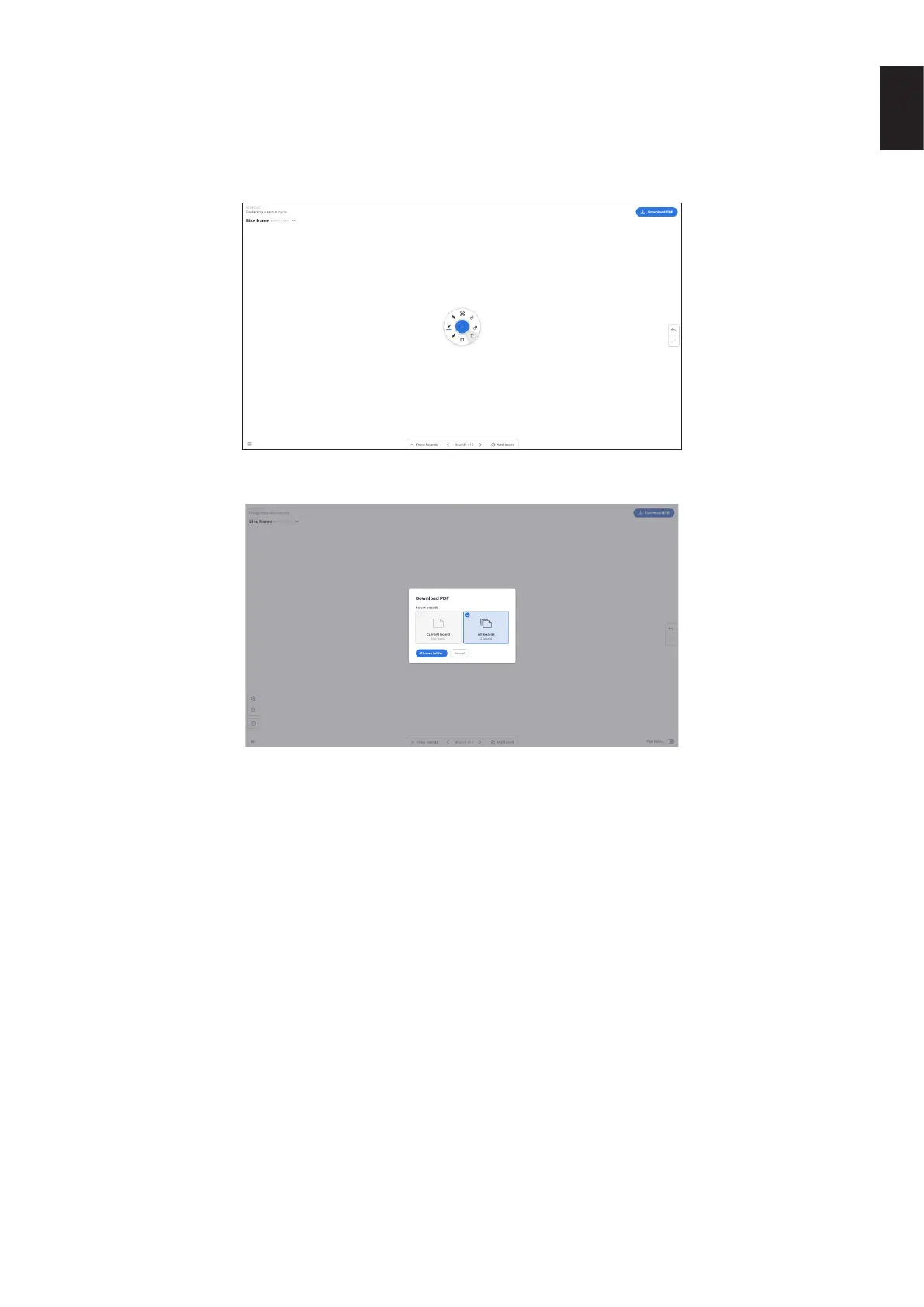
3.19 Saving/downloading a board
Each board can be downloaded to the local device. User can choose to download a Current board (the board they are working
on) or All boards (every board in that session).
● To download boards
● Tap download PDF in the top right hand corner.
● Select Current board or All boards
● Choose folder (this is where you’ll save the board)











 To Next Page