EasyManua.ls Logo

NEC PC-8201A - Page 56

NEC PC-8201A
219 pages
Print Icon
To Next Page IconTo Next Page
To Previous Page IconTo Previous Page
Loading...
Chapter
5
To
set
the
date:
Use
the
following
BASIC
command,
substituting
the
date
values
for
the
letters
YY,
MM,
and
DD
and
then
press
the
Key:
date$="YY/MM/DD”
YY
represents
the
numbers
of
the
last
two
digits
entered
for
the
current
year,
MM
for
the
current
month,
and
DD
for
the
current
date.
A
zero
must
be
entered
in
front
of
a
single
digit
month,
day,
or
year.
J—I
Be
sure
the
double
quotation
marks
are
typed
in
the
command
as
shown.
Some
examples:
To
show
the
date
May
1,
1983,
enter:
date$="83/05/01"
For
the
date
of
December
24,
1982
enter:
date$="82/l2/24''
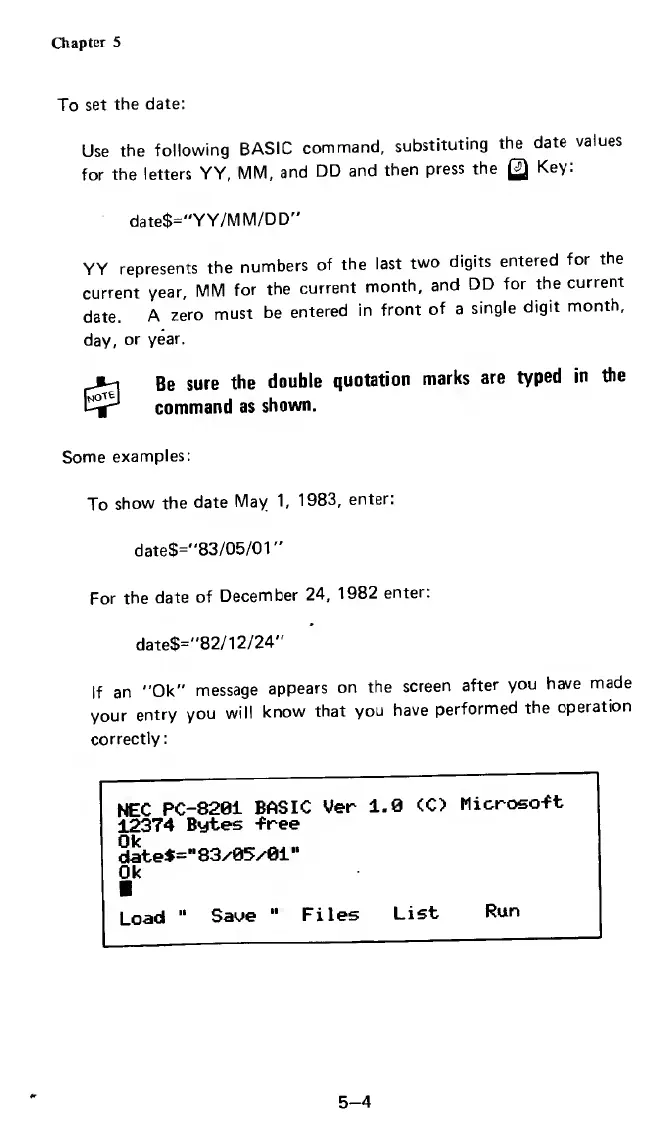
If
an
"Ok"
message
appears
on
the
screen
after
you
have
made
your
entry
you
will
know
that
you
have
performed
the
operation
correctly:
NEC
PC-8201
BASIC
Ver
1.0
<C>
Microso-ft
12374
Bytes
-free
date*=“83/05/01"
Ok
I
Load
"
Save
"
Files
List
Run
5-4

Related product manuals