EasyManua.ls Logo

NEC PC-8201A - Page 59

NEC PC-8201A
219 pages
Print Icon
To Next Page IconTo Next Page
To Previous Page IconTo Previous Page
Loading...
Chapter
5
Press
the
Key
at
the
end
of
each
statement.
Some
of
the
lines
above
will
not
fit
onto
one
line
of
the
PC-8201
screen,
so
they
will
appear
differently
than
those
shown
above.
Blank
spaces
inserted
in
the
program
lines
above
are
indicated
by
(_).
To
give
the
program
a
name
and
to
save
it
in
the
RAM
type:
Save
"PC8201"
Q
Be
careful
to
leave
one
space
after
the
word
"Save''
and
make
sure
you
put
double
quotation
marks
around
the
file
name.
If
you
type
this
command
incorrectly
an
error
message
will
be
displayed.
Now
return
to
the
MENU
mode
by
pressing
the
f.1
0
Fun
ction
Key.
(The
f.10
Function
Key
is
utilized
by
pressing
the
Key
and
the
f.5
Function
Key
simultaneously.):
1983/01/01
00:00:00
CO
Microsoft
#1
isai
TEXT
TELCOM
PC8201.BH
Load
Saoe
Name
~’~List
12374
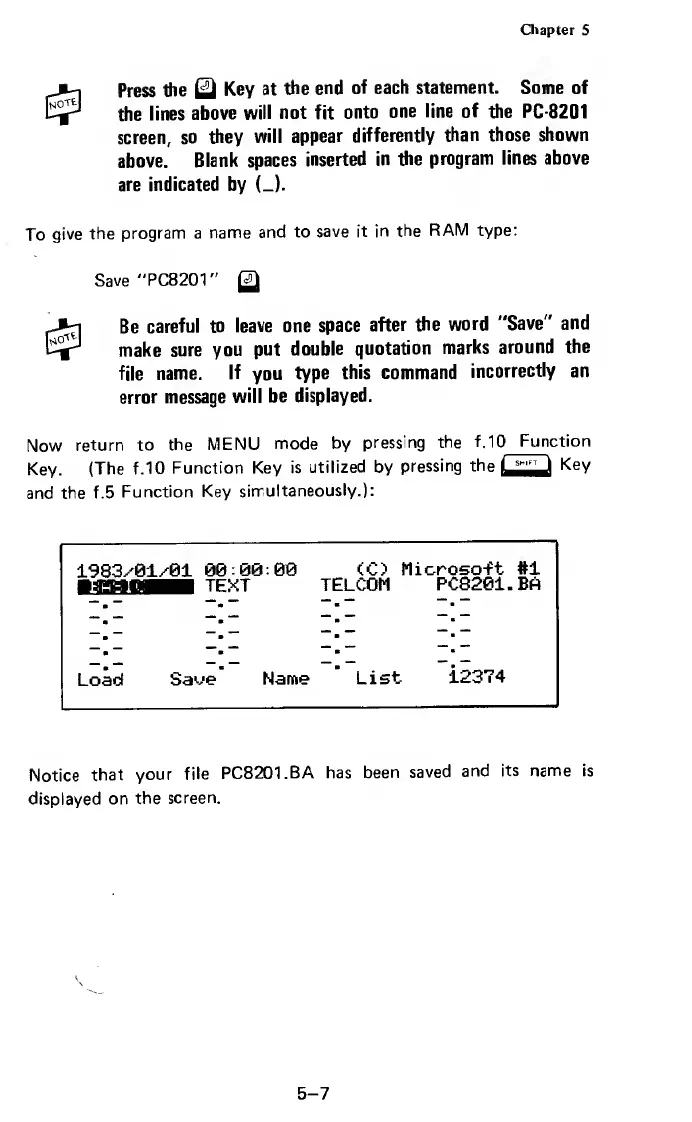
Notice
that
your
file
PC8201.BA
has
been
saved
and
its
name
is
displayed
on
the
screen.
5-7

Related product manuals