EasyManua.ls Logo

NEC PC-8201A - Page 69

NEC PC-8201A
219 pages
Print Icon
To Next Page IconTo Next Page
To Previous Page IconTo Previous Page
Loading...
Chapter
5
When
the
specified
file
name
already
exists,
the
contents
of
the
original
file
are
erased
if
"Y"
is
input
after
the
"Sure?"
message.
If
"Y"
is
input
in
response
to
the
"Ready?"
message
or
the
"Sure?"
message,
the
PC-8201
will
begin
the
search
for
a
compatible
file
in
the
designated
input/output
device.
When
the
PC-8201
begins
to
search
for
a
file
that
is
on
a
cassette
tape,
one
of
the
following
messages
will
appear
at
the
bottom
of
the
screen
when
it
locates
a
file:
Skip:
(name
of
file)
This
means
that
it
will
skip
this
file
and
continue
searching.
When
it
does
locate
the
correct
file
name,
it
will
display:
Found
(name
of
file)
and
load
the
file.
If
the
file
is
loaded
without
difficulty,
the
MEMU
display
will
appear
on
the
screen.
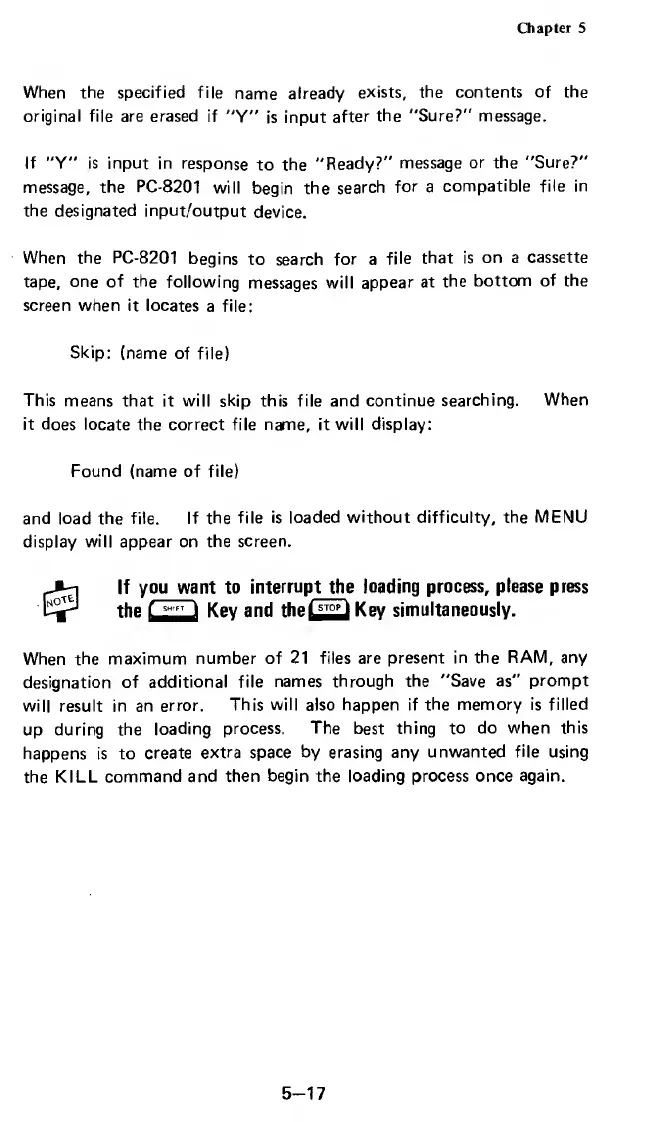
If
you
want
to
interru
pt
th
e
loading
process,
please
press
the
Key
and
the
Key
simultaneously.
When
the
maximum
number
of
21
files
are
present
in
the
RAM,
any
designation
of
additional
file
names
through
the
"Save
as"
prompt
will
result
in
an
error.
This
will
also
happen
if
the
memory
is
filled
up
during
the
loading
process,
The
best
thing
to
do
when
this
happens
is
to
create
extra
space
by
erasing
any
unwanted
file
using
the
KILL
command
and
then
begin
the
loading
process
once
again.
5-17

Related product manuals