P2595EN01
08 - 2007
21
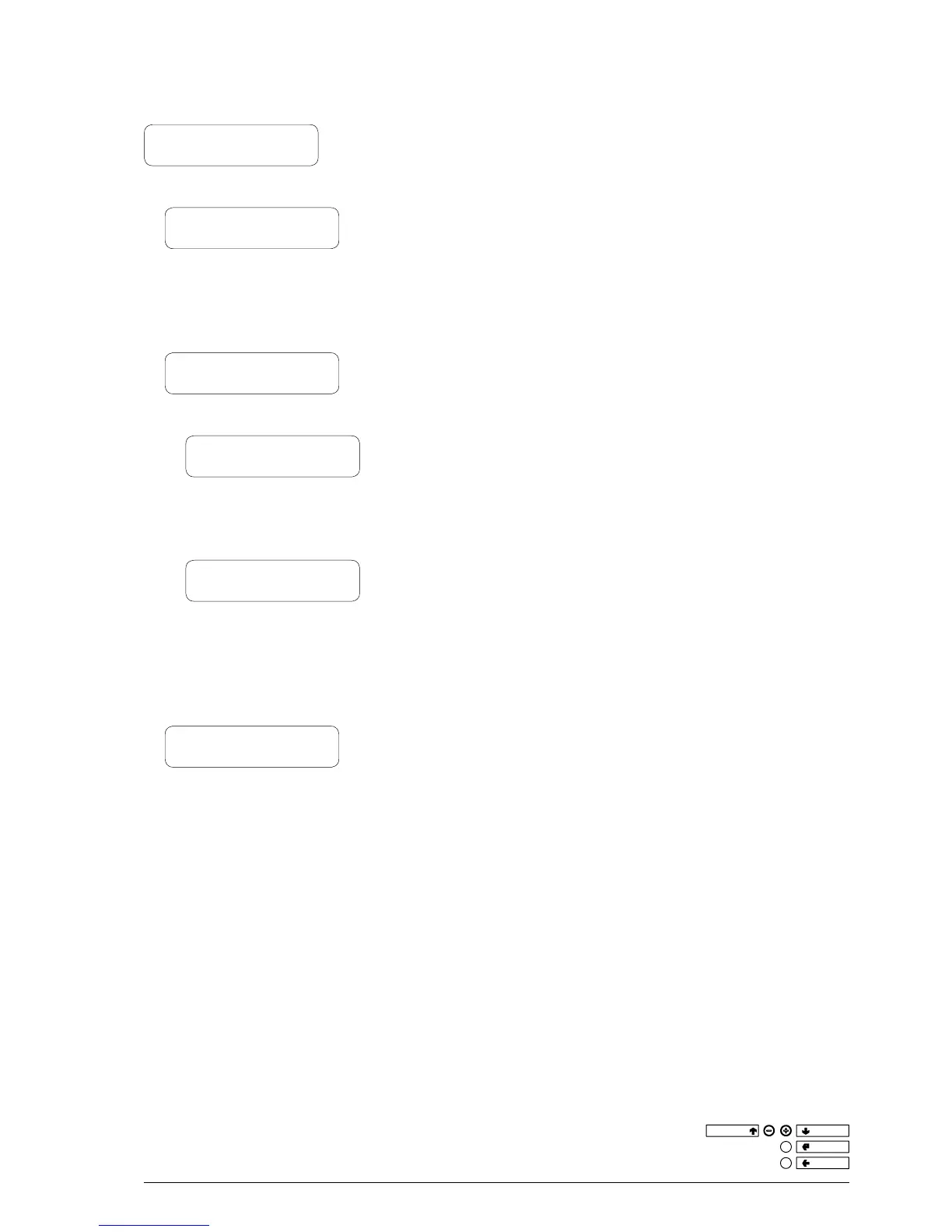
2.4 - DISPLAY
2.4.1 - LANGUAGE
2.4.2 - PROMOT. MESSAGE
2.4.2.1 - EN. PROM. MESS.
2.4.2.2 - SET PROM. MESS.
2.4.3 - CONTRAST CONTROL
2.4
dI s P l a y
2.4.1
la n g u a g e
With this function it is possible to select the language used for surf-
ing within the programming menus and while in normal vending
mode. The list of available languages is indicated in the dose table.
2.4.2
P
r o m o t I o n a l m e s s a g e
2.4.2.1
en a b l I n g t h e P r o m o t I o n a l m e s s a g e
This function is used for enabling or disabling a promotional mes-
sage appearing on the display during the machine normal vending
mode.
2.4.2.2
s
e t t I n g t h e P r o m o t I o n a l m e s s a g e
This function is used for writing the 4-line promotional message; by
pressing the conrm button “
” the rst character starts blinking;
this can then be changed using the “
” and “
” buttons, scrolling
through the available characters.
Once the message is completed, it can be stored by pressing button
“
”.
2.4.3
c
o n t r a s t c o n t r o l
This function is used for adjusting the LCD display contrast from 5%
to 99%.


 To Next Page