7Chapter 2 . Basics
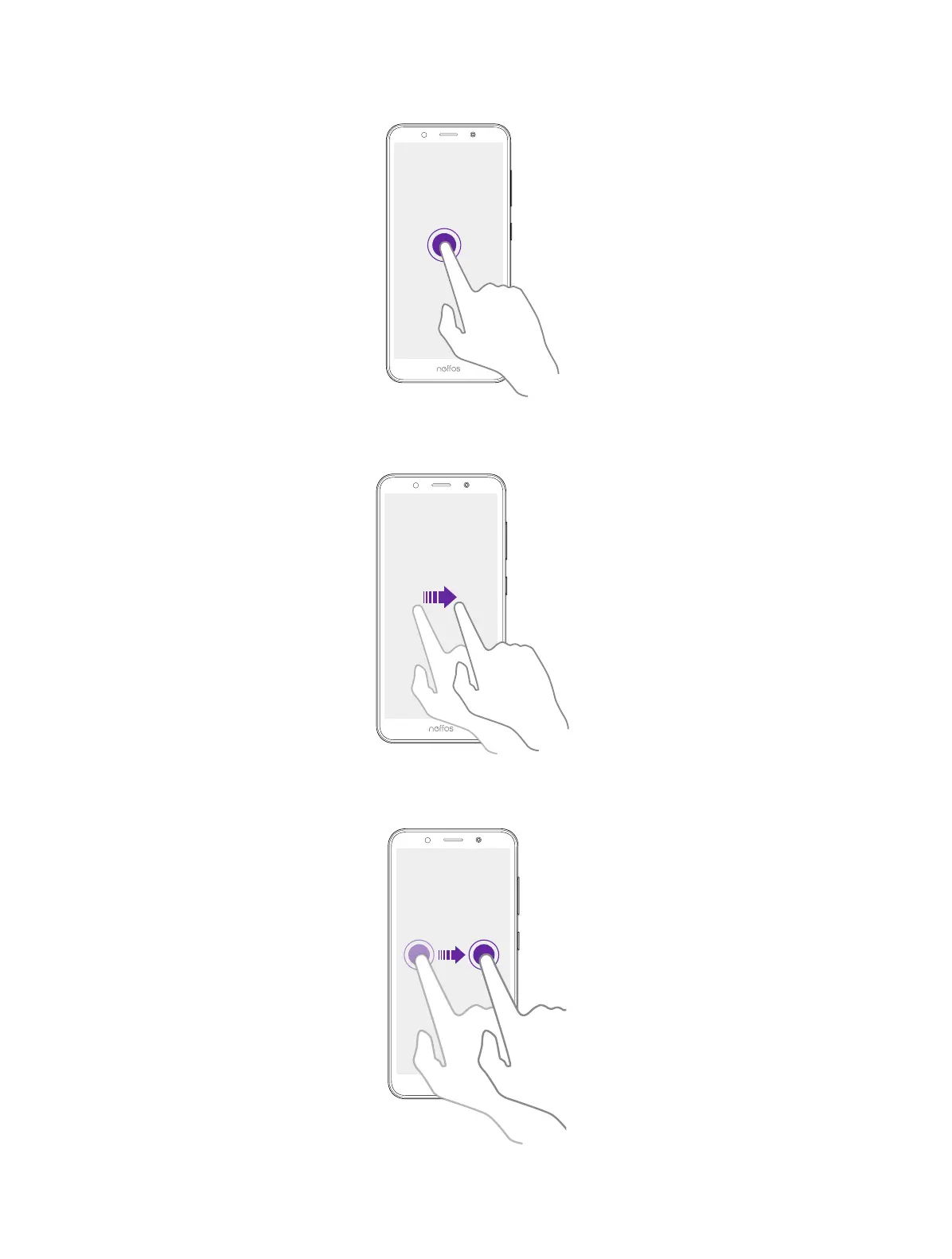
Tap and hold: Tap and leave your finger on the screen for 2 seconds or more to activate onscreen
items. For example, tap and hold a widget on the Home screen to move it.
Swipe: Place your finger on the screen, and drag your finger to the direction you want. For example,
you can swipe to scroll through the Home screen or a list.
Drag: Tap and hold an item and then move it to another position. For example, you can rearrange
apps and widgets on the Home screen.



 To Next Page