1Chapter 1 . Get started
Get started
This chapter introduces the smart phone’s hardware information and guides you
how to assemble your phone when you get started on using your new phone.
• Overview
• Buttons
• Assemble your device
• Initial setup
• Charge your phone
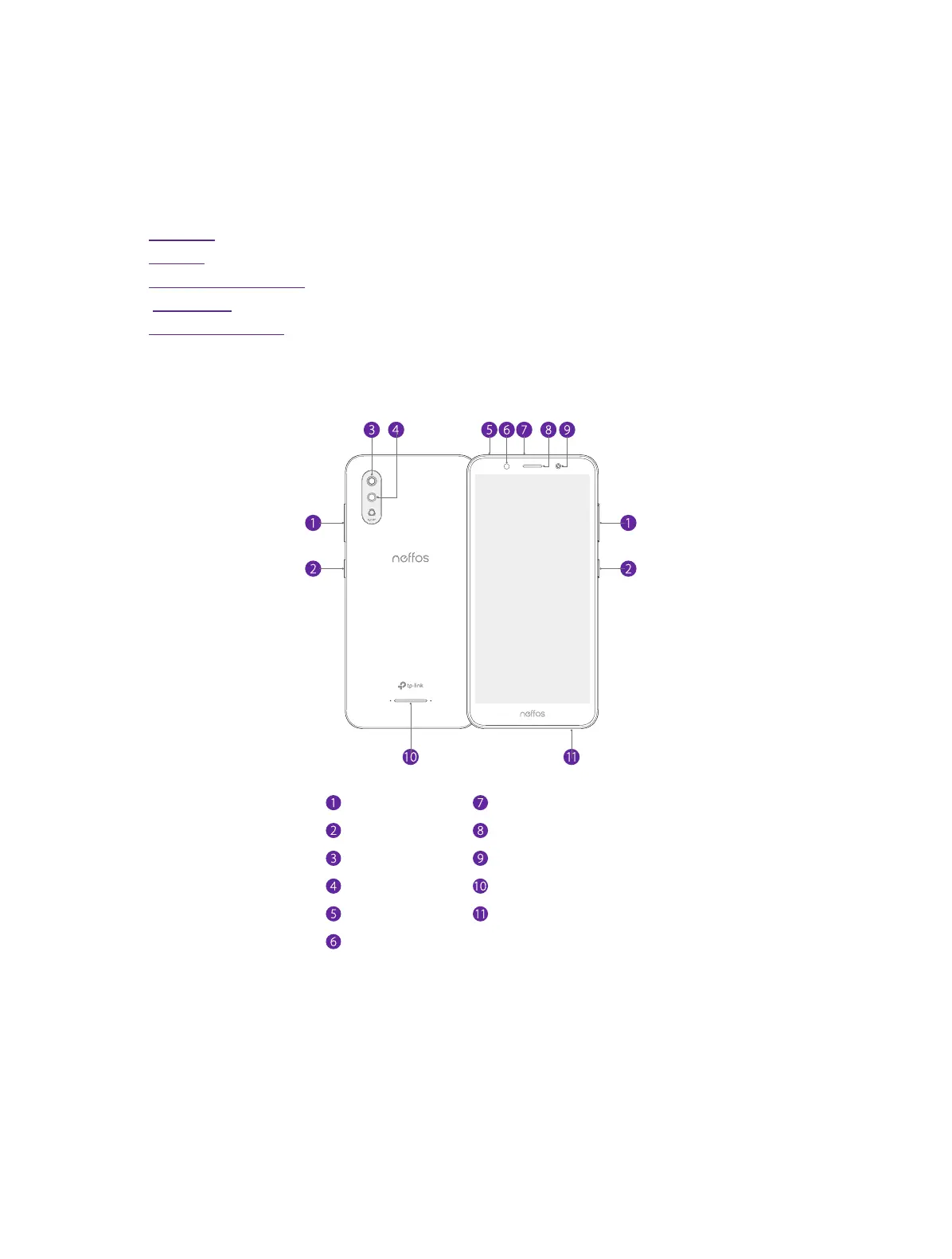
1. 1 Overview
Charging/data port
Earpiece
Microphone
Speaker
Front camera
Volume buttons
Power button
Headphone jack
Flash
Flash
Rear camera
1. 2 Buttons
The buttons you use with Neffos include virtual ones and physical ones.
Power button
• Lock Neffos: Locking your phone makes the phone sleep, saves the battery and prevents
unmeant operations on the screen. You can still receive phone calls, text messages, alarms
1



 To Next Page