45Chapter 9 . Browser
Browser
Use Browser to surf the internet and find out all that you are curious about.
• Go to a webpage
• Browser tabs
9. 1 Go to a webpage
View a webpage
1. On the Home screen, tap Browser.
2. Read Browser Terms of Service and tap AGREE. Then you can view weather, news and websites
on the homepage.
3. Tap the address bar and enter the web address you want to visit.
4. Tap Go on the keyboard.
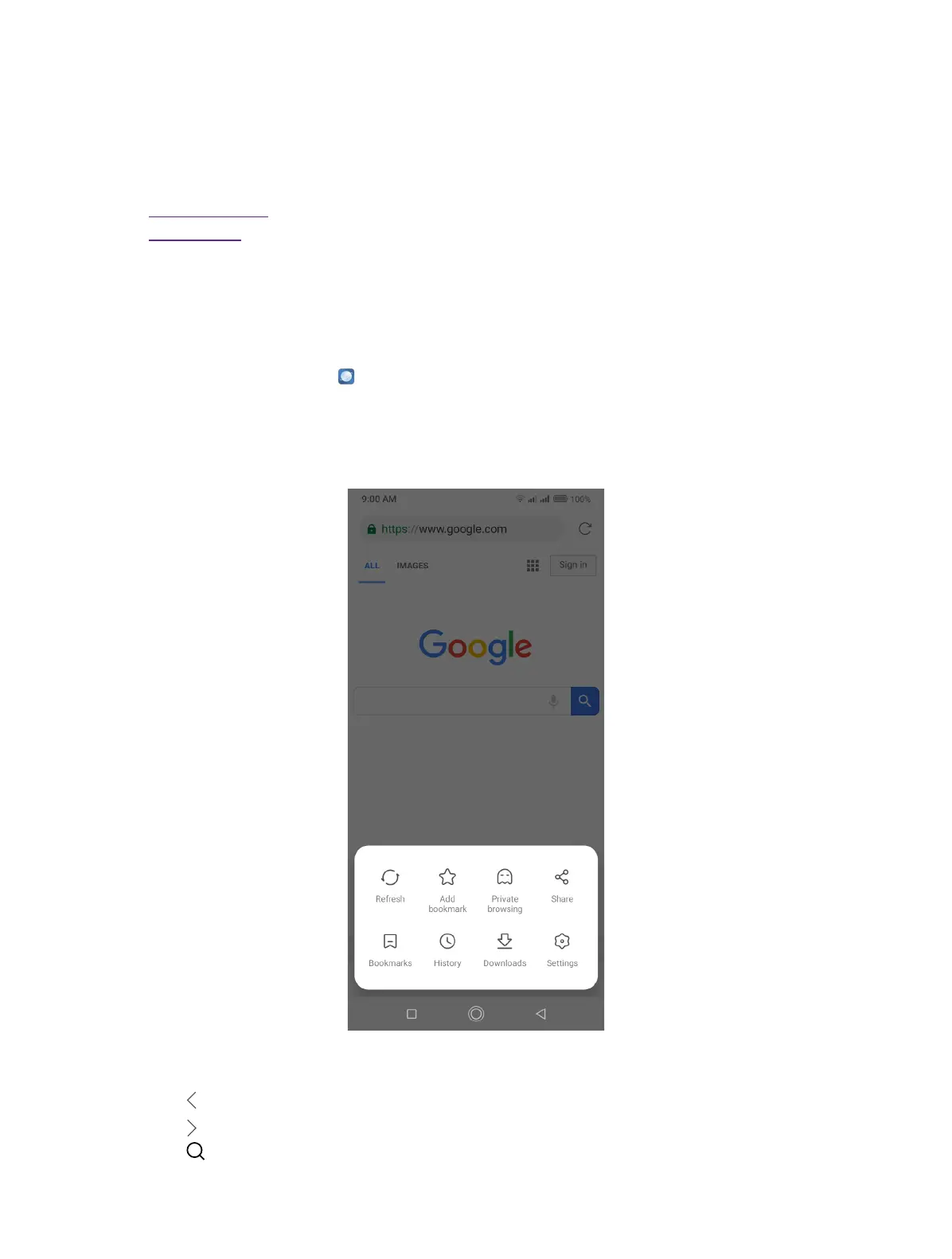
Do more options about the web page
• Tap to go back to the previous page.
• Tap to go to the next page.
• Tap to search.
9



 To Next Page