16Chapter 2 . Basics
Spell checker
You can turn on the Spell checker feature to help you enter correct words.
1. On the Home screen, tap Settings > System > Languages & input > Advanced > Spell
checker.
2. Turn on Use spell checker.
Switch input method
1. On the Home screen, tap Settings > System > Languages & input > Virtual keyboard.
2. Select an input method you need.
Manage keyboards
1. On the Home screen, tap Settings > System > Languages & input > Virtual keyboard.
2. Tap Manage keyboards and toggle the switch next to the keyboard to enable or disable it.
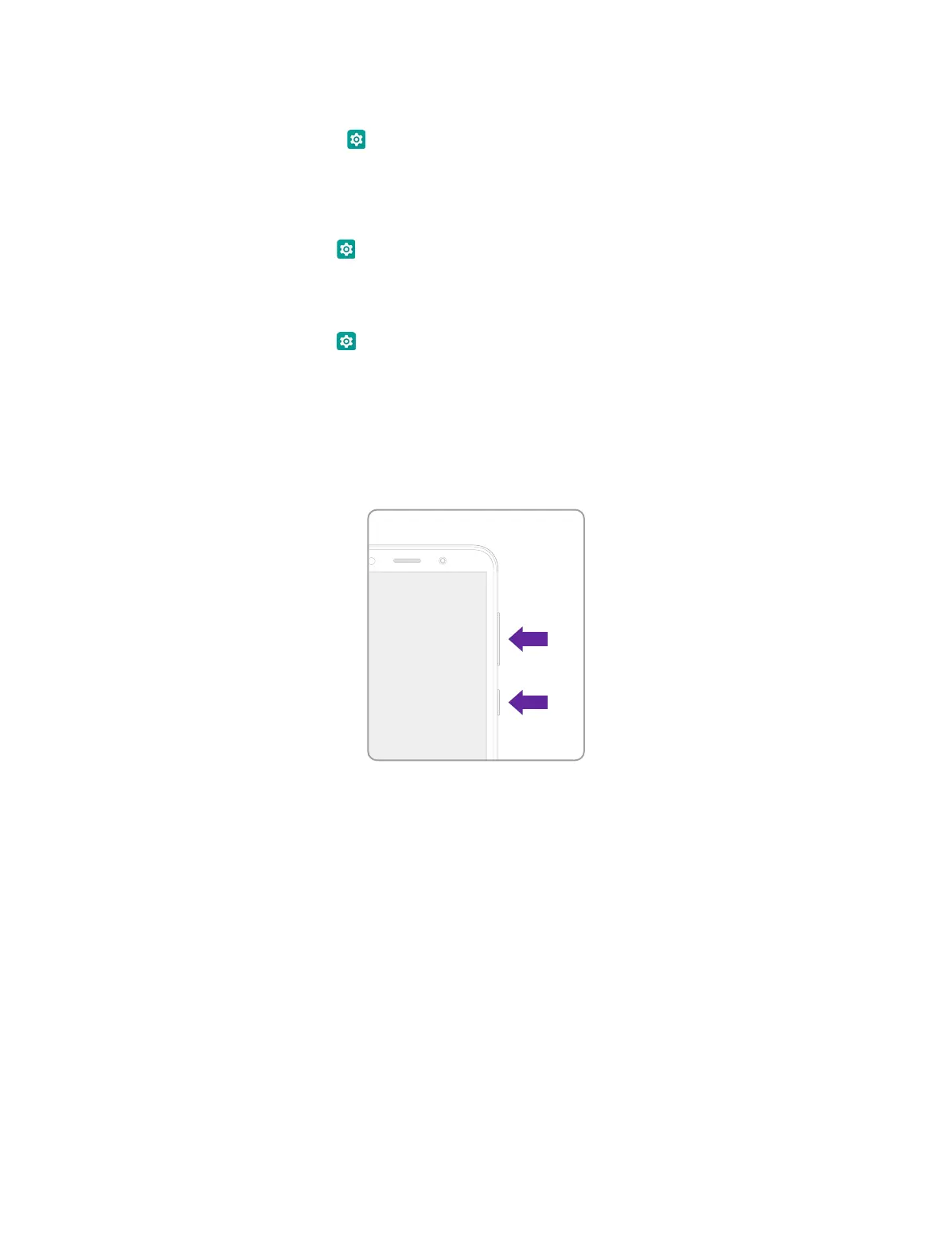
2. 8 Take a screenshot
Press the Power button and Volume-down button simultaneously for about 1 second to take a
screenshot.



 To Next Page