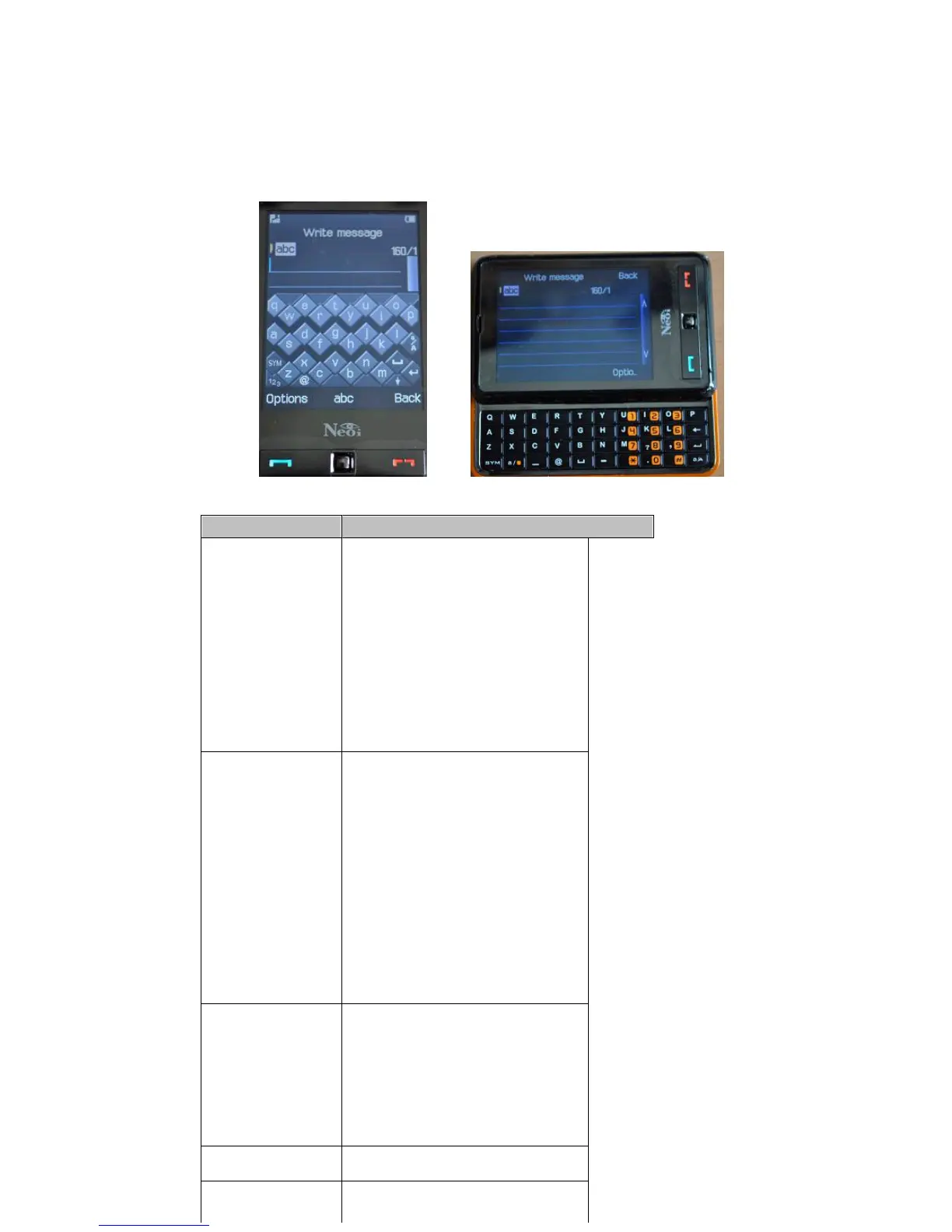
click. For example, press key 2, letter
“
A
”
is entered; press key 3, letter
“
D
”
is entered; press key 2 continuously,
“
A
”
,
“
B
”
,
“
C
”
or
“
2
”
is entered.
Number Input
In this input method, press number keys to enter corresponding numerals.
SMS (require network support)
The device supports SMS. Messages are sent to the SMC first, and then transferred to destination users through networks. If destination users
do not turn on their devices or cannot receive messages, messages will be saved temporarily within the validity period defined by senders and
service operators together.
Prompts will appear on the screen when a new message arrives. You can press left soft key to read it directly.
If the receiver has received the message, your device will give a prompt tone (when SMS Alert and Status Report are selected).
If the storage for messages is used up, you cannot receive any new message. In the Inbox, select and delete old messages. When there is space
formessages,themessageswillbedeliveredtoyourphone.
SMS
Accessed by going to Menu > Messages
908and909MessageScreens907and909MessageScreens
Option
Description
Inbox
View the messages received in
the Inbox.
Reply: Reply to the received
message directly.
Delete: Delete the current
message.
Edit: Enter the edit box of the
message.
Forward: Directly forward the
current message to others.
Chat: Chat with the sender by
SMS.
Delete all: Remove all messages
in the inbox..
Use Number: Use the phone
number contained in the
message.
Outbox
Read or handle the messages
saved in this folder.
Send: Send the message.
Edit: Edit the message.
Copy to Phone (SIM card)
Move to phone (SIN card)
Delete all: Delete all the
messages in the outbox.
Copy all: Copy all the messages
in the Outbox to phone or SIM
card.
Move all: Move all the messages
in the Outbox to phone or SIM
card.
Use number: Use the message
receiver
’
s number.
Use connection: Use connection
to the message.
Edit
Message
Create and edit new messages.
Finish: After finishing editing a
message, select this option to
Send, Save and Send, Save,
Send to Multiparty, or Send to
Group.
Phrases: Enter this menu and
select the phrase to be inserted
into the message.
Input Method: Select your
desired input method.
Phrases
There are 10 pieces of phrases
can be edited or deleted.
Set related parameters of SMS.
Modes: There are four modes to
set such basic parameters as



 To Next Page