I cannot enter my voicemail
Make sure you have entered the correct voicemail number in Voicemail option of SMS.
Retry later if the network is busy now.
I have entered the PIN incorrectly for consecutive three times
Acquire your PUK from your service provider.
Music files cannot be played normally
Check if your phone supports the music file format (such as MMF).
Check if the music file has been deleted but the name is still reserved in this folder. In this case, you can refresh the play list
from the options menu on the playlist list screen.
5.5.4 Security Settings
In this menu, you can protect your device against unauthorized use.
PC Sync instruction
Readingphonebook
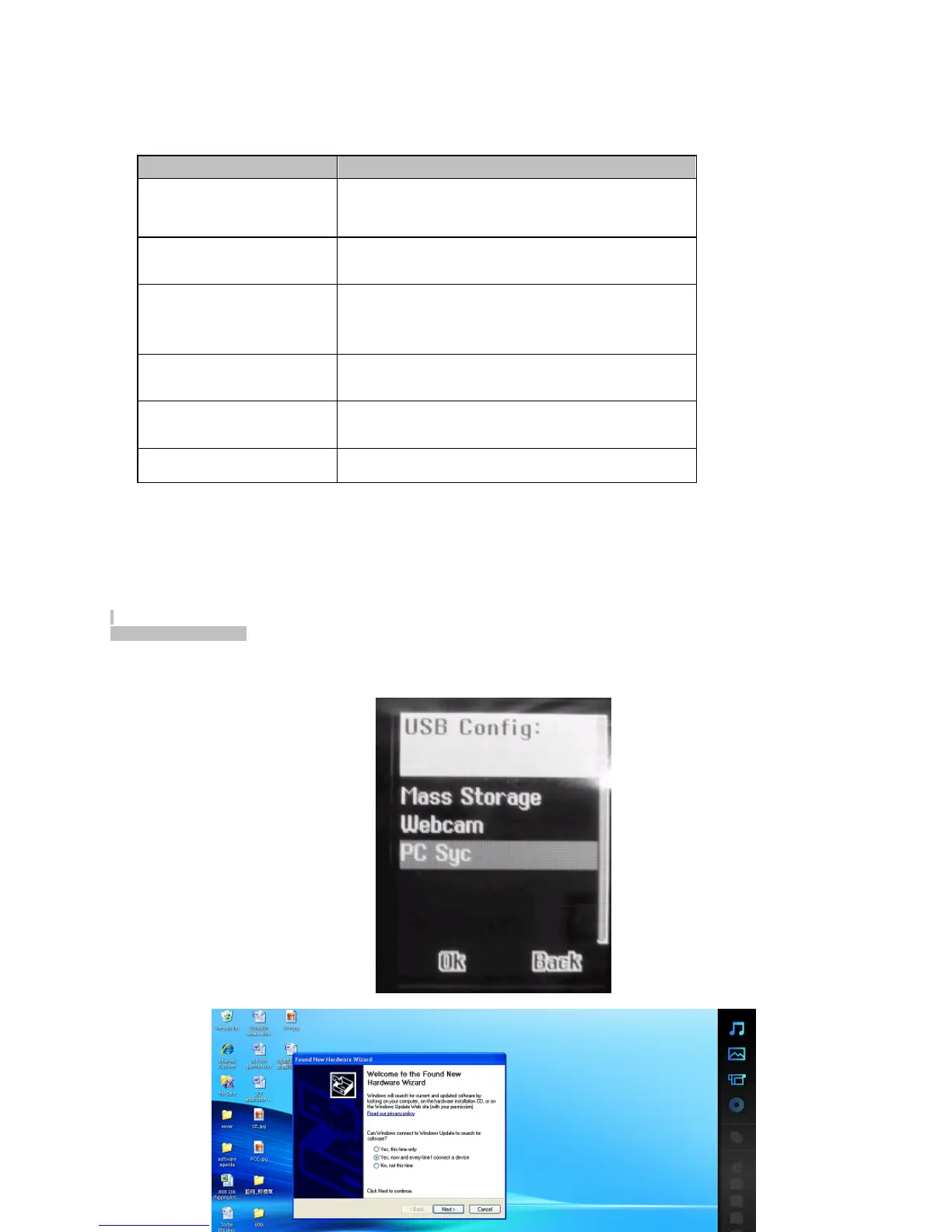
Input the Neoi 906e CD in your PC and install the Neoi 906e PC Driver in your PC.
Use the Neoi 906e cable to connect the Neoi 906e phone and your PC together and select the PC SYC function on your
Neoi 906e.
open the phone suite software on CD content
settings/ choose the current COM port/handset folder
you can edit contacts and create new contacts for you want.
PCSyncinstruction
Readingphonebook
·
Please using the 906e cable to connect the 906e phone and your PC together .
also select the PC SYC function on your 906e phone.
Option
Description
SIM Card Lock
If this function is enabled, you need to enter the PIN
upon each startup, thus protecting your device
against unauthorized use. To disable this function,
you also need to enter the PIN.
Phone Lock
If this function is enabled, you must enter the phone
code upon each startup. Note: The original phone
code is 0000.
Keypad Lock
Set the automatic keypad lock of your device, press
Confirm to enter the Setting screen. Select Off (to
invalidate keypad lock function), 5sec, 30sec, 60sec,
or 5min to lock the keypad when no operation is
made on the device within the specified time.
Fixed Dialing
The fixed dialing function allows calls to be made only
to certain numbers saved in Fixed Dialing list. The
fixed numbers are protected by your PIN2.
Restricted Dialing
The restricted dialing function requires network
support and is used to restrict your outgoing and
incoming calls.
Change Password
Set a new password, including PIN1, PIN2 and phone
lock code. Please remember your new password.



 To Next Page