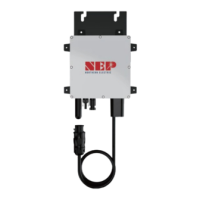
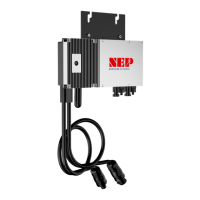
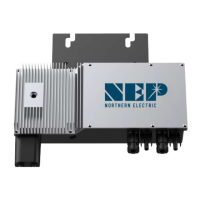
LED Status Meaning
Green Light Flashing every two seconds Standby OK
Red Light Flashing every two seconds Standby Error
Orange Light Flashing every two seconds Standby no communication with BDG-256
Green Light Flashing every one seconds Producing Standby
Red Light Solid Producing Grounding Fault
Orange Light Flashing every one seconds Producing no communication with BDG-256
COMMISSIONING
CONNECT BDM-600 TO THE ELECTRICAL UTILITY GRID ONLY AFTER RECEIVING PRIOR APPROVAL FROM THE UTILITY
COMPANY.
BE AWARE THAT ONLY QUALIFIED PERSONNEL CAN CONNECT BDM-600 TO THE ELECTRICAL UTILITY GRID.
ENSURE THAT ALL AC AND DC WIRING IS CORRECT. ENSURE THAT NONE OF THE AC AND DC WIRES IS PINCHED OR
DAMAGED. ENSURE THAT ALL JUNCTION BOXES ARE PROPERLY CLOSED.
Commissioning
Following these steps to commission the BDM-600 PV system:
1. Turn on the AC disconnects or circuit breakers on each BDM-600 AC branch circuit.
2. Turn on the main utility-grid AC circuit breaker. Your system will start producing power after a few minutes wait time.
3. The BDM-600 will start to send performance data over the power lines using power line communication (PLC) to the
BDG-256. The time required for each BDM-600 in the system to communicate to the BDG-256 will vary with the
number of BDM-600 in the system.
Operating Instructions
The BDM-600 is powered on when sufficient DC voltage from the module is applied. The status LED will start flashing after
sufficient DC power is applied as an indication that the BDM-600 is live.


 To Next Page