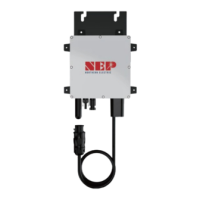
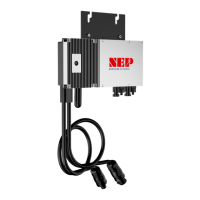
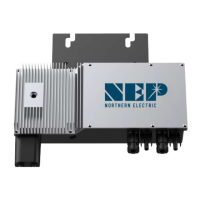
CONNECTING THE PRODUCT
Safety: Electrical Connections
Danger to life due to electric shock
DO NOT touch any live component.
TO prevent risk of electric shock during installation and maintenance, please make sure that the AC and DC inputs
are plugged out. DO NOT stay close to the instruments while there is severe weather conditions including storm,
lightening etc.
AC Connection
STEP 1 - Install the AC Branch Circuit Junction Box
Measure service entrance conductors to confirm AC service at the site. Acceptable ranges are differ according to local grid
parameter, specifics are shown in the table below:
North America
240 Volt AC Single Phase
208 Volt AC Three Phase
Australia and New Zealand
Europe
Mount the adapter plate at a suitable location on the PV racking system (typically at the end of a row of modules).
Install an appropriate junction box with the adapter plate.
Connect the open wire end of the AC interconnect cable into the junction box using an appropriate gland or strain relief
fitting. The AC interconnect cable requires a strain relief connector with an opening of 3/8 inches in diameter.
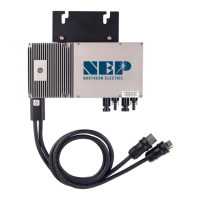
STEP 2 - Attach product to the Racking
Mark the approximate centers of each PV module on the racking system. Evaluate the location of the micro inverter with
respect to the PV module junction box or any other obstructions.
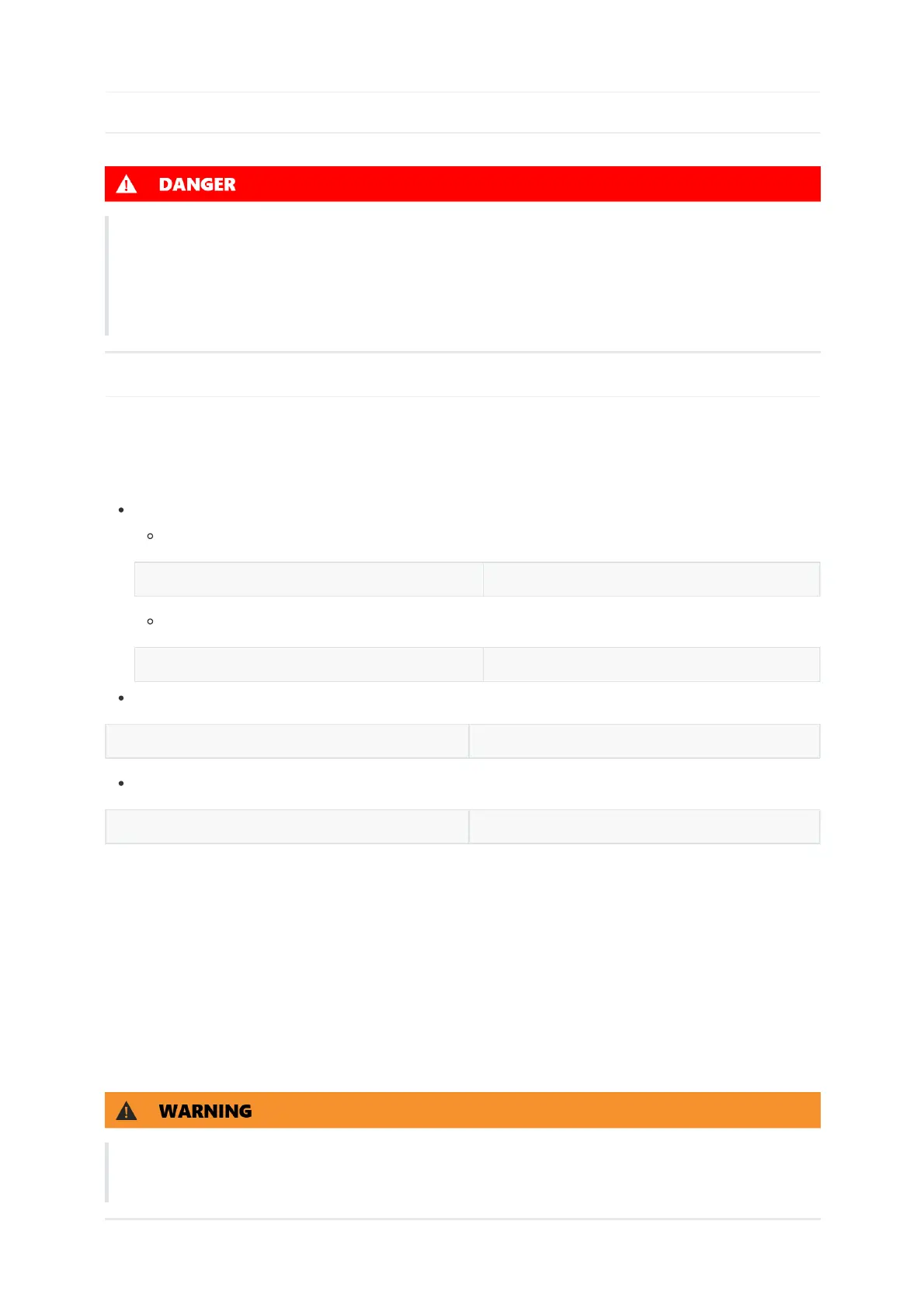
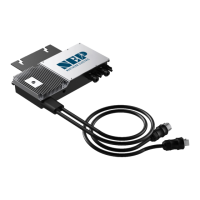
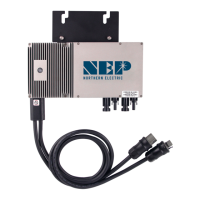
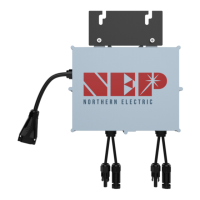
ALLOW A MINIMUM OF .75 INCHES BETWEEN THE TOP OF THE ROOF AND THE BOTTOM OF BDM-600. WE ALSO
RECOMMEND THAT YOU ALLOW .50 INCHES BETWEEN THE BACK OF THE PV MODULE AND THE TOP OF BDM-600.
DO NOT MOUNT BDM-600 IN A LOCATION THAT ALLOWS LONG-TERM EXPOSURE TO DIRECT SUNLIGHT.
Mount one micro inverter at each of these locations using hardware recommended by your module racking vendor


 To Next Page